

Your New Monitor Could Be Hiding A Multitasking Upgrade You Didn't Even Know Existed
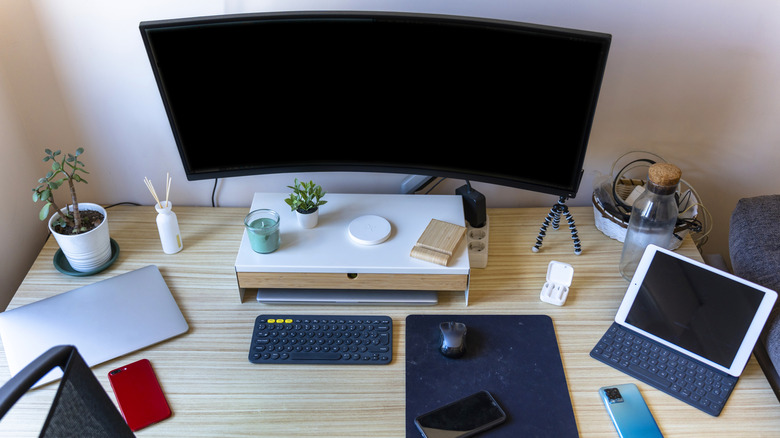
If you're someone who switches between a work laptop and a gaming rig or a personal desktop on an everyday basis, it's not hard to imagine your desk being consumed with cables. Whether it's the connection between your laptop and the monitor or the peripherals connected to your desktop, the cable connections can quickly start piling up. While you can fix the cable clutter using cheap gadgets or this sleek Amazon DIY kit, you won't be able to reduce the number of cables unless you leverage a hidden multitasking upgrade present in many modern monitors.
Many monitors these days come with built-in support for something called a KVM (Keyboard, Video, Mouse) Switch. Although KVM switches are also sold as a separate gadget and allow you to switch your monitor and peripheral connections between multiple computers seamlessly, manufacturers have been integrating them into the monitors for some time to make things even easier for consumers. Here's how a KVM switch in your monitor can help your setup and enhance your multitasking experience.
How does a KVM switch work?
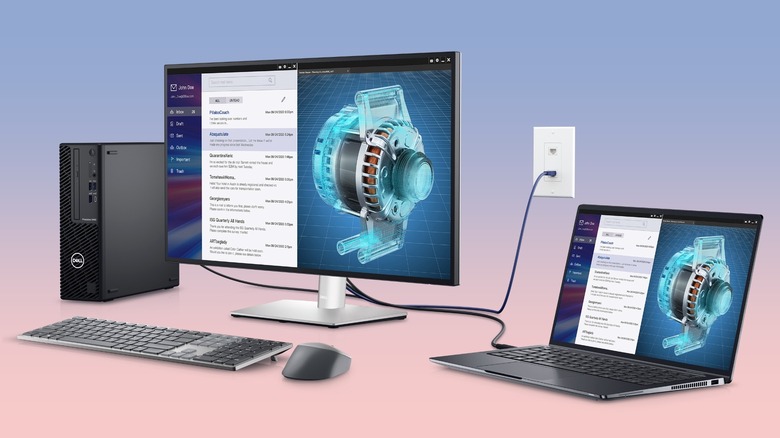
A KVM switch essentially allows you to connect multiple computers with a single pair of keyboard, mouse, and monitor, and switch between them seamlessly. This is great if you want to use the same set of monitors and peripherals with your laptop and your desktop, or any combination of two or more computers, without needing to unplug everything from one computer and connect it to the other every time you need to switch. Monitors with a built-in KVM switch make things even simpler, as you can have all your peripherals connected to your monitor, which is connected to your two different computers.
When you need to switch between computers, you simply switch the source on the monitor, and all the connected peripherals and devices seamlessly migrate their connection to the second computer, without you needing to swap the connections manually. That said, some monitors may require you to use an option in the OSD (On-screen display) menu or a physical KVM switch button to switch the connected USB devices. KVM-capable monitors typically support two computers, but some may support more. Besides making the switching of the monitor and peripherals simpler, the presence of the KVM switch makes your desk setup cleaner, as you aren't constantly moving cables, and everything can be neatly tied up.
Other benefits of monitors with KVM switch support
Although the name may suggest that you can only use this feature with your keyboard, mouse, and monitor, you can, in fact, use your monitor's USB ports as part of the KVM to connect any peripherals, such as a webcam, microphone, and headphones, and transfer them between computers with the push of a button. This is great for keeping your desk setup tidier and not making things complicated when suddenly needing to use a dedicated webcam or the USB mic with your laptop.
Monitors with a built-in KVM switch sometimes have features like picture-by-picture (PBP) or picture-in-picture (PIP), which allow you to see the video input from both computers at the same time. Some also have support for seamless switching between inputs as you interact with different computers while using PBP. For example, it'll switch the mouse input from one computer to the other as you drag the mouse across the "border" of the two different video outputs on the monitor, which is referred to as "mouse roaming." All these features can come in pretty handy while multitasking. So the next time you're in the market for a new monitor, make sure to check out the product listing to decipher if it has a KVM switch.