

Is Your Amazon Echo Always Listening?
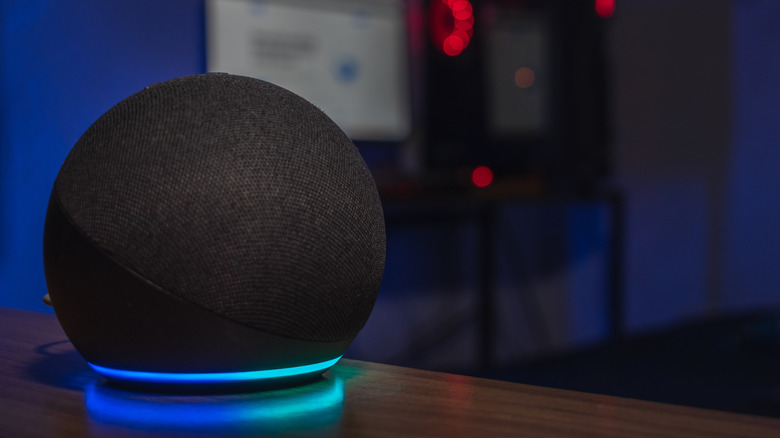
An Amazon Echo speaker can serve as your personal assistant, answering questions, adding items to your shopping list, and even ordering them. It reminds you of appointments, plays music, controls smart home devices, and more. To do so, it has to listen. But is it always listening? It stands to reason that the smart speaker would have to in order to know when to respond. You've probably noticed targeted advertising about things you might have coincidentally spoken to family members about, for example, making you wonder if Alexa is not just an assistant, but also a clever spy.
The short answer is that yes, Alexa is always listening, but purportedly only to hear its wake word. Further, with the new Alexa+, even if it's only listening when awoken to do so, recordings are always sent to the cloud, and the data it collects can be used in all sorts of ways. If you're worried it might be listening outside of when you give commands, turn off the microphone. This, however, means you must manually turn it back on whenever you want to use the speaker, which defeats the purpose of having it in the first place. But there are other ways that you can (sort of) defeat this.
Echo listens and captures
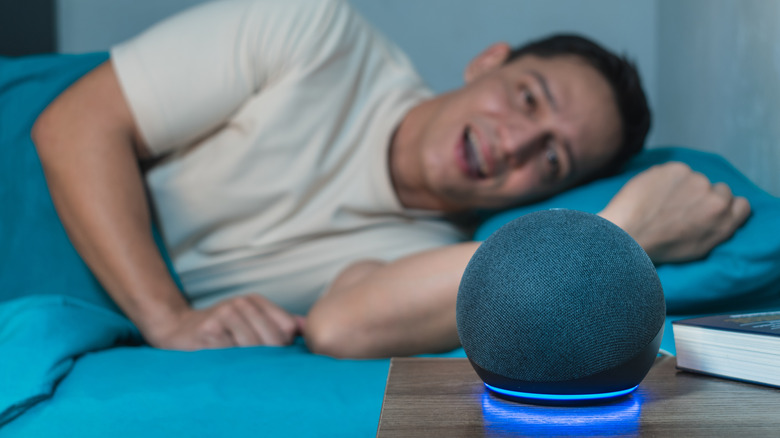
Once you have one of the best Alexa speakers, like the best Amazon Echo devices, connected in the home, it is always listening unless you actively turn off the microphone. It's technically only listening for the wake word, or rather for an acoustic pattern that matches it. This is defaulted to "Alexa." After, it lights up and listens attentively to reply to your query or act on a command. It records conversations once that word is spoken, converting them to text transcripts you can review at any time. It's worth noting that if you use Alexa skills with other third-party devices, like a robot vacuum, coffee machine, or smart TV, those companies may have access to your transcripts, too.
This is concerning because your conversations can relate to medical issues, items you buy or research, meetings you have, and even what personal messages you send to others. Information can be discerned from this data and data from other connected Alexa-enabled devices, like what time you normally go to bed based on when you turn off the lights, how active you are if you often play workout playlists, if you're in a relationship or not, or your general mood.
Delete your recordings

Sometimes, an Amazon Echo can mistake a similar word for its wake word, like "Lexus" for "Alexa." If this happens often, change it to something more unique. For greater privacy, create a set time period after which your voice recordings automatically delete. Doing so will also delete the text transcripts, though, as mentioned, not with third-party companies that may have already received them. Find this in Settings, Alexa Privacy, Manage Your Alexa Data, Voice Recordings, then Choose how long to save recordings. Choose to never save recordings or select a length of time, such as three months.
Ironically, you can even literally tell Alexa to delete your recordings. In the same Settings menu, select Enable deletion by voice. Then, any time you say, "Alexa, delete what I just said," it will comply. You can even say, "Alexa, delete my entire voice history," and it will be wiped. To have more control over deleting past Alexa recordings, review the voice history in the Alexa Privacy menu and filter recordings by date or who was talking. With the right safeguards and knowledge about what and when it listens, you can enjoy better peace-of-mind with an Amazon Echo device.