

This One ChatGPT Prompt Will Save You Time And Energy
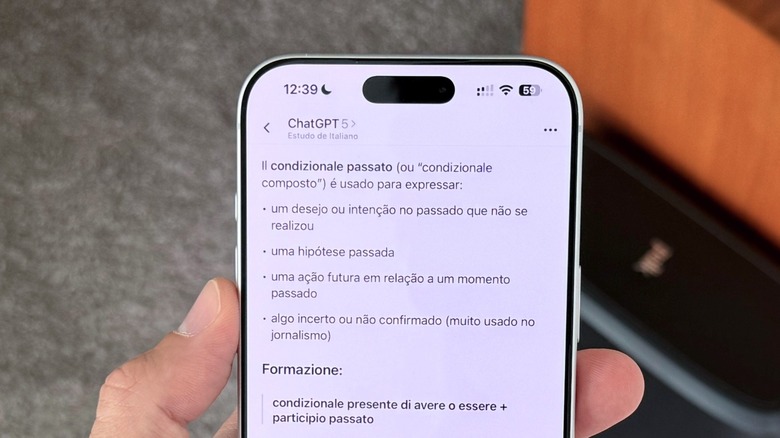
If you're like me and ChatGPT has been your go-to app for basic searches and other time-saving things it can do for you like writing emails, taking meeting notes, or organizing your thoughts, you've probably noticed some of its limitations. Specifically, you likely already know how stressful it can be when the AI is just endorsing everything you say, even when it's bad. But what if there was a way you could generate a prompt and, with a single word, reset the algorithm and make it work for you?
As pointed out by Tom's Guide but also elsewhere, you can use the so-called "Potato Prompt" to make ChatGPT be less like a helper and more like a critical thinker. Using this strategy is is easy and straightforward. At the beginning of your next ChatGPT session, you can list an initial instruction similar to the following: "If I write 'potato' at the beginning of a prompt, you need to be direct and use no hedging or compliments while responding to that prompt. Find possible weaknesses in my argument, fact-check everything, and offer perspectives I haven't considered."
This strategy isn't brand new, but it's still an important reminder of how to take the most out of this tech. Previously, I wrote about how you I use specific prompts to narrow down answers and get more precise data when using ChatGPT. However, when you customize the AI's personality with a directed prompt like this, I've found that you can save a lot of time and energy by not having to explain everything over and over.
How to get the most out of the potato prompt
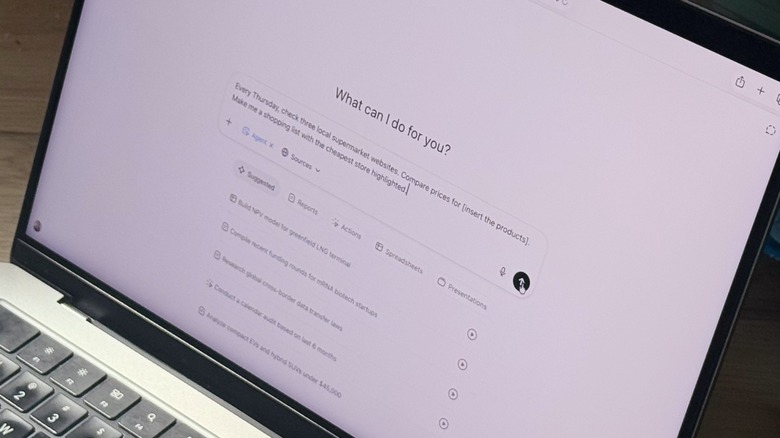
You don't need to specifically use the word "Potato," of course — you can designate any word or phrase you want such as "Editor Mode," or something similar. You don't even have to include the instructions more than one. Thanks to ChatGPT's little-known Custom Instructions feature, you can add your prompt there and the AI will remember the prompt going forward. Once you do that, you just need to start a new chat with your preferred word or phrase and you'll get a more straightforward answer.
This prompt can be good when you're pitching a project at work, brainstorming new ideas for something you're planning to do, or even trying to understand why you're still stuck on a specific issue. For example, I usually take advantage of this prompt when I'm writing short novels. With that, I can have another perspective of where my character is going, if I left anything confusing behind, and even how to move forward from where I'm stuck.
After a few years of using ChatGPT, I've realized that less is more with the AI, as it usually talks a lot without actually saying much. That said, the more you can narrow your prompts, and the more direct you are about how the AI should respond to those prompts, the better ChatGPT will be when it comes to collecting, organizing, and explaining data to you. Otherwise, it'll give you a wide, far-reaching answer to a subject when you wanted a more specific one.