

Android Auto Users Are Experiencing A Frustrating Bug - But You Can Fix It
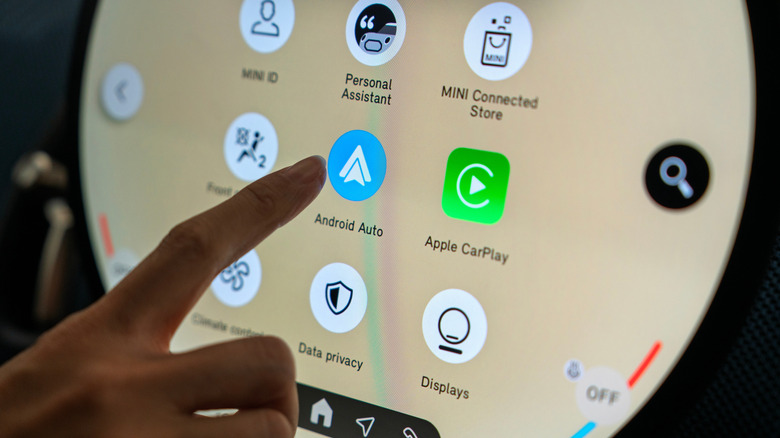
Android Auto can be a really handy tool, especially if you need to use navigation or just like listening to music while you drive. It's so handy, in fact, that many users continue to look for ways to add Android Auto to cars that don't support it out of the factory. Additionally, Google has continued to improve the service over the years by bringing Gemini to Android Auto last year and by expanding what it can do. While Gemini should technically give users even more access to natural voice commands, it seems Android Auto has been running into a bit of an issue in recent weeks, with users taking to Reddit and other online forums to complain about a particularly annoying bug that kicks in anytime they try to use voice commands in Google's answer to Apple CarPlay.
While some Redditors complaining about the issue noted that it began just a few days ago, we've also seen reports of voice commands not working in Android Auto since as far back as January of 2025. Now, whether those older issues are tied to the same cause as this latest batch is unlikely. However, both instances appear to have happened after the release of a recent update to the Google app. Unfortunately, Google has yet to actually address knowing about the problem. That means there isn't likely to be an immediate update to fix the issue. However, some members of the community have discovered a few ways to fix the issue, at least temporarily.
Fix Android Auto voice commands not working
According to some commenters on Reddit, there are a couple of possible fixes you can do to get voice commands working again on Android Auto. The first fix, and perhaps the easiest, is to try clearing the cache for the Google and Android Auto apps. This will remove any possibly corrupted data stored in the cache, which could be what is causing the issue with voice commands. However, this appears to only be a temporary fix, as users also reported the problem cropping back up later on, forcing them to clear their cache again. You can clear an app's cache on Android through your phone's settings, though the exact steps may differ depending on the model and brand.
The other potential fix, and one that appears to have more of a staying power, is to uninstall all updates for the Google app. This will reset the app to factory standards, as there isn't any way to download specific updates from the Play Store directly. This is because multiple people seem to believe the latest Google app update might be the culprit behind the issue. Of course, you can potentially find the previous update on an APK mirroring website, like APK Mirror or APK Combo, and then sideload it. However, you should be very careful when downloading application packages from third-party sites.