

5 Best Alternatives For Google Photos
Google Photos is a staple app for many Android users, which makes sense because of its streamlined design, cloud-based access, and turn-key functionality. As with everything cloud-based, however, space is bound to run out in the free tier, leaving users stuck deciding between a storage subscription (in this case, called Google One), or to go elsewhere.
Google One is the company's step-up storage offering that allows users to upgrade how much storage they've got shared across key Google platforms, including Gmail, Drive, and Google Photos. All Google accounts start with 15 GB, which fills up fast when we're talking about photos. To unlock an extra 100 GB, it costs $1.99 per month, and goes up from there.
What if you're looking to break free from the subscription model, and you're still looking to have access to all your important photos across devices? The answer to that factors in a lot of different considerations. First, there are other first-party alternatives depending on the phone or device family you use. Then there are third-party apps that may offer enough features that it'll be worth the switch. There are also unconventional options such as setting up a storage server yourself.
First-party apps already available on devices
The obvious answer to the Google Photos handcuffs is to ... well, sort-of handcuff yourself to a different service. Gmail users who also have iPhones and Apple devices can opt to stick with Apple's Photos apps, which is powered by iCloud. As with Google Photos, pictures can be stored locally on devices, but also shared using a finite amount of iCloud storage. And you guessed it: When you run out of space, you can upgrade that iCloud storage.
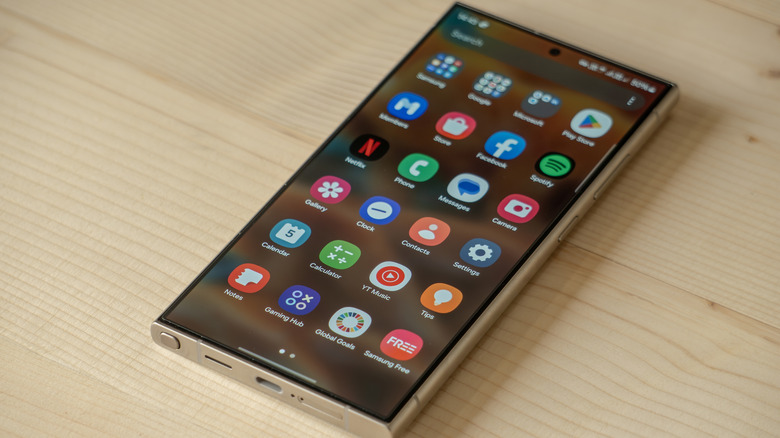
Aside from the need for cloud storage, other phone manufacturers also have their photo solutions that come available right on a phone. After all, all smartphones have cameras, and there needs to be a literal space to dump all the photos taken. Samsung, for example, has its own stock photo app called Gallery that offers many of the same features as the rest, including editing, sorting, and sharing. There's also a pro-level photo app on Samsung called Expert RAW that unlocks some more control when taking and editing photos on the phone itself.
Other phones from manufacturers such as OnePlus, Huawei, and others also offer their own default photos apps, which often come with mixed reviews. Many people opt to switch to Google Photos as their default photo app anyway. Curiously, Motorola's phones default to Google Photos, and of course, Google's first-party phones such as the Pixel line default to the company's own photos app as well. If you don't need anything beyond very basic photo editing and organization, these apps will do just fine.
Top third-party alternatives such as Aves, Fossify, and more
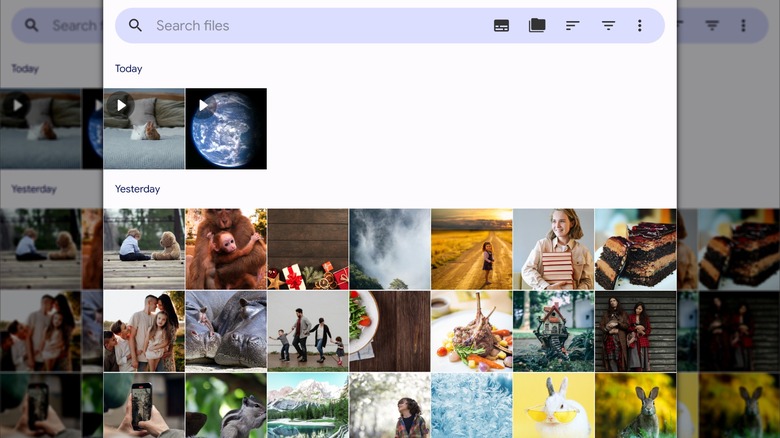
Stepping outside the apps that come automatically installed with a phone or operating system, the Android world is ripe with third-party photos apps that Reddit users and other top reviewers swear by. Many satisfied Android users point to Aves Gallery for its ability to read and parse many different types of photos including formats such as TIFF and AVI videos. The interface can feel a little cluttered, but it does feature a lot of sorting and data-monitoring features that may be great for those with a large, varied image library.
Fossify Gallery is a visually simpler alternative that aims to separate you from the ads and permissions required with many entangled first-party options. It offers the requisite photo editing and sorting, but also delivers some key security and customization features that aims to give users more control over their content. It's also part of a larger open-source ecosystem with Fossify Messages, Calendar, and more. It's important to note that many of these third-party apps including Fossify do not feature their own cloud storage, so this won't fully replace Google Photos functionality.
Pro-level photography apps
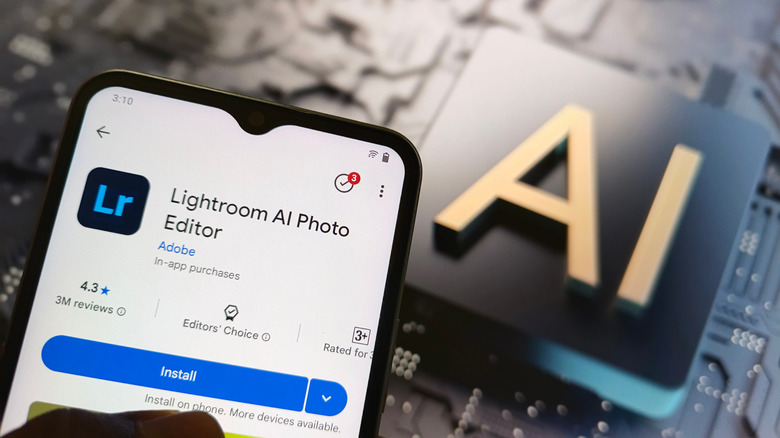
Another nifty approach to cloud-based storage is to consider a more specialized app that also offers storage of photos across devices. Take the Adobe Creative Cloud, for instance: Lightroom is a popular mobile photo editor that brings some of the desktop apps powerful adjustment features right to mobile phones. Because Adobe has cloud storage that's shared across its apps, when adding a photo to edit in Lightroom mobile, you'll also have the option to store it in the cloud to pull onto other devices. It's important to note that you'll have to consider a cloud storage plan with Adobe here, so it doesn't eliminate that expense.
Then there's the cult favorite Photo Mate R3, which aims to deliver a true Lightroom alternative with powerful editing features and a simple-to-use interface. For our purposes here, it's also got a solid image library section that allows for keywords and labels, and opens up compatibility to a wide array of raw photos from top photo manufacturers.
OneDrive through a Microsoft 365 Subscription
Another sneaky little alternative to Google's first-party storage solution is storage from another tech giant. For existing PC users, a Microsoft 365 Subscription is actually a pretty good value, storage-wise. Many folks in this situation already pay for Microsoft's subscription, which means they've already got 1 TB of storage in OneDrive. That works out to a great value, especially when considering the fact that Outlook, Office, and Copilot AI usage are also part of that plan.
It can be a little tricky to get OneDrive working seamlessly with an Android phone, as it can't be set up as the default photo storage app on a phone. However, Microsoft does allow OneDrive to automatically back up a camera roll, essentially giving you an exact copy of your local photo collection onto your OneDrive cloud storage. Consider this route if you're already a daily driver of a PC and want versatility and value.
Set up your own home server
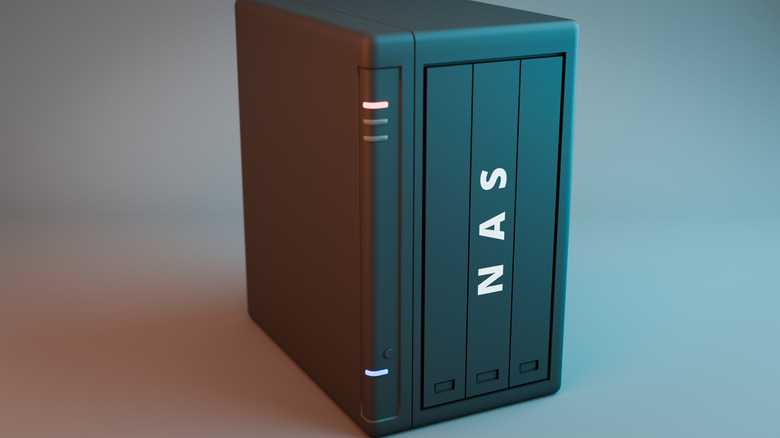
Stick with us on this one: Though it may sound intense or complicated to create your own private "cloud-storage" server, it's actually quite simple with all of the new storage hardware available these days. Often referred to as a Network Attached Storage (NAS) solution, many brands including Ugreen, Synology, TerraMaster, and more sell consumer-focused units that feature multiple bays of physical hard drive storage. That's all wrapped in a network-connected box that features software to control it — no command line experience necessary.
This translates to a local "server" inside your home that features expandable storage to keep all photos and videos locally. This means you can set up a server using the direct software on the NAS to allow access to files across devices. Many of these brands also offer their own photo-focused sharing app (such as Synology Photos) that aim to simplify the exact use case of replacing something like Google Photos. This is a great way to set up your own cloud storage with a one-time purchase of the storage device itself.