

The Smart TV Trend That Could Replace Streaming Devices
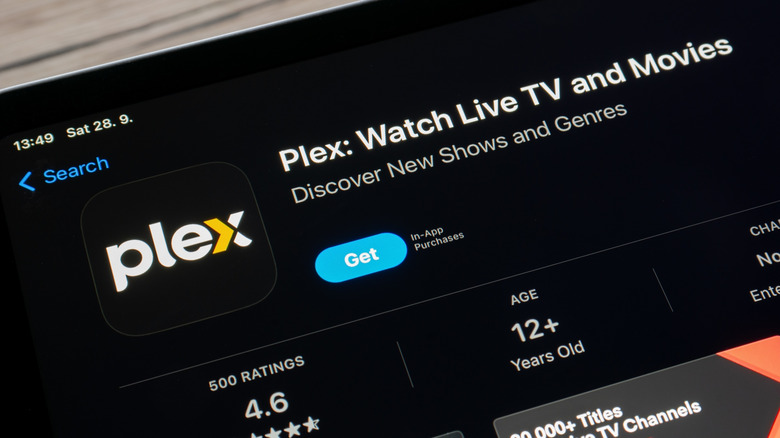
It may finally be time to ditch dedicated streaming devices such as the Amazon Fire TV Stick or Roku Streaming Stick, at least in some cases. There are a few reasons for this, mostly because smart TVs like Roku TV, Amazon Fire TV, or Google TV come with streaming functionality built-in. Some of the major smart TV brands even have their own dedicated streaming platform allowing you to install apps and start streaming from your favorite services right out of the box. You don't need to install or connect a separate streaming device.
There are a few other options that can replace those streaming devices if you have the resources to build your own library. The first one is to run your own Plex Media Server. Or, you could try Jellyfin if Plex isn't your preferred method. As another alternative, you can run a local NAS server for media streaming, which is like taking a hard drive containing your favorite media and making it available on your local network, or outside it for remote streaming. As users trend towards these alternatives, the need for a dedicated streaming device will decline.
Which trend is right for you: Smart TV software

Starting with the first option, going with your smart TV, it's an excellent choice if you don't want to set anything else up. As in, you just want everything to be basically plug-and-play. For example, if you have an active subscription to popular streaming services like Disney+, Netflix, or Paramount+ and you just want simple access on a connected device, a smart TV is ideal for that. You can connect your TV to local Wi-Fi and you're good to go. You don't really need to plug in any other devices. That also makes smart TVs an ideal option in rooms or spaces where you don't want a lot of wires and devices — like when mounting a TV to a wall on your patio or in a bedroom.
Smart TVs are also a great choice if you already have a digital media library amassed on one of the media platforms like Fandango Movies at Home (formerly Vudu), Amazon Prime Video, or YouTube (formerly Google Movies & TV). That's because your content through these services is stored in the cloud, and you can simply stream them to watch. You can also access a lot of free streaming services and apps with most platforms.
Which trend is right for you: Personal media libraries

Plex Media Server, Jellyfin, and the NAS approach are solid options if you want more granular control over your media experience. For example, as long as you're not watching the free movies with ads on Plex, you can stream your personal media library with no ad interruptions. That alone can save a lot of time you'd waste watching loud, annoying adverts.
But also, with your own media server and library you have full control over the content that's available — which is great when you have a family. You can ensure there's nothing bad available to watch on there for younger audiences, for instance. You can also share your library with others, like family, so they can watch the content you have. Or, you could access that content remotely, such as when you're on vacation and want something to watch in your downtime. You can even download that content right to your phone to watch with no internet connection. Be aware that if you set up a NAS system, you still need software like Plex or Jellyfin to operate the media server. Also, to use Plex's remote streaming or download options, you'll need to purchase a $7 per month Plex Pass subscription.