

5 Essential Kodi Add-Ons Every Cable Cutter Needs
It's never been easier to cut the cord, especially with the help of media center apps like Kodi. What's especially nice about Kodi is that it's open source, which means the community is in control of its feature development, rather than a corporation. This allows the app to offer almost limitless extendibility with its community-created add-ons. While new add-ons are added to the official app repository all the time (with third parties offering even more unofficially), there are certainly a few that are key for keeping your local files tidy for easy navigation, with many more options for extending your ability to stream, all for free.
If you've always wanted to dip into the world of the Kodi media center, but weren't exactly sure where to start when it comes to its many, many plugins: We've gone ahead and compiled a list of the best essential add-ons to help get you started on your cable-cutting journey.
Universal Movie Scraper
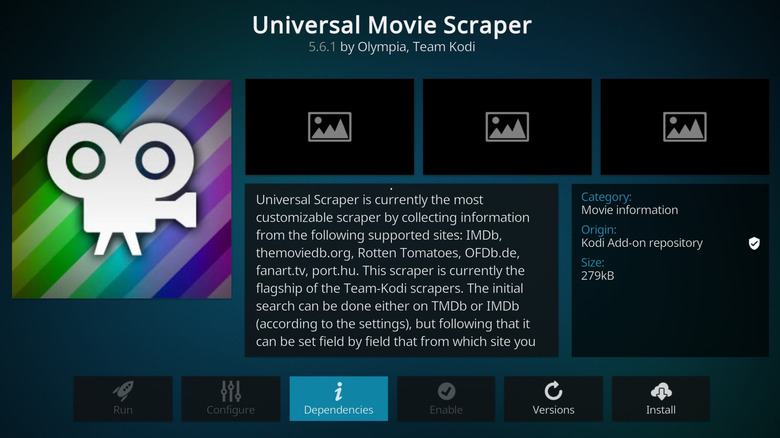
Unlike media center apps such as Plex, which are built around streaming your content from a server, Kodi is much more tuned for local playback. This means you'll be scraping your movie files from local storage, like a hard drive. Scraping these files will add them to the Kodi library so that you can easily browse your content; and if you've ever had the pleasure of scraping these kinds of files in order to add the appropriate metadata, you'll know full well how challenging it can be.
This is why one of the first plugins you should install is Universal Movie Scraper, which will replace the default movie scraper with one that can pull from a wide selection of sources. Universal Movie Scraper is incredibly customizable with a fleet of sources at your disposal, from IMDB to Rotten Tomatoes. This way, your ability to scrape your movie files to add their appropriate metadata can be dialed in to your specific needs.
There's nothing worse than adding new files to the hard drive, only to then see them remain unscraped in your library because a source broke thanks to a change in the API. With Universal Movie Scraper, this is much less of a worry since you can easily change your source per file, leaving you to use Kodi for its primary use case — watching your favorite local content.
The TVDB v4
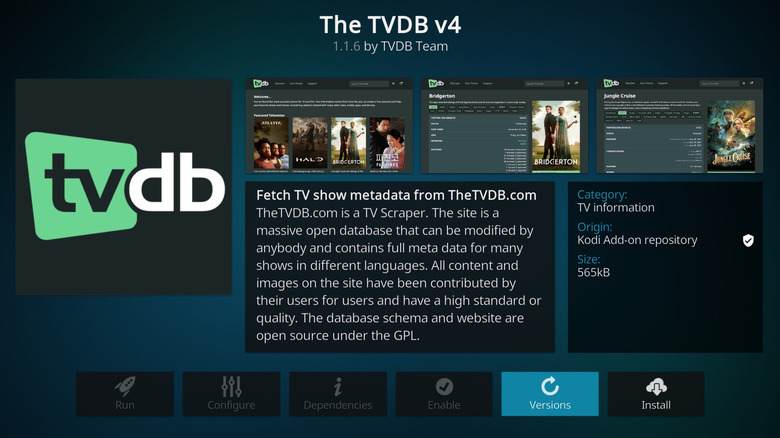
Similar to the Universal Movie Scraper add-on, you will also want to install The TVDB v4 plugin to replace the default TV scraper so you can easily and reliably scrape your TV show files and have them appear in your library with the proper metadata. As the name suggests, you'll be utilizing The TVDB.com as your source.
Since this add-on connects to a database that's crowdsourced by the community, it's often more accurate and up to date than competitors. This way, if you're looking to add an obscure TV show to your library, but it's not yet listed on The TVDB, you can manually add it to the service. Not only will your file scrape correctly, but anyone else who requires that metadata will be able to use it too. Win-win.
Basically, by utilizing The TVDB v4 add-on, you can ensure fewer scraping issues compared to the default scraper, thanks to the community aspect of the TVDB service.
Up Next
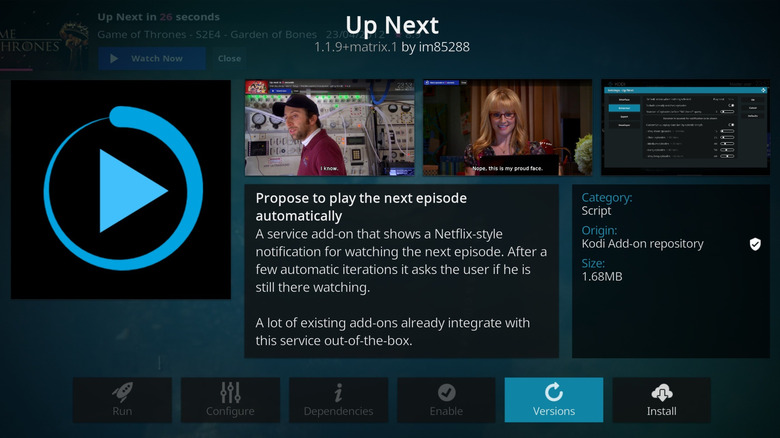
One of the best things about streaming TV content is that you can watch several episodes in succession, just like a proper TV connected to a local cable service. Be it Netflix or Amazon Prime, once you slap an episode on, more will follow. This is super convenient, which is why the Up Next plugin simulates the feature for your locally stored TV shows. Once you've used the above plugins to scrape all your content into the Kodi library, you can use the Up Next plugin to watch your locally stored TV shows consecutively, just like the popular streaming services and cable TV.
Best of all, Up Next offers extra features to dial in just how many episodes will autoplay after the last one finishes, and you can even set a timer for how soon this happens once an episode ends (and whether you prefer to see a show's end credits or not). Up Next's default is set at three episodes, but you can easily ramp that up to five or 10, which is especially handy when binging content.
Why fumble with a remote to play every episode when you can sit back and relax with your favorite show automatically playing your preferred amount? The major selling point of running Kodi is that you can dial in the experience, which is why the Up Next add-on is easily a must-have Kodi install for your favorite streaming device.
YouTube
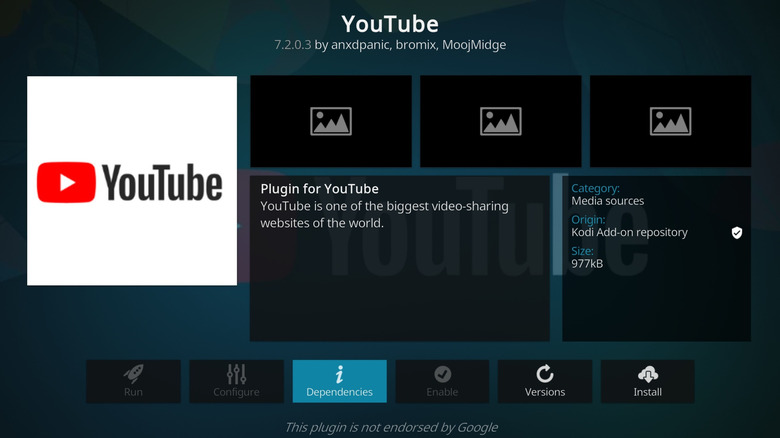
Now that you have your local content set up, you can also include a streaming service or two in the app to expand the content you can watch, keeping you within Kodi instead of having to leave to open a separate streaming app. YouTube offers plenty of content from a wide range of users, from mainstream to niche. So rather than leaving the Kodi app to jump to a YouTube app, you can install this official YouTube add-on for Kodi to watch your favorite YouTubers without leaving Kodi's interface; complete with all the functionality you would expect, such as liking and subscribing.
Another reason users may prefer Kodi's YouTube add-on is that it's much more versatile compared to the standard YouTube site and apps for streaming boxes, offering features like the option to only play audio. The plugin also integrates well with Kodi's library and interface, an ideal setup for those cutting the cord. All of your content remain in this one interface, so the convenience of browsing and watching your favorite YouTube creators without leaving Kodi can't be beat.
PBS Kids
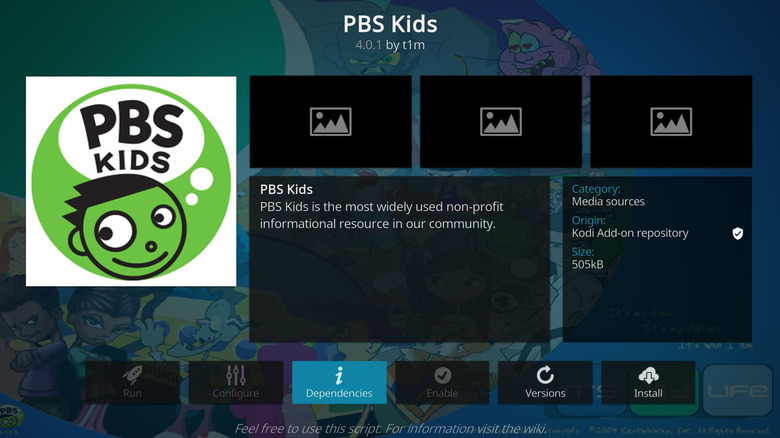
While YouTube offers a wide range of content, even for kids, a dedicated video streaming add-on for the young ones in the house can be incredibly helpful for ensuring everything they watch is age-appropriate. In comes the PBS Kids add-on, and it's certainly a great way to stream your locally aired kid-friendly PBS content, going so far as to offer categories like "best children's shows." This way, your kids can get in on the fun without running into trouble on YouTube.
Of course, the best part about the PBS Kids add-on for Kodi is that it is very much advertisement-free. Sure, you may happen across a few sponsorship messages, but these are tame compared to proper ads, which means PBS Kids is very much a safe non-commercial viewing space for your brood. That's hard to beat when just about every other streaming service is chock full of ads on free membership tiers.