

You Can Access Gemini On Google Home Right Now - Here's How

Google announced plans earlier this year to bring the Gemini AI assistant to other internet-connected devices, not just phones. In May, the list included cars with Android Auto built-in, Wear OS smartwatches, Google TV devices, and Android XR headsets. Google rolled out Gemini AI support to those categories in phases in the months that followed. In August, Google announced that Gemini AI would be available on Google Home devices starting October. Google stuck to that timeline, making the Gemini for Home assistant available to smart home devices by mid-October.
However, the company only offered an Early Access experience to users. As we reported at the time, users had to sign up for the Google Home Early Access program to start talking to Gemini by voice on their smart home devices. The slower rollout wasn't a surprise to internet users familiar with new AI product/feature launches. Companies routinely test AI products with a more limited audience before releasing them more widely. This process ensures an AI firm can fix issues and offer a smoother experience once the product is finalized.
On December 9, Google said it was ready to roll out invites for Gemini AI for Google Home faster than before. According to the company, many people were eager to join the early access program, and Google is expanding access. Any Google Home user seeking access to Gemini for Home can obtain an invite within 24 hours. Third-party speakers will also be supported.
How to enable Gemini AI on Google Home
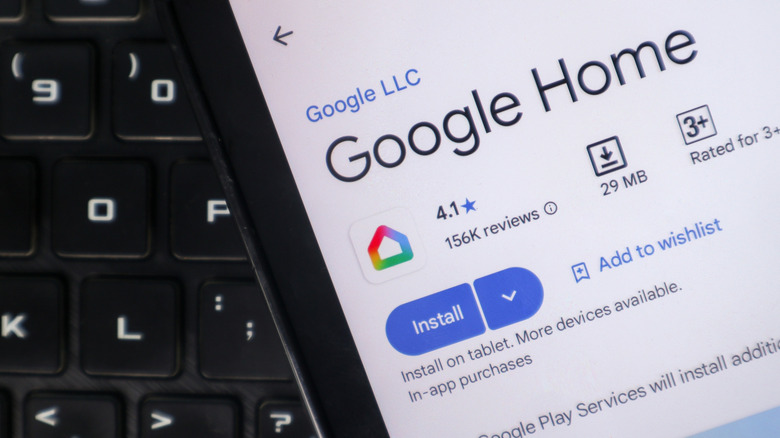
The Gemini for Home feature remains in Early Access despite the wider rollout, but Google can support more users than before. Google rolled out invites for the Gemini for Home voice assistant beta program to millions of users in the U.S. in the past few weeks. Those users have been very active, and the early access program "has been instrumental" in helping Google improve the service.
Before signing up, you should update the Google Home app to the latest version. After that, open the Google Home app, tap your profile picture or initial at the top right, tap Home Settings (the gear icon), and tap the Early Access program. A support document also notes that Google Home users should ensure that their settings for Google Groups are set correctly so they can sign up for Early Access. That process involves going to Google Groups, tapping Settings, then Global Settings, and ensuring the "Add me to their groups" option is checked.
While Gemini for Home access should be enabled in 24 hours for most people, Google cites rare exceptions, including incompatible devices or accounts. These Google devices are compatible with the Gemini for Home voice assistant: Google Nest Hub (2nd gen), Google Nest Audio, Google Nest Mini (2nd gen), and Google Nest Hub Max. Older models will support most Gemini for Home features, but not the Gemini Live.
A notification will inform you when the Gemini for Home experience is available. Once the notification arrives or you see a banner saying "Set up Gemini for Home for more natural conversations" in the Google Home Settings menu, you can configure your voice assistant for Google Home. Look for the "Gemini for Home voice assistant" menu in the same Settings section.