

How Long Do OLED Computer Monitors Actually Last? Here's What Experts Say

OLED computer monitors have been gaining popularity due to their stunning contrast, instant pixel response, deep blacks, and ultra-thin form. The downside is, they tend to be somewhat short-lived. Most OLED monitors have a useful lifespan of only three to five years, but that doesn't mean these monitors simply stop working. Additionally, they don't break down as easily as traditional LED ones. Users tend to replace them at that age because the picture quality degrades — the typical OLED burn-in appears on screens and makes them feel worn out.
The OLED technology is developing fast, but it's still very limited by the gradual degradation of organic materials, especially the blue emitters. This means that even the panels rated for high hours will eventually show signs of wear after several years of regular use. However, the fact that OLED is a fast-developing technology brings hope. Manufacturers are constantly working on developing burn-in management strategies and ways to mitigate this fault, perhaps even stop it from happening. Even now, with the rise of QD-OLED panels, the strength of this new technology outweighs its longevity drawbacks.
The lifespan of OLED computer monitors
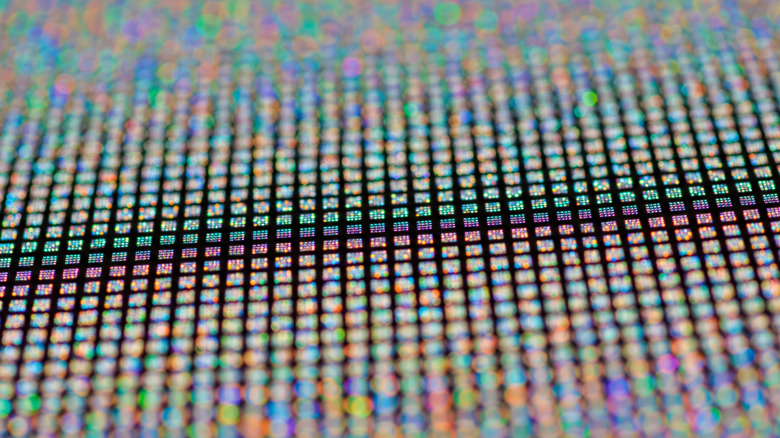
If we are to believe the spec sheets of premium OLED computer monitors, we would assume they'll last around 100,000 hours before the panel starts to dim to half of its brightness. That's roughly 11 years if you use the monitor for eight hours a day. However, this figure is based on the ideal lab environment, where monitors are being tested. The industry testing of organic emitters is done under strictly controlled conditions. That's far from being the same as your typical daily use.
That's why, in reality, it's far more complicated. In everyday use, OLED monitors tend to perform well within the first three to five years before the signs of wear become noticeable. This aligns perfectly with how computer monitor warranties are structured. Many major brands offer only three years of coverage for OLED-specific issues, like burn-in.
The reason for this much shorter real-use lifespan of such monitors is the nature of OLED technology. Each pixel emits its own light, and over time, the organic compounds that produce that light degrade. Brightness levels, how long you leave the screen on, and what you display all influence how fast your OLED monitor will degrade. High brightness speeds up the wear, and constantly showing static elements like toolbars, UI panels, and icons wear down specific pixels disproportionally.
Burn-in is the single biggest headache for most OLED monitor users. It's a form of permanent image retention caused by static picture elements degrading pixels unevenly. This is not a temporary smearing that fades away when the displayed content changes. True burn-in leaves faint "ghosts" of menus and icons that will never go away. It's the number one limiting factor for long-term OLED usability. Burn-ins are triggered by a long display of elements that never change at high brightness.
Prolong your OLED monitor's life
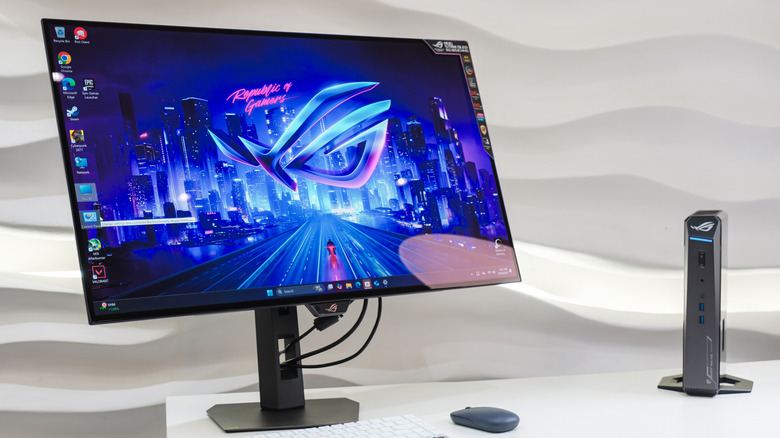
Although burn-ins are unavoidable if you use an OLED monitor for a long period of time, the good news is that you can significantly reduce the risk and prolong the life of your screen. All you need to do is practice thoughtful use. The practical first step is to minimize the static elements that your screen is displaying. Since the taskbar, icons, and fixed HUDs in games contribute to the uneven wear of pixels if left displayed for hours, you should hide them. You can also choose to display a dark or very dynamic wallpaper and screensaver. Also, don't leave your PC idle for too long. Instead, switch between different apps regularly to distribute the pixel usage more evenly.
Brightness choice is another huge thing to look after. OLED pixels age faster with high brightness settings because more current flows through the organic materials. Select moderate brightness instead of maxing it out. This will reduce stress on pixels, but the image quality will stay the same.
Modern OLED monitors come with automated tools designed to reduce OLED burn-in. Features like pixel refresh, pixel shift, and screen-off timers help recalibrate the pixel voltage or shift the screen content subtly to prevent one area from degrading faster than the others. Although these processes are automatic, you can trigger them manually from time to time as part of regular maintenance. Different manufacturers implement different burn-in mitigation strategies. While some opt for algorithms that track pixel usage, others opt for hardware choices that improve heat distribution through the organic materials. Before buying your next OLED monitor, pick a brand and model that you think has the best preventative settings against burn-ins.