

Your Starlink Router Might Be Obsolete Now - Here's How To Upgrade For Free
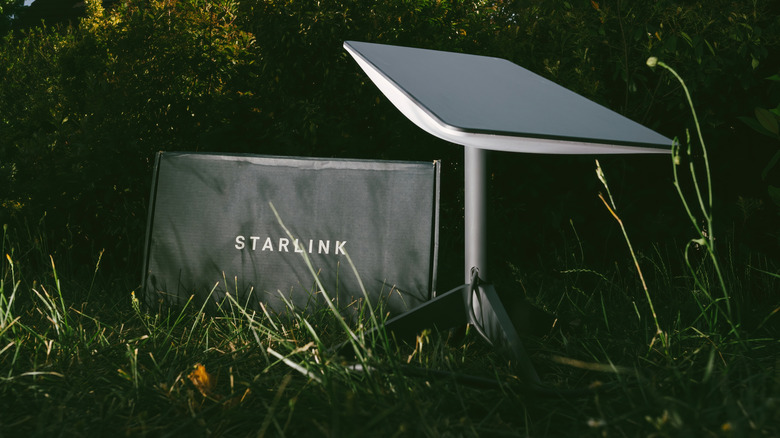
Early users of Starlink received a perplexing email in November 2025, notifying them that SpaceX would no longer be supporting software updates to their first-generation router. To address this somewhat alarming news, however, the satellite internet giant gave its customers an offer that has them doubling down on proclaiming the benefits of Starlink over regular home internet set ups: The company will send them a replacement, the Router Mini, for free.
The warning, which has slowly rolled out to customer inboxes following the initial November announcement, has sparked both concern and excitement across social media as customers wonder what the implications will be for their internet service. Critically, Starlink has stressed that the change in policy will not prevent functioning Gen 1 routers from working. However, the company emphasized that the discontinued support could degrade the router's performance over time, as it will not receive future software or security updates. As such, Starlink strongly suggests that users upgrade their devices via the corresponding link in their support email.
The push to swap out customers' Gen 1 routers isn't the first time SpaceX has called for customers to update their hardware in 2025. Just a few weeks earlier, Starlink informed customers who'd either paused or canceled their services that they needed to update their Starlink dishes' software — or risk permanently losing operability. Luckily, users merely needed to plug their Starlink dish in at an outside location in order to perform the update. And while this fix is less intensive than the one recommended to Gen 1 router users, Starlink has provided a comprehensive, step-by-step guide on their website to make the transition as seamless as possible.
Swapping out your Gen 1 router
Starlink has made swapping out the Gen 1 router as easy as possible for its customers. For starters, customers can order their complimentary replacement by clicking the "Claim Free Router" button in the email informing them about the update. The process includes a single-question survey, and requires that customers provide an updated shipping address. Furthermore, consumers do not need to physically send in their Gen 1 router to be eligible for the replacement.
Users should follow a few easy steps to swap their Starlink router. First, customers should remove their old router, making sure to leave both their router's Ethernet cable and their satellite's power supply in place for their new device. Next, simply plug the Router Mini into the old Ethernet cable and connect it to the 15W power supply included in the Router Mini kit. The rest of the router's setup process takes place via the Starlink App. Those in need of further instructions can follow Starlink's replacement guide or contact customer support.
Despite the ease of this process, there are several caveats to keep in mind. First, users with a Starlink Standard Circular dish will need to connect to the Router Mini via the Ethernet cable. This can be done via the device's WAN port, one of its two Ethernet ports. To create a mesh network throughout their home, users will likely need to purchase and connect additional Minis. Furthermore, users will need to set up their Router Mini with the same network name (SSID) and password if they'd like their devices to reconnect automatically. Otherwise, each device will need to be manually reconnected.
Switching to a Router Mini
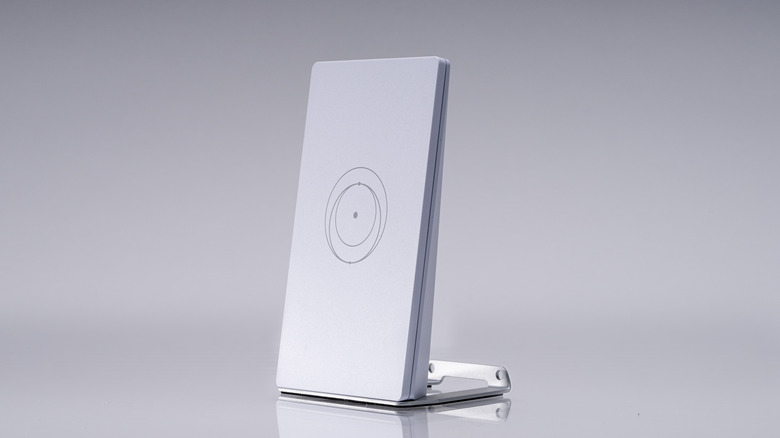
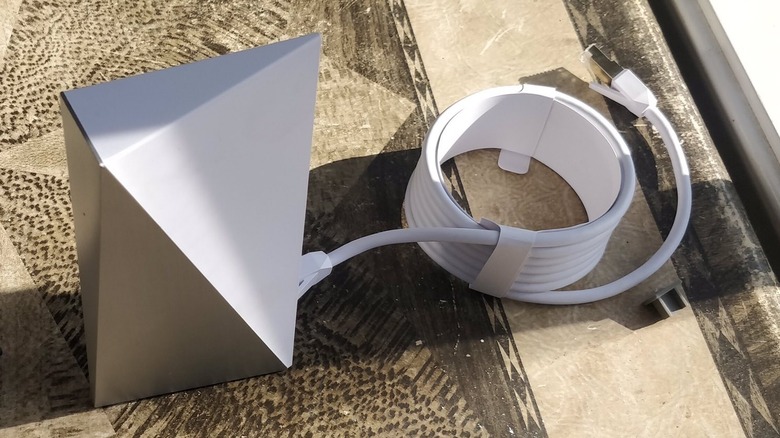
If you are eligible, its likely that Starlink has already emailed you with the promotion. However, if you are uncertain if you need to replace your router, Starlink's routers can easily be distinguished via the company's picture guide. Generally speaking, the Gen 1 Router can be distinguished by its "prism" shape and "dual-tone design." The Gen 2, meanwhile, "stands tall with a glass front" and has a "router light" on the bottom. The latest large model, the Gen 3, is wider, lays horizontally, contains multiple Ethernet ports, and has a router light on its front corner.
Despite Starlink's offers, some customers are still uncertain if adding the Mini is worth the hassle. But users who decide to switch to a Router Mini will likely love the router's high speeds and portability. Smaller than Starlink's other routers, the Mini Kit is ideal for outdoor lovers, digital nomads, and even sailors. Offering speeds up to 250 Mbps, Starlink stresses that the Router Mini will provide significant performance upgrades, including "offering stronger performance, improved security, and better reliability compared to the Gen 1 Router." As such, adding the portable router for free, which is listed at a $40 value, could be a major coup for some customers.
There is, however, a catch to the no-cost offer. While the Mini is provided free of charge, the device automatically goes into standby mode, which charges its customers $4.50 a month for low-speed, basic connectivity. Customers looking for the high-speed internet they've come to expect from Starlink devices will need to upgrade their package to Roam, a $50 per month upgrade tied to users' residential plan. With that said, the portability, software, and security upgrades could make Starlink's Router Mini offer worth considering.