

You're Probably Using Your USB-C Ports Wrong - Here's How
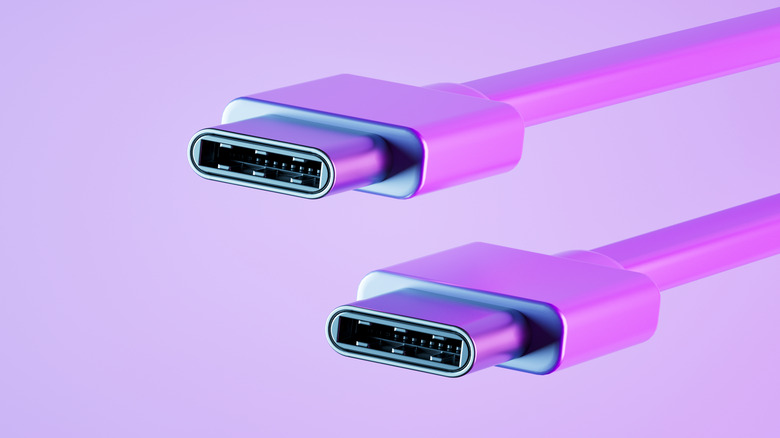
For those who have used PCs for a sufficiently long time, you probably remember trying to insert a USB plug into a port, only to have to flip it upside-down to get it in there. The advent of USB-C in most devices has largely remedied this problem, as the plugs and ports are bi-directional, meaning that using a USB-C port wrong is technically difficult.
However, while you can insert a USB-C plug into a port from either side, by inserting it the optimal way, you might find your devices function slightly better. USB-C plugs and ports are bi-directional, due to the way the pins are laid out inside of each component, but it is possible for data or power to flow in a sub-optimal manner. Both transfers will still get where they need to go no matter which way you insert the plug.
That said, lining up the pins perfectly for your particular purpose helps the data or power flow faster, resulting in better transfer speeds and shorter charge times. It sounds somewhat complicated, but if you want to optimize how your phone or data storage device do their jobs, it wouldn't hurt to spare a second of thought before plugging in even the best USB-C cable for your device.
There is an optimal way to use USB-C plugs
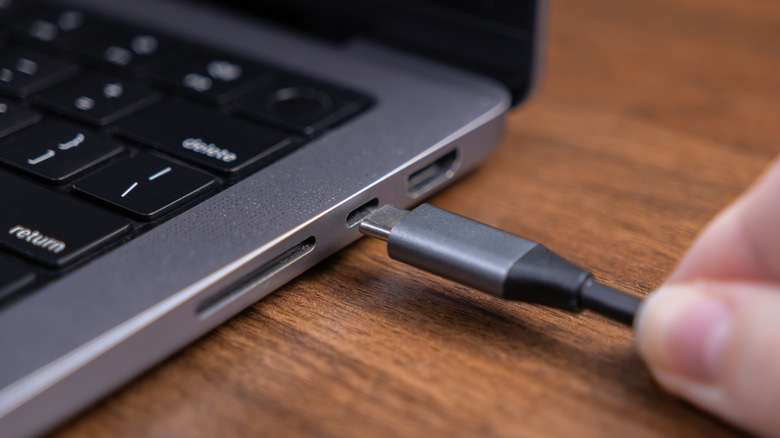
A USB-C port has 24 contact pins, which match the 24 pins found inside a USB-C plug. When these pins connect, they facilitate the transfer of data or power, allowing you to send files over from portable storage, recharge your phone from a wall adapter, and so on. What you might not know is that these pins aren't all identical. Each individual contact is numbered and labeled, as they provide a different function when connected.
Some facilitate the transfer of power, while others handle data transfer. These pins are set up symmetrically, which is what allows you to plug something in bi-directionally. When a USB-C plug is inserted into a port, the dedicated channel pins detect the orientation of the other pins, and either activate or deactivate as needed. Here's the catch: If one of the pins in the port is malfunctioning or deactivated, the channel pins can't make an ideal connection, and fall back on suboptimal contacts to make everything work.
If it seems like you're using your USB-C ports wrong and noticing poor performance that tends to remedy itself when you flip over the cable, this is the reason why. So, if you're doing a lot of plugging and unplugging of USB-C cables on a regular basis, you might want to take a moment to see if one side is performing better than the other. In all likelihood, it'll be the same, but if not, remember to plug in with the "better" side facing up so you always get optimal performance.