

5 Clever Uses For Your Old PlayStation 3
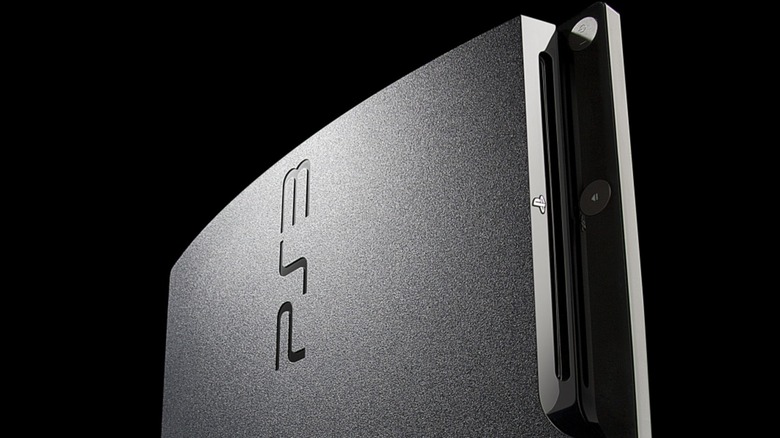
The PlayStation 3 is two decades old — Sony's seventh-generation console launched in 2006 and became the first console to support Blu-ray. Similar to giving your old PS4 new life, an old PlayStation 3 can be repurposed to become more than just a retro-gaming machine if your console remains intact. Think simple streaming device, for example. On the other hand, if your PlayStation 3 is on its last legs or is partially broken, you can always salvage it for parts.
There are also more complex ways to reuse your old PSE, like installing an emulator. But this does require using custom firmware, which can be tricky depending on whether you have the original "Fat" or later "Slim" system. Even without fiddling with custom firmware, you can still access the console's default software to store and use media — here's how.
Watch DVDs on that old PS3
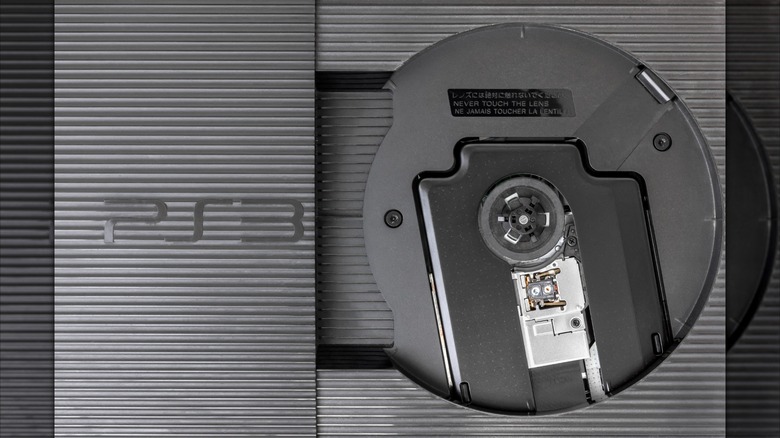
Even though digital streaming services have proven popular, and people may be less interested in procuring physical media, you might still have some old DVDs and Blu-rays lying around. Like, say, all the "Harry Potter" movies ready for a holiday binge. In those cases, having something to play your media on is a must. Even if you're not a fan of watching movies, you can also pop in one of your old CDs.
Although the PlayStation 3 was mainly used for gaming, the console can do it all, as long as you are willing to hook it up. Note that it may not be perfect since the console does require occasional updates to ensure smooth playback, but it should handle most of your media. Fortunately, Sony recognizes this and still provides crucial updates to keep your PS3's Blu-ray encryption key refreshed, which is required to keep the technology working.
Turn it into a media server
Since the PlayStation 3 can connect to the internet, you can transfer photos and videos over you home network, or you can do so with a USB drive. But you can do even more by converting your console into a media server. One method involves installing a Linux distribution if you have a PS3 from 2009 or earlier. Another approach is more friendly for Windows-based systems. For that method, you'll want to install PS3 Media Server software on your PC to stream media onto your console via its built-in Digital Living Network Alliance support. This is one of the easier ways to convert your PS3 into a media server since Plex discontinued its PlayStation 3 app.
For even more options, you can consider installing custom firmware on your PlayStation 3. Movian is a good example of a homebrew setup that can transform the console into a lightweight media center. It allows file types that the PS3 doesn't natively support, along with adding plugins for apps like YouTube. Other examples include Evilnat CFW and PS3HEN, though it is highly recommended to refer to Console Mod's guide to get started. Be aware that not all PlayStation 3 models are compatible with custom firmware, so always check your version and model number before doing so. It's very important to note that installing custom firmware can also brick your console if done incorrectly.
Emulate games on your PlayStation 3
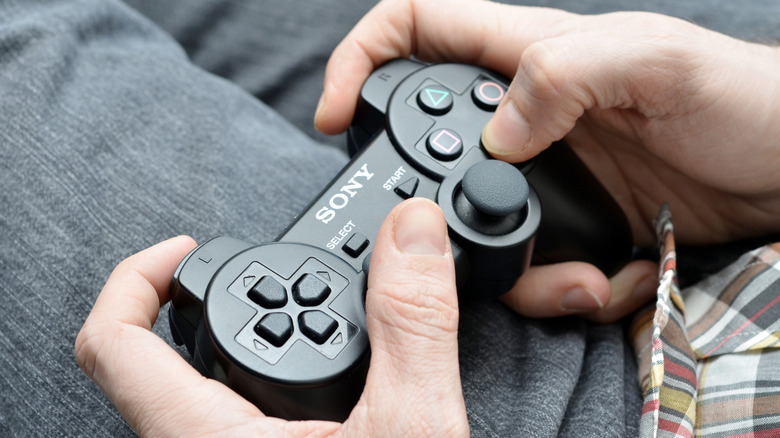
Besides using the console for your PlayStation 3 games, you can do some advanced emulation with it. This requires installing custom firmware (CFW), which means you're essentially jailbreaking your PS3, similar to converting it into a media center. After you've installed the CFW, you'll want to install RetroArch and the cores you wish to emulate. To do so, use a USB drive to open the RetroArch package file and then install it through the Package Manager.
Note that not all emulation will be stable given that the PS3 is aging hardware — Nintendo 64 titles aren't great on it, for example. Also, in order to play emulated titles, you'll need to acquire ROMs and BIOS files for emulated systems that require them, like Sega CD, Sega Saturn, and PlayStation 1. But by setting one up, you open the door to a variety of old classics directly on your PlayStation 3, like the Donkey Kong Country games, without needing to procure or hook up any other system.
Stream Netflix shows
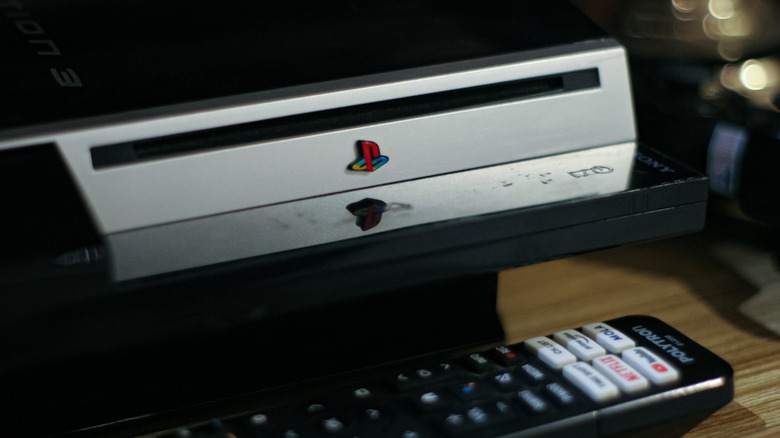
Despite its age, your PlayStation 3 can still use a variety of entertainment apps, and during its lifetime, apps like Crunchryroll and Spotify were supported. However, some of them can no longer be downloaded from the PlayStation Store or are considered too unstable to be usable. But Reddit users have noted that Netflix, YouTube, and Amazon Prime Video are still among the few apps that work well.
The downside is that Netflix is the only one that supports 1080p streaming, while the rest are stable at 720p. Keep in mind that due to app availability and limitations, it may not be a perfect experience. But, at the very least, setting up your old PlayStation 3 console to catch a streaming episode makes for a nice, budget-minded alternative to buying a new smart TV.
Salvage your PlayStation 3 for parts
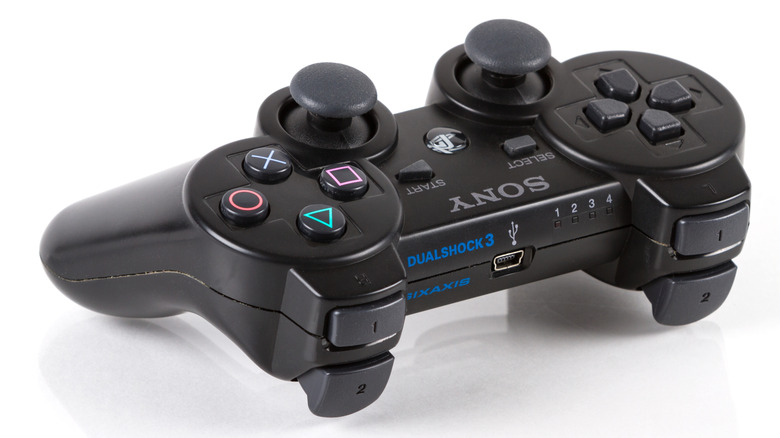
If you just don't know what to do with your old PlayStation 3, and you find out that it may not be worth selling — you can always try to salvage it for spare parts. Remember that your PS3 console still has a mini-computer inside. You can open it and keep components, including the hard drive, to use for other projects. Unfortunately, the built-in Blu-ray player is attached to the console with ribbon cables, making it difficult to remove and use without the console. But there are other parts you can try and salvage, like the fans and heat sinks, or even the power supply unit for DIY projects.
If you don't want to use any of the parts, you can try selling them individually if they're in good working condition. And if all else fails, consider keeping your DualShock controller for other platforms. The only downside is that you will likely need an adapter to use it. It's not quite as good as the highly-rated PlayStation 5 DualSense controller, but it is more than serviceable to play some old classics.