

Costco's PCs Seem Like A Steal, Until You See The Reviews

Costco is well-known for selling products at reasonable prices on its shelves and for its generous return window. So, the offers in the warehouse for those searching for a new desktop or gaming computer feel like a good deal. Whether you're in the electronics aisle or on Costco's website, it is easy to find a PC build that looks fine with a last-gen processor and a good graphics card, with a price tag below what you'd usually find in specialized retailers.
At first, this value seems good, especially when backed by Costco's electronic rules, which also give buyers peace of mind. However, some customers warn that these deals aren't always as good as they seem. If you dig into reviews of some Costco pre-built PCs, you can find some complaints. That's because while the main components of the desktop may be solid, the manufacturer often cuts some corners to hit these prices, leading to issues that may happen later in the product's life.
Before you add one of these Costco PCs to your cart and buy it, you must understand exactly what you're getting for that lower price. While most of these machines can be a safe bet for common tasks, like using the internet and watching videos, that may not be the case for gamers, even if the desktop comes with a gaming label. That's because these PCs require efficient cooling, something that pre-built PCs may lack.
Costco pre-built PCs often suffer from proprietary parts and hardware failures

One of the best benefits of owning a desktop PC is the ability to upgrade it whenever you want or need, as you can remove and replace most parts. However, some Costco builds often trap owners with proprietary hardware. One reviewer points out that the HP OmniDesk Desktop Tower, despite having a good spec sheet for a home PC, doesn't offer flexibility for upgrades. That's because these desktops often come with a poor power supply that offers low wattage, which is important if you want to upgrade your GPU.
This means that if you want to run games better by improving your PC, especially for gaming desktops, you'll have to spend a lot, since shifting to a best-value graphics card may force you to also buy a new power supply, motherboard, and even a processor to avoid bottlenecks. Most manufacturers make this kind of trade-off to offer a better price in their builds; however, some reviews say these components can also fail. For example, a recurring complaint across multiple models involves a loud cooler fan noise, which happens after a few weeks because the fans are cheap, according to buyers.
Unfortunately, some unlucky customers also face other problems. Users point out that some failures, such as boot loops and system crashes right out of the box, happen even in the most powerful Costco builds, leading to repeated Windows reinstalls, only to discover a hardware defect days later. In the end, the initial savings you may have made buying a pre-built PC might not be worth the headache.
What to look for when buying a pre-built PC at Costco
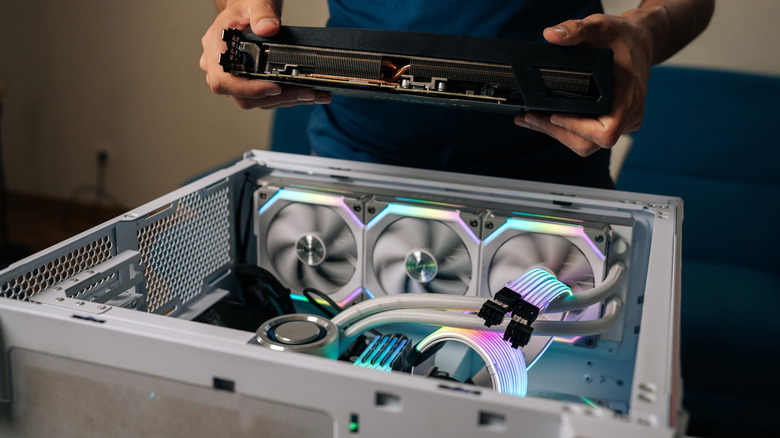
Especially for a gaming PC, the best option is always to build one on your own, since you can find better hardware to make everything work properly. However, this can be difficult and take some time, making purchasing a pre-built one a better option. According to a Costco customer on Reddit, one of the best things to do if you want to buy a desktop at Costco is to look for deals, which may help you get a better price.
It's also important to look at the specs of each PC, since they can come with an odd mix of hardware. Some builds, for example, include an i9 processor, which has much more processing power than many users need. Unless you're interested in having many demanding programs open at once, the better option is to spend that extra money on other components. It's also important to check how well the hardware performs in games to make sure that you're buying a good desktop.
If you're interested in high-end performance, also look at how the build handles cooling. Many manufacturers may cut corners there, putting a bad cooler on a powerful GPU that doesn't provide good airflow. This often leads to thermal throttling — a common mistake that may ruin your computer — meaning that the top-tier hardware you bought will slow down significantly to prevent overheating.