

4 Cool Uses For Your Old VR Headsets
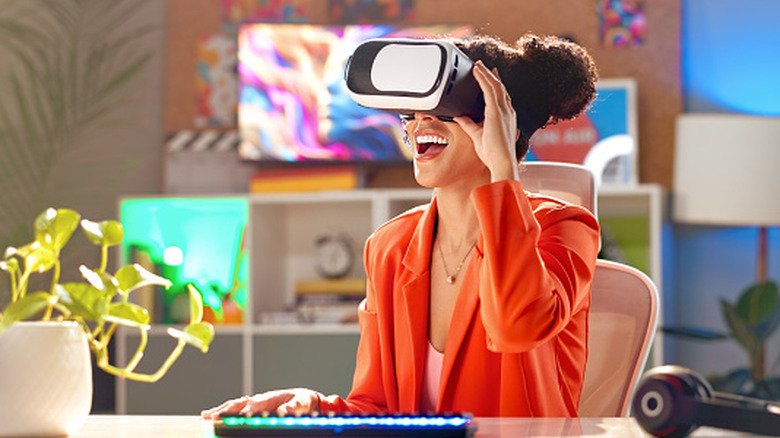
Virtual reality hardware has come a long way over the years, and new headsets are always just around the corner. Features such as higher resolution, wider field of view, and advanced tracking capabilities make it worth monitoring the latest VR technology. Headsets like the Meta Quest 3 and the Sony PlayStation VR2 have a lot for gamers to get excited about, and the Apple Vision Pro has its own set of reasons to make it your virtual reality headset of choice. But if you've upgraded to one of these models or otherwise have an older VR headset lying around, there's still plenty of cool ways to put it to use.
VR headsets like the early Meta Quest models, the HTC Vive, or first-generation PlayStation VR aren't as obsolete as you may think. Older headsets like these can still access many VR apps, particularly those that don't demand intense graphics processing or the highest resolution display in order to feel immersive. They can be put to use in a number of different ways, including around the house, at the office, and even in the great outdoors. If you have an older VR headset and don't feel like trading it in or handing it down, we've come up with some ways that you can continue to make the most of the investment.
Fitness routines
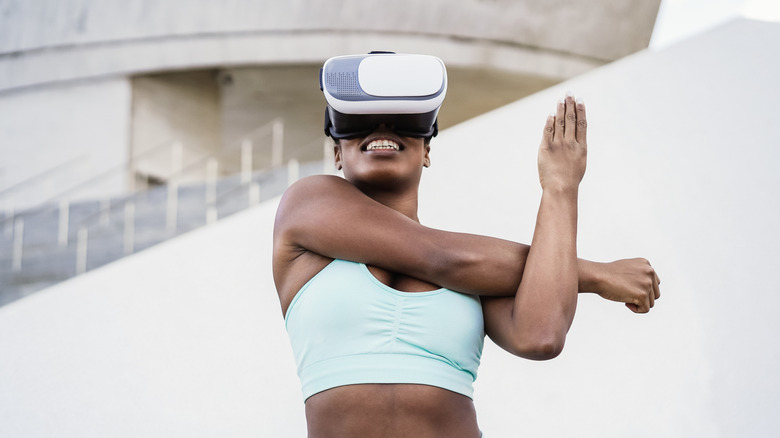
While VR technology is often focused on gaming, this actually lends itself well to the idea of using a VR headset for fitness routines. In fact, there are a lot of VR apps available for workout enthusiasts and fitness nuts. They offer everything from boxing and dance routines to high-intensity interval training and even cardio sessions. This makes your older VR headset the kind of thing you can pair with a smartwatch and a set of health goals, or something you can simply take into the yard for some stretching and fresh air.
Older VR headsets lend themselves well to workouts and more dedicated fitness routines because they don't require the level of immersion that epic video games do. The physical activity also puts the headset at a little more risk than if you were just sitting around playing video games with it, so an older, less valuable headset is the perfect hardware to throw on for a virtual workout. Fitness apps like FitXR and PowerBeatsVR each provide some degree of support for older headsets, and Supernatural, a Meta-owned app, provides support way back to the Meta Quest 2.
Work screens
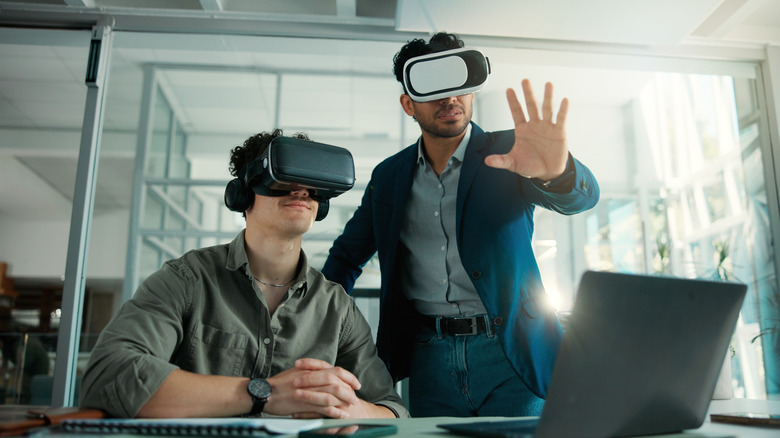
If you want to keep a newer VR headset fully dedicated to gaming and other uses in which you can maximize its hardware, you can free it up by using an older headset to do the more productivity-focused chores on your to-do list. VR can be particularly useful when it comes to collaboration with colleagues, as apps are available that allow you to create virtual workspaces. Apps like Immersed and vSpatial are good for such scenarios, and Meta offers a free VR collaboration tool for Quest users called Meta Horizon Workrooms.
But if this is more than you have in mind for your work day, you can also set up an old VR headset to work as an extension of your laptop or desktop PC. Using an older VR headset in such a way might align better with its hardware capabilities, as work done in spreadsheets, word processors, and other simple apps lends itself well to older hardware. This setup requires installing virtual desktop software on your laptop or desktop PC and configuring the VR headset as an external display. Once configured, you can work with multiple virtual screens arranged however you prefer.
Virtual hangouts
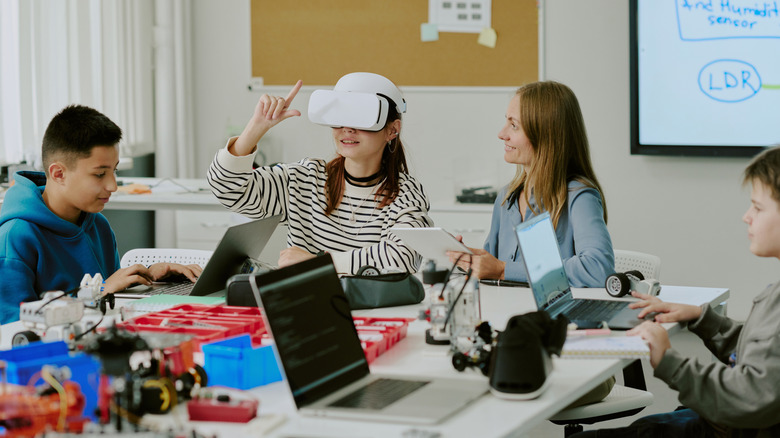
The virtual world is a great place to meet up with friends and family, and dedicating your old VR headset to social hangouts is a great way to put it to use. Virtual hangout apps let you interact with people in a number of different ways, including playing mini-games and even watching movies together. Apps like Rec Room and VRChat have entire communities based around social interaction, and through the Meta VR platform, you can find friends to hang out with in virtual fishing worlds, virtual kitchens, and even virtual comedy clubs.
Apps like these aren't going to stress the hardware of a VR headset, so you can install them on an older model without having to worry about performance. Dedicating an older VR headset to your virtual social world will free a newer headset up for more intense use, while at the same time allowing you to compartmentalize your social interactions. Gaming can be done in its own dedicated space, and when it comes time to interact without the intensity of competition, you can simply change VR headsets and settle into a real-world space that's a little more relaxing while you chat.
Meditation
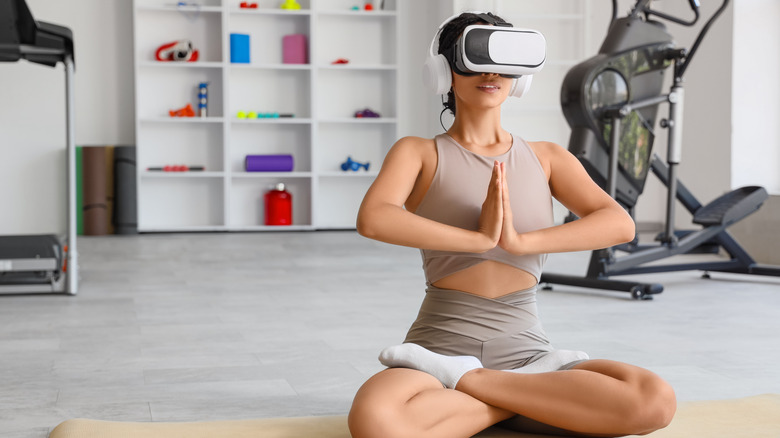
One more part of your life you may want to compartmentalize is your inner world. VR meditation apps create immersive environments designed specifically for breathing exercises, relaxation, and getting to know yourself in a deeper way. Apps like Innerworld, Tripp, and Guided Meditation VR offer everything from short, guided meditations to full-on virtual environments that are designed to be more conducive to finding your inner peace than the outer world often allows for. Dedicating your old VR headset to such a space is a good way to keep your meditation practice separate from everything else you do in your virtual worlds.
Older VR headsets can also be put to good use with meditation and relaxation apps because they don't require state-of-the-art hardware, nor do they lend themselves to the more social aspects of the virtual reality world. In the same way you can compartmentalize your meditation practice in the real world by keeping the headset in a dedicated space, you can compartmentalize the virtual experience by removing all apps from the device except the ones you use to meditate with. The result is a device meant to serve only one purpose, making it easier to stay committed to regular meditation without the noise of other virtual activities interrupting.