

5 Tips And Cheap Upgrades That Can Instantly Improve Your TV's Sound
We may receive a commission on purchases made from links.
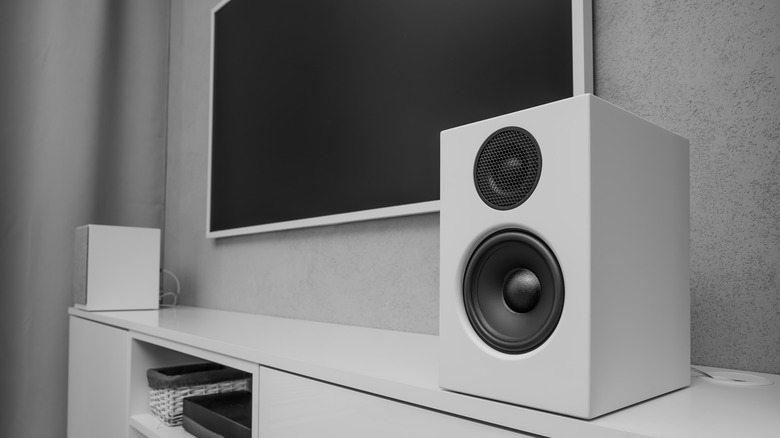
As flat-screen TVs have gotten thinner, these devices now have less and less space for speakers and drivers. This means that sound can sometimes feel like an afterthought for an otherwise stunning display. So if you want to do better for your big OLED investment, you simply can't ignore its audio quality.
The truth is that there are a lot of factors that come into play for the sound of your TV. Sure, the speakers that are already built into the screen are a big component, but there's more you can do to improve. The first obvious choice is to consider getting a soundbar that can replace your TV's audio. If you've decided you don't like the idea of buying new speaker devices, there are some upgrades you can make to the acoustic qualities of your space. Moreover, you may just find a few hidden software features in your TV's menu.
Go for a soundbar
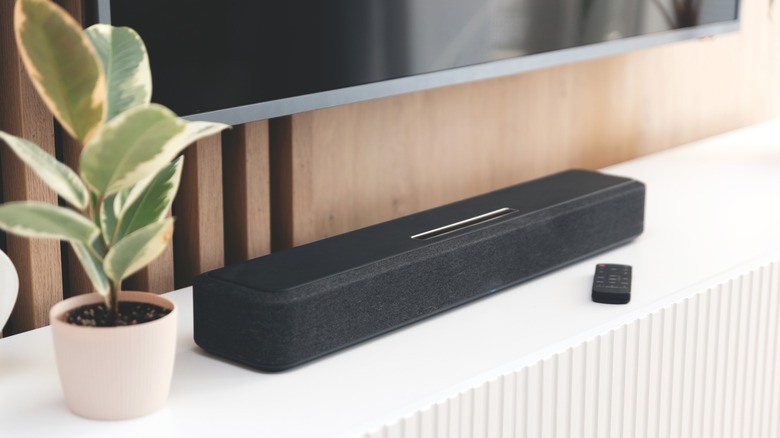
Because TVs have become sleek, modern centerpieces for our living spaces (many even attempting to look like actual artwork), you may balk at the idea of adding yet another device to your setup. Soundbars, however, are really easy ways to make the audio experience of your TV noticeably better without taking up a ton of space.
As we noted in our review of the Sonos Beam, there's actually a lot of fullness and oomph that can be had in a small, sleek device. Soundbars usually employ a series of speakers laid out in a flat line that will sit nice and low on a TV stand — allowing for clearance to the bottom of your TV, whether it's mounted or sitting on its feet. These multiple speakers are typically much larger than the ones that come built into your TV, allowing for more bass and loudness.
Many soundbars also leverage clever audio processing features that can mold and optimize the mix, depending on the type of media you're consuming. It is, admittedly, an added expenditure, and not everyone wants a dedicated audio device meant only for your TV. But it is an all-in-one solution that'll instantly improve your TV's audio.
Consider using a full sound system
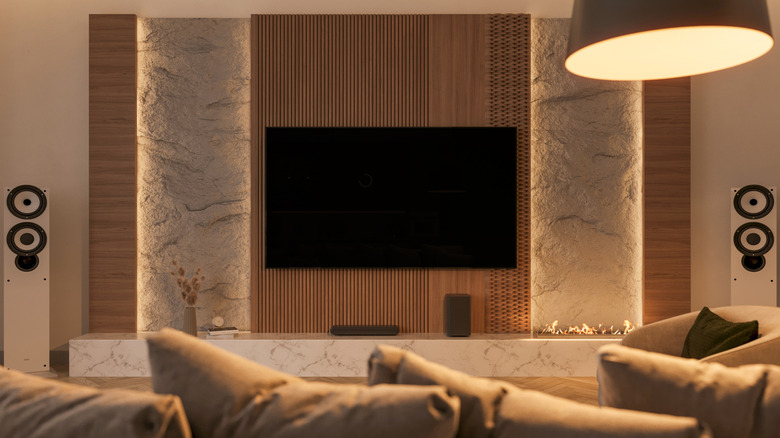
If you are someone who doesn't like the idea of buying your TV its very own speaker, but you want the richness that only external audio devices can provide, then you could consider a multi-functional home theater setup. This isn't going to be the cheapest or most turnkey way to bring solid audio to your space, but stay with us here.
For starters, many people already have a pair of bookshelf or powered stereo speakers for use in a listening space or with audio devices. Many of these speakers (or the receivers/amps they use to produce sound) feature some TV-oriented features that mean they can serve double-duty as an entertainment speaker as well.
While it's easy to sink a lot of money into this category, you can also turn to thrift stores for your entertainment finds to keep costs down. If you opt for a receiver, you could even add a couple of cheap rear speakers and a center channel to grow into a fully surround-sound-oriented system. This means your setup will sound great, become extra immersive, and you can even grow it into a larger system as time goes on.
Make some updates to your physical space
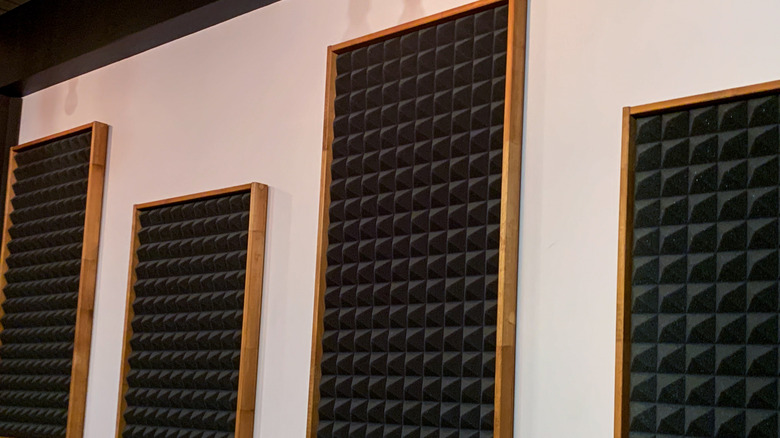
Something that's often overlooked in how speakers or an entertainment system sounds is the physical space in which it sits. Because audio consists of sound waves and vibrations in the air, how that sound bounces around a room has a big impact on the overall sound.
While a TV's speakers aren't typically that powerful, the sound from your TV itself is still impacted by what's in your room and where it sits in the space. For starters, if you have hardwood floors and very little furniture, you'll hear a lot of echoes around the room, which can lead to distracting artifacts and even muddiness. Consider adding a rug, ensuring there's a full array of furniture and pillows.
You could even consider investing in foam acoustic panels. While these can be pricey, you could opt to find them secondhand or use more affordable versions from Amazon. This will help to further dampen the space. It's also a good idea to consider where your TV is positioned. Try putting it on different sides of the room and moving your main viewing furniture around to see where the TV sounds the best to your ears.
Dig into your TV or streaming device's sound settings
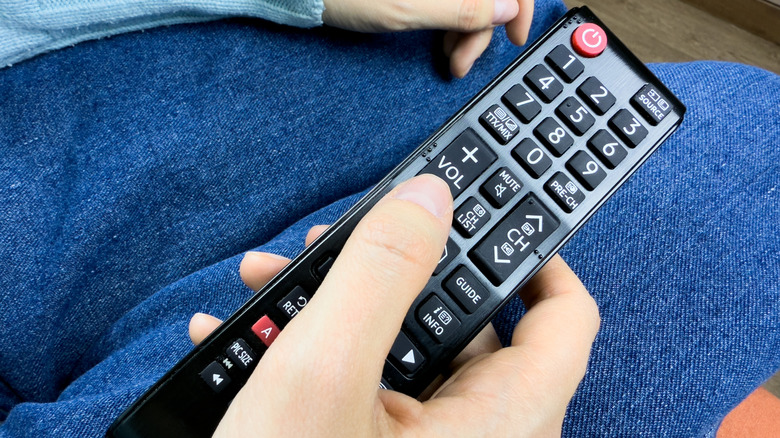
You can make many subtle updates to your TV's audio without having to shell out for a whole new device. If you're trying to get good audio out of the TV itself, or even if you're just not loving how your soundbar is sounding, consider digging into your TV's sound processing settings or presets.
Accessing these settings is different depending on the TV and operating system you've got, but we'll cover an example from LG for illustration purposes. Head to the settings menu and find the sound section. Here, you'll find options for how the TV processes and receives sound. For our purposes, we recommend experimenting with the preset modes (including things like standard, cinema, clear, and sports). Clear voice is a particularly interesting option if you're having trouble hearing dialog or conversation in your TV or movies.
Many TVs also offer some more advanced settings that turn on things like "adaptive sound control," or, in LG's case, even adding in AI-optimized sound as an option. These settings may or may not do much to your ears, but we recommend experimenting and seeing what you like best, for your specific media usage.
Make sure you're using the right cable and port
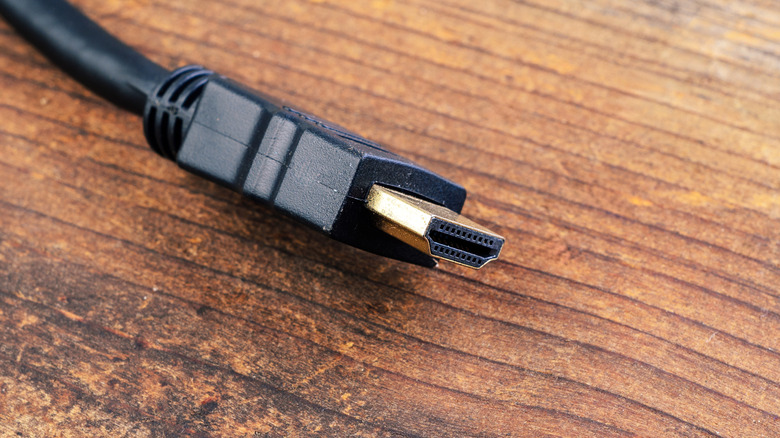
The last aspect of audio for your TV setup actually has to do with the cable and connection point you're using for external audio. Many soundbars use something called ARC/eARC technology, which carries sound via the HDMI port on your TV. eARC can offer 192 kilohertz, 24-bit audio through that cable, which provides more than enough data for rich, immersive sound.
The optical port on the back of your TV offers a resolution of up to 96 kilohertz 24-bit. For most listeners, this is more than enough, but it is important to note that limitation. Optical cables are great if you want the TV to easily hand off the audio to your speaker itself, but you won't have any of the audio shutoff or turn-on capabilities offered by HDMI-CEC.
Then there's the auxiliary port to consider. This jack looks like a 3.5-millimeter headphone input, but can be connected to an external speaker to serve in a similar way to the other ports. However, this is a simple analog output. That means you won't find data transfers that can include features like Dolby, DTS, or surround options. If you have a high-end TV, this might sound okay, but many people prefer to use digital cables to give their speakers the best chance to process and deliver high-quality sound.