

What Is The Optical Audio Port On TVs Actually For?
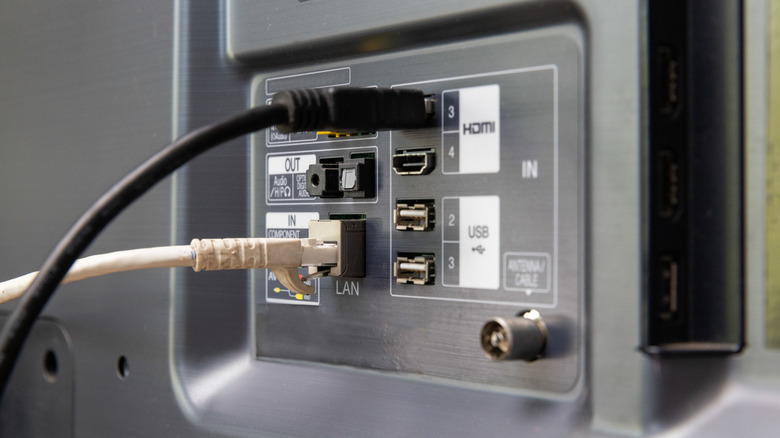
You've got a nice new TV and a slick, high-end soundbar (such as the Sonos Beam, which we recently reviewed), and you're ready to plug it in and start watching your favorite movies. You look at the back and see a variety of ports, including a little square-ish one that seems to be glowing and blinking. This is the optical port, and it is one of the standard options if you want your TV to send sound to an external speaker. But how does it work, and what applications is it best used for?
The port itself actually carries a digital signal, using fiber optic technology, like a simplified version of the fiber optic internet coming into your house. This means that it's a great port for audio itself, but also to carry extra digital features to make sure that you're getting the best, most polished sound out of your TV. It's also great if you want a simple plug-and-play way to use surround sound receivers, and more.
How the optical port carries audio for your TV setup
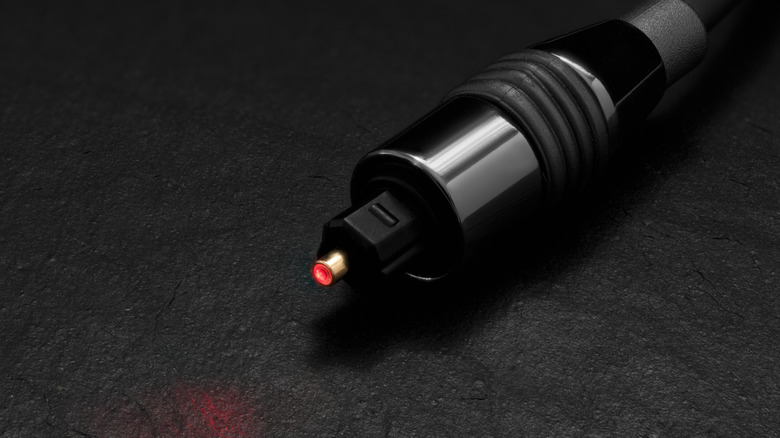
The optical cable (also known as TOSLINK, originally supported by Toshiba) is a digital cable that is capable of carrying several audio channels at decently high resolution to your setup. This means that it can carry the audio, but also any processing or routing information for that audio with a single port.
This is particularly interesting if you have a surround sound receiver, which takes in digital audio data and interprets that data to know which speakers to send the audio to. Your TV, then, doesn't have to do a whole lot of routing or processing on its end, and it can lead to a really nice all-in-one solution. When you compare this to the analog auxiliary port, you'll notice that the port only really carries what your TV can already process — and the audio won't come with extra processing or routing. For many users, having the data to support multiple audio setups and processing options, such as Dolby or surround sound, is important to ensure they're getting the most out of their TV. The optical port also allows you to connect to wireless speakers, which we've already covered as a reliable audiophile option.
When to use the optical port vs. a different one
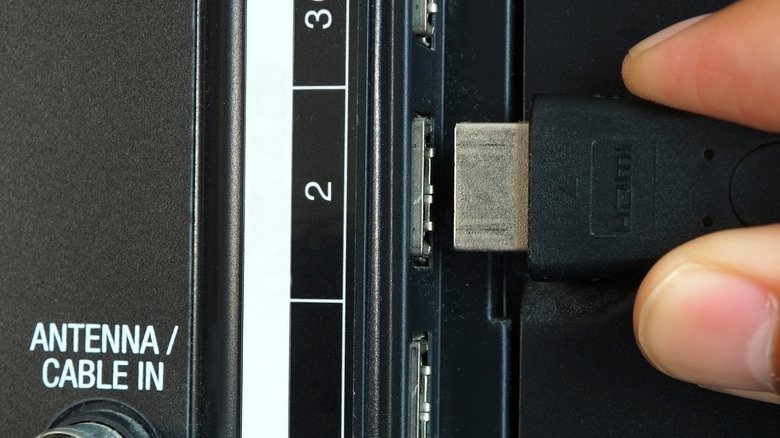
In today's world of connected devices and universal control, you may wonder if using the optical port — a comparably older technology — is even the right choice. It is true that HDMI offers similar digital support, and offers device control through eARC and CEC technology (check out a recent primer we wrote comparing HDMI and optical). So you could get comparable performance out of this cable. In essence, if you want your TV's extra control features unlocked (such as using your TV remote to turn soundbars on and off or adjust volume), HDMI ARC technology can be a more seamless way to do this.
However, many audio devices, even just a few years old, don't support full ARC/eARC functionality. If you use an HDMI pass-through for this, you may also be sacrificing video quality if that device doesn't support full frame rate or resolution. The optical port can simplify this for older devices and setups, ensuring that the solid stereo receiver from 10 years ago still works and still provides the format and quality you'll need for multiple entertainment applications.