

2 Ways USB 2.0 Is Actually Better Than USB 3.0
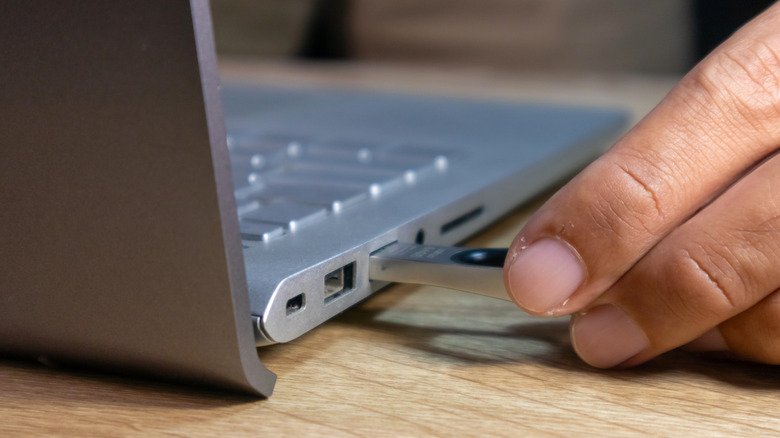
USB is the standard for transferring data between different devices. While a newer version usually means you're getting more bandwidth and improved transfer speeds, there's still value in the old USB 2.0 standard over the 3.0 version. For example, USB 2.0 devices don't suffer from interference with radio frequency, which is a common issue with USB 3.0, so they're perfect for basic peripheral use.
Still, it's important to note that for most use cases, the latest spec is superior and the recommended standard. In this article, however, you're going to see a few relatively niche but important moments where using a USB 2.0 device might do better than worse for your computer or other product you're trying to connect to. So, if you have some USB 2.0 products on hand, here's when you should be using them instead of new and shinier USB 3.0 accessories.
Keeping USB usage simple
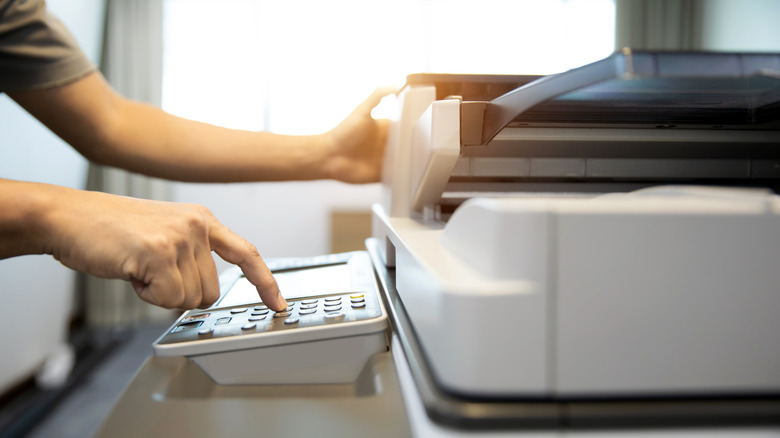
Choosing USB 2.0 over USB 3.0 makes sense when the peripheral you're connecting to requires low bandwidth and using a better cable won't make a difference. For example, printers and scanners are part of the group that won't have any problems even if you stick with the older standard.
Wireless and wired mice and keyboards also send small amounts of data at predictable intervals to your computer, and using USB 2.0 is good enough for such use cases. This means you can simply plug your peripherals into a USB 2.0 port without worrying about performance issues.
Finally, this is why you might see people complaining online about their wireless peripherals not working as expected. After all, USB 3.0 devices generate noise around the 2.4 GHz spectrum, which is the same bandwidth used by Wi-Fi, Bluetooth, and other devices. If you have short cable distances or poor shielding, your USB port might start interfering with your wireless gadgets. With a USB 2.0 product, on the other hand, it uses a much lower signaling frequency, which generates less high-frequency noise, avoiding those connectivity issues.
So, when is using USB 3.0 recommended?
Even though we listed a few ways that using USB 2.0 can bring more advantage than USB 3.0 peripherals, there's still a key reason to prefer USB 3.0. For example, the maximum speed USB 2.0 can reach is 480 Mbps, while USB 3.0 can offer up to 5 Gbps of data transfer. The newer standard is better when you approach or exceed the limits of USB 2.0, such as with external SSDs that require faster read and write speeds.
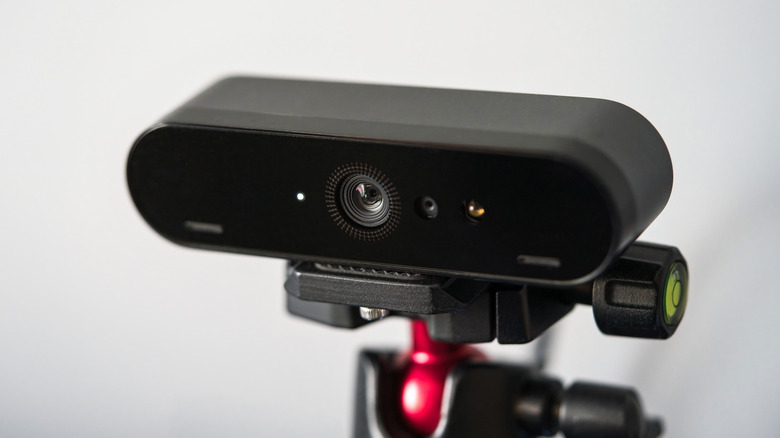
High-resolution webcams, 4K capture devices, and high-speed audio interfaces are also part of the peripherals that require more bandwidth, and using the right USB port can make a huge difference. This way, it all depends on what you have at home or at the office, and what your needs are.
For those everyday devices like mice, keyboards, and printers, USB 2.0 options can still work great, but if transfer speeds and improved bandwidth are priorities, you should have devices that can take advantage of the latest specs. Just make sure all your devices are talking the same language, meaning your computer, cable, and peripheral should all support the same high-speed standard. Otherwise, your transfer speeds will be capped by the slowest link – such as a USB 2.0 cable in a USB 3.0 port – and you won't fully benefit from the latest USB features.