

How To Deep Clean Your Steam Deck The Right Way

We may receive a commission on purchases made from links.
A clean life is a happy life, which is something very apparent in the world of technology. Keeping your devices clean will help extend their lives and allow you to get the most out of them, especially with how expensive new technology can be. And considering we are living right in the middle of a memory and storage shortage that's even impacting items you use every day, keeping your devices clean and running longer is more important than ever before.
You might think that simply wiping your Steam Deck's screen with the sleeve of your hoodie is enough to get you by, but you might actually be doing more harm than good. In fact, you might actually be cleaning your Steam Deck improperly and reducing its overall life if you are using some common cleaning products that you have lying around the house.
It's essential to set up a basic cleaning regime to keep your Steam Deck up and running at its full potential. Things such as shell and screen maintenance, button and input testing, and port inspection should be done regularly. And at all costs, avoid using any aggressive liquid cleaner or compressed air, both of which can lead to damage to the external and internal components.
Good Steam Deck cleaning practices
The screen is the most important part of the Steam Deck, and its care should take precedence as replacing it can be a costly affair. Avoid using any type of liquid cleaner, as even something as common as isopropyl alcohol can lead to screen damage. This also includes any cleaning wipes that include alcohol or ammonia, as those substances are considered aggressive and can dissolve the various coatings on a screen.
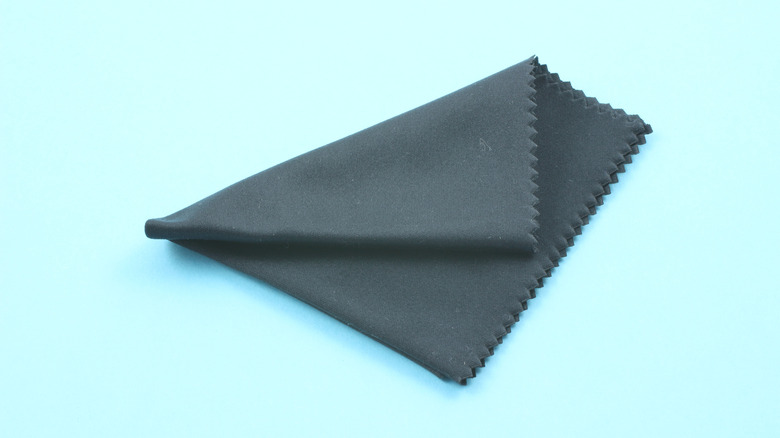
Your best bet is to use a microfiber cloth, such as these Japanese microfiber lens cloths from Koala, to gently wipe your Steam Deck screen. If your screen does need more attention, a gentle spray cleaner like the Sparkle Flat Screen & Monitor Cleaner is a good choice for stubborn grime. Just be sure to spray the cloth and not the unit itself. Both of those items also work great on the shell of your Steam Deck.
For more deep cleaning of ports, buttons, and grooves, a cleaning kit such as the iFixit Precision Cleaning Kit or a basic 10-in-1 cleaning kit is your best bet. These often include a number of thin spudgers that can reach into thin grooves to remove dirt and grime buildup, several micro brushes for hard-to-reach areas and ports, and often a special contact solution to protect or clean tarnished or corroded contacts.
Building good cleaning habits will save you headaches later

Depending on how often you use your Steam Deck, a regular weekly cleaning schedule should become part of your routine. You should be wiping down and dusting your device weekly to keep it pristine and to help avoid the buildup of dust inside the unit. Keeping your Steam Deck in a clean area is also important, as various bugs love to find their way inside electronics, especially game consoles, because of the warmth they generate.
A more in-depth cleaning of ports and buttons with various brushes and picks can be left to a monthly schedule, but if you have kids, you may need to increase this, as they have a habit of having dirty fingers even during the best of times. And if you are on a budget, you don't need to invest in expensive cleaning products.
Your local Dollar Tree or similar retailer carries various microfiber clothes, different-sized makeup brushes that dust incredibly well, and packs of floss picks that are great for cleaning those grooves where grime builds up. And with the Steam Deck now constantly out of stock and Valve possibly delaying their upcoming Steam Machines, making your device last is more important than ever.