

5 Apple CarPlay Features Nobody Actually Uses
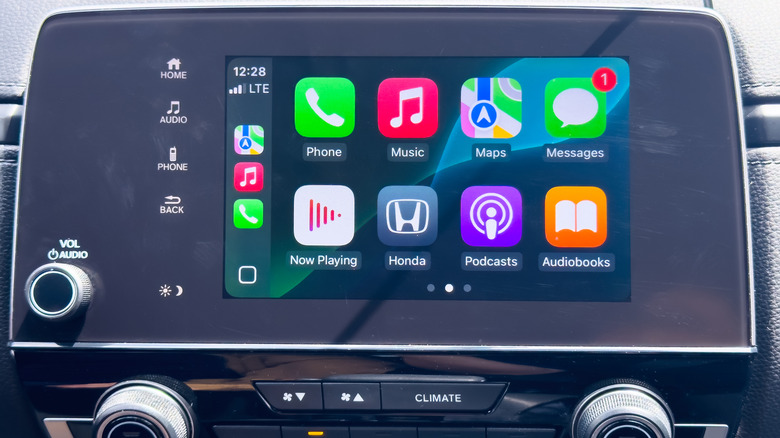
Introduced in March 2014, Apple CarPlay has come a long way over the years. From a minimalistic, toned down interface, it has evolved into a feature-rich setup that lets you access your iPhone in a car, whether it's for navigation, playing music, making calls, or sending messages, among other things.
While Apple regularly adds new features and functionalities to CarPlay, not all of them get the same attention or prove as useful. It's not necessarily because the features aren't user-centric, but it's often due to the availability of better, more streamlined alternatives.
We have made a list of the top five least useful Apple CarPlay features based on user complaints and my own experience. I have been driving a Honda WRV for the past five years, and I have rarely relied on these, generally for the same reason as everyone else.
Change the wallpaper
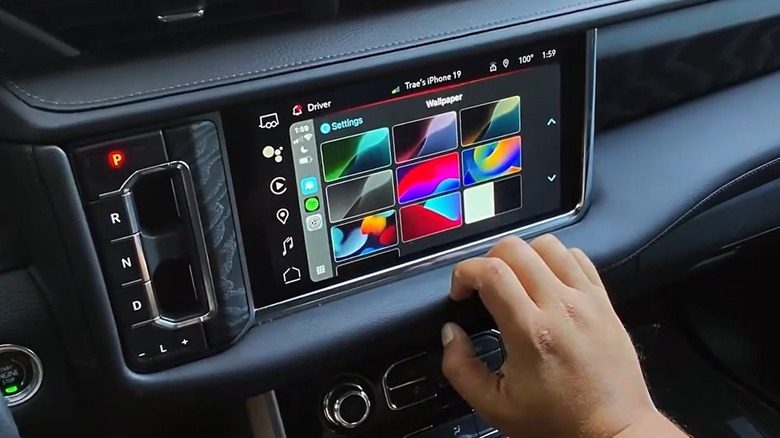
Apple CarPlay lets you change the display wallpaper, but it's something most of us rarely do. The default option works fine, and besides, changing the wallpaper doesn't improve the core functionality of CarPlay. It's still going to work the same way, even with a customized, fancier wallpaper. It won't enhance navigation or audio playback, factors that really matter to most CarPlay users. While driving, the focus tends to be on more important things like the speedometer, turns, traffic, and incoming notifications, not how the display looks.
Let's not forget, Apple CarPlay still doesn't let you set custom wallpapers, and the preloaded options are limited. So, even if you want to go with one that complements the interiors of your car, it's unlikely to be there. Wallpapers on CarPlay serve a purpose, which is to fill a checklist, and not much more. You don't get the same level of customization as an iPhone or iPad. As a result, not a lot of people use it.
SharePlay
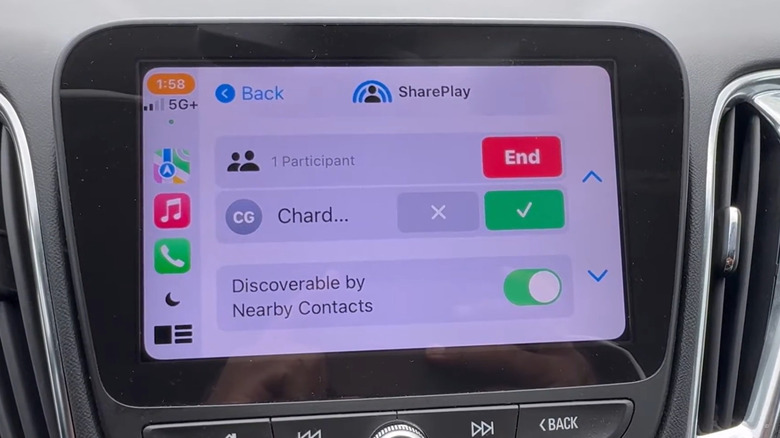
SharePlay is a feature designed to let other passengers control the music. In a perfect world, it would have made a great addition, but the reality is very different. Multiple people managing a simple task is a recipe for chaos. Imagine your friends adding songs to the queue that simply kill the vibe (or worse, they add 10 of these songs.) Let's not forget, everyone has a different taste in music, and it's ideally the driver's choice that triumphs. Letting everyone handle it just complicates things.
Besides, SharePlay requirements can be a real hassle for a few. While almost every iPhone user is now on iOS 17 or higher, they don't necessarily use the Music app and may go with Spotify. Besides, the driver or the one who initiates the SharePlay session must have an Apple Music subscription, which they may not have. Due to these reasons, SharePlay hasn't been as big a success as Apple would have hoped and is rarely activated by CarPlay users.
Siri
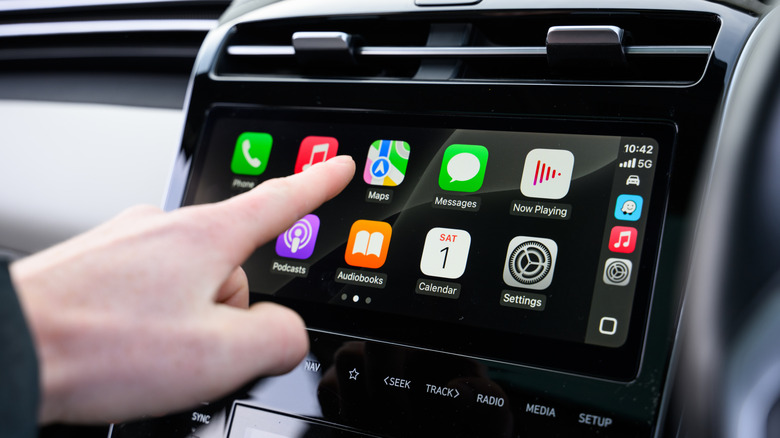
While Siri can be really handy on an iPhone, it's an entirely different story on the car. Most newer car models have dedicated controls on the steering wheel that activate Siri on CarPlay, but due to the background noise from the engine and traffic, Siri can sometimes fail to register commands or give inaccurate responses. Imagine asking Siri to call someone, but it dials the wrong person. Or maybe you want to request directions, and it ends up picking an incorrect destination. These are not just possibilities; these issues happen in everyday use to many.
Under an ideal scenario, Siri would have proven a useful resource on CarPlay while driving, but for many users, it's simply unreliable. Apple can't be blamed entirely for it, as automobile manufacturers also need to install better microphones in budget-friendly models and place them closer to the person driving the vehicle to improve audio quality. When that happens, Siri's adoption rate in Apple CarPlay may pick up. For now, Apple's assistant is best used for simpler tasks, and not for anything that requires accuracy.
Driving Focus
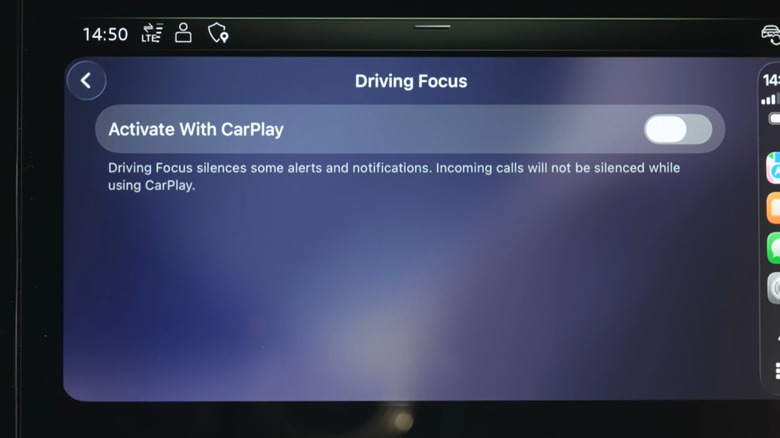
Driving Focus mode is another useful feature that just doesn't feel right on Apple CarPlay and is best used on iPhones. On CarPlay, you might end up missing important notifications, unless you customize the settings on your iPhone. Driving Focus' failure isn't because it's a bad feature, but because everyone wants a different focus setup. A one-size-fits-all solution doesn't apply here.
I used Focus once, added contacts I wanted to allow notifications from, but the feature messed it up. And since then, I haven't had the courage to try it. Besides, not every drive is the same. Sometimes, you go to the supermarket, which takes less than 10 minutes. On other occasions, you are out for longer, say an hour or two. When set to turn on automatically, Focus will activate in both instances, which shouldn't ideally be the case. And if you have to manually turn it on each time, you could just as well ignore the notifications, which just seems more convenient on shorter drives.
Share ETA with contacts
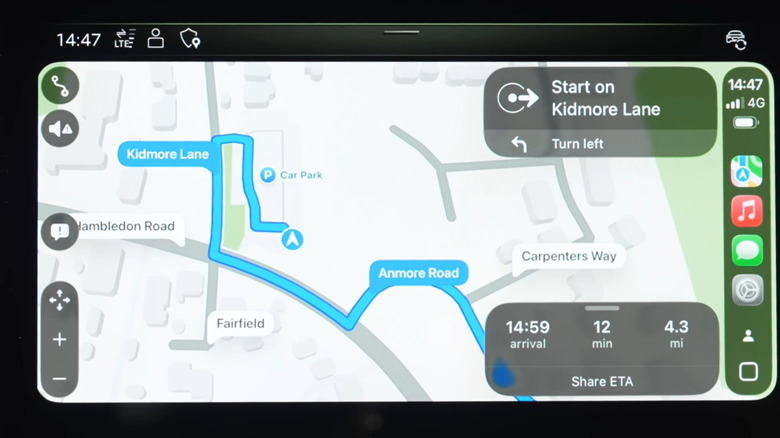
When using Apple Maps on CarPlay, you can share your ETA (estimated time of arrival) with your contact so that they know when you will reach your destination. But do we really need to? Most of the time, people prefer dropping a text saying something like "I am on my way," or "I'm arriving in 10 minutes," which work just as well. They may not be as accurate, but that's how our mind operates: opting for simpler alternatives and not giving out too much information.
Other than that, this level of information is mostly useful when talking to someone close to you, like when you are out to meet a family member or longtime friend. But some people already share their location with close contacts, rendering the entire idea of sharing ETA moot. Again, in theory, it's not a bad feature, but it just doesn't feel natural and can even be a little too invasive for some. That's another reason many CarPlay users like me still don't share their ETA.