

What Makes The Apple Pencil So Expensive?
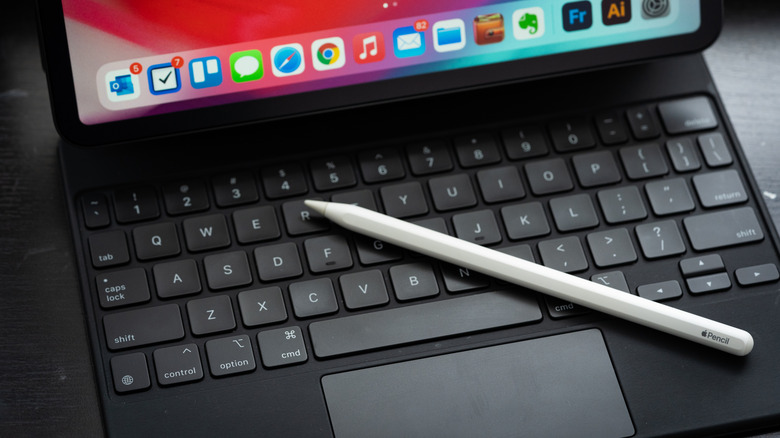
Many tablets and even smartphones work with a stylus. It might be a proprietary one that comes in the box or something that you buy separately, and that's before you get into third-party options. You can find third-party styluses for really cheap, starting at as little as under $10 for a pack of 10. That probably makes you wonder why the Apple Pencil is so expensive by comparison. Isn't it just a stylus like the rest of them?
It is, but it's also far more advanced. While Apple products always tend to come at a premium, there are specific reasons why the Apple Pencil, which only works with compatible Apple iPads, costs so much more than a basic passive or capacitive stylus pen, and even more than other premium active ones. From the precision of the tip to the responsiveness on screen, quality of the build, and seamless pairing with your Apple device, the Apple Pencil, no matter if it's the first-gen or second-gen model, USB-C version, or the Pencil Pro, justifies its price.
Advanced features for Apple devices
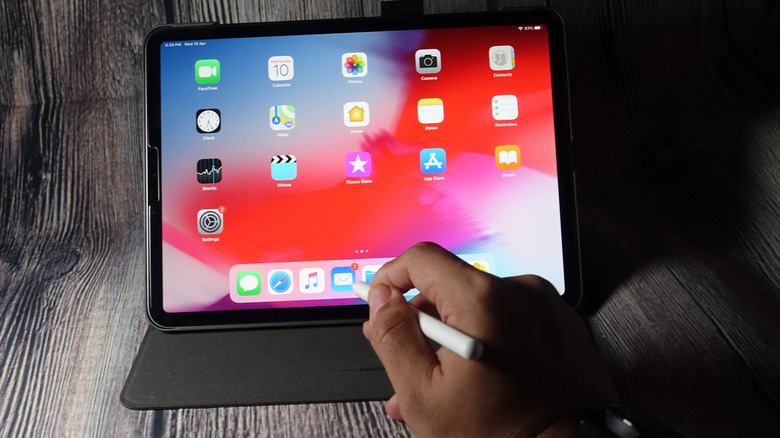
The top-of-the-line model is the Apple Pencil Pro, and it has advanced features that go beyond just touching the tip to the screen to scroll, sketch, and select. It responds to varying levels of pressure, recognizing the difference between a light touch and a deep press. You can squeeze to bring up a color palette, barrel roll to rotate for different brush tools and pen shapes, and enjoy haptic feedback to confirm actions for an intuitive experience. With a hover gesture, you can preview where the screen will register a touch. The Pencil has multiple tools, too, which you can activate with a double tap. Of course, it also works with the Find My app, so if you misplace the Pencil or accidentally leave it behind somewhere, you can locate it using the Find My network. Plus, if you have a compatible iPad, it clips magnetically to the side of the tablet for both storage and charging.
Even the other Apple Pencil models have advancements beyond a basic stylus. The Apple Pencil USB-C, for example, offers low latency and tilt sensitivity so you get a real pen-on-paper feel while taking notes or sketching. It has the same hover to preview feature and also magnetically attaches to the side of a compatible iPad.
How the Apple Pencil compares to other styluses
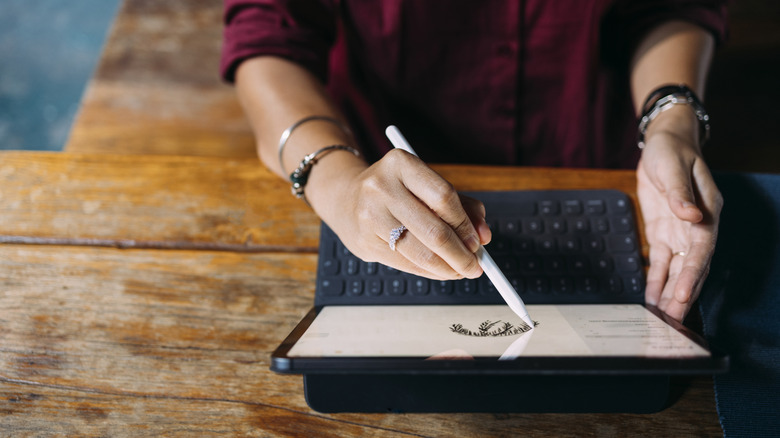
There are different types of styluses that fall into two main categories: passive or active. It's important to understand how they work, which in turn explains the cost difference. A passive or simple capacitive stylus doesn't have touch sensitivity — it's just a digital pen that uses an electrical charge to the screen the same way your finger does. It's a simple and affordable alternative to using your finger, ideal for manipulating smaller screens with large fingers or simply for better precision. An active stylus like the Apple Pencil, by comparison, has electronic components inside that afford it features like pressure sensitivity, internal memory, and palm rejection whereby your palm resting on the screen doesn't trigger it. You get a much more precise experience with active styluses, which is why they cost more.
Technically, you can connect a third-party capacitive stylus to an iPad, including affordable ones like the AMZ Fire Tablet Stylus Pen. But you won't get the same seamless experience, precision, nor responsiveness. There are higher-end third-party active styluses like the Logitech Crayon that works with the iPad, some of which have advanced features like pressure sensitivity, palm rejection, built-in erasers, and more. But you won't get the same conveniences as with an Apple Pencil, like wireless charging, nor advanced features like double tap, squeeze, barrel roll, and haptic feedback. Because of this, you might find that the intuitive pairing and additional features of an Apple Pencil make it worth the extra few bucks.