

Face ID Vs. Fingerprint: Which Is Better For Your Phone Security?

Phone security has evolved well past requiring PIN numbers and passcodes to unlock them. These days, phones have biometrics, a form of identification that uses a person's unique traits to grant them access to the device. Two common forms of biometrics used in smartphones are Face ID (also known as facial recognition) and fingerprint scanning.
No two faces or fingerprints are exactly alike, making them highly secure ways of preventing unwanted access to your phone. When it comes to Face ID vs. fingerprint for phone security, it can be hard to pick between the two. Since both have unique strengths and weaknesses, the better choice depends on several factors.
But ultimately Face ID is more secure. However, it's best to ensure the phone uses 3D Face ID technology like you'll find on the value-packed Apple iPhone 17 or Huawei Mate 80 Pro. Android phones, like the Samsung Galaxy S26 Ultra, with all its cool features, use 2D facial recognition. This is less secure because it relies on flat image patterns instead of depth, which can be tricked by a photo. Still, fingerprints may be preferred if reliability and privacy are your biggest security concerns.
Face ID has stronger security than fingerprints
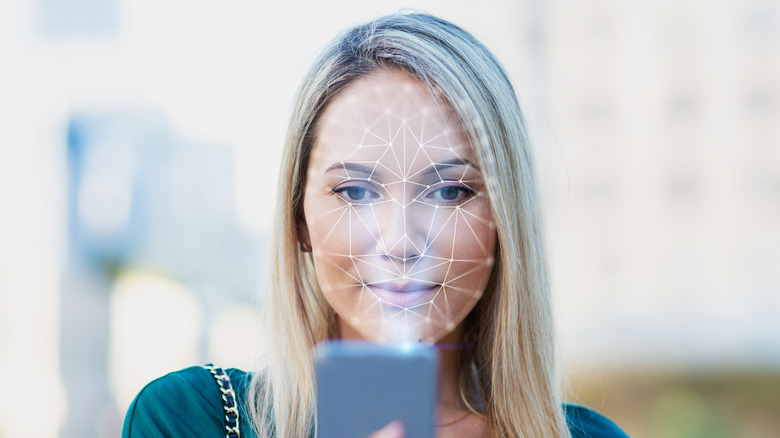
Security is the biggest reason to choose facial recognition over fingerprints for unlocking your phone. Basically, a device with this biometric feature maps your face by projecting thousands of invisible dots onto it, and then analyzing them to create a detailed 3D map. It's extremely hard to trick with a flat visual of yourself (photo or video) or a realistic mask.
For instance, the TrueDepth camera on the iPhone will reject these tricks when it fails to identify the contours of a human face. Fingerprint scanners, on the other hand, can be fooled with sophisticated spoofs. It's worth noting that Face Unlock on Google Pixel 8 and newer phones use AI and machine learning to achieve similar results as 3D facial scanning. The system is so trusted that secure apps, like payment vaults, accept it, and it is rated as Class 3 Android biometric security (the highest level).
Unfortunately, the lack of dedicated facial recognition hardware means it doesn't work as well in varied light conditions. Facial recognition offers convenience because it's hands-free — just look at your phone. And with the iPhone's flood illuminator and infrared dot projector tech, your face is visible and scannable, even in the dark.
When to choose fingerprint scanning over Face ID
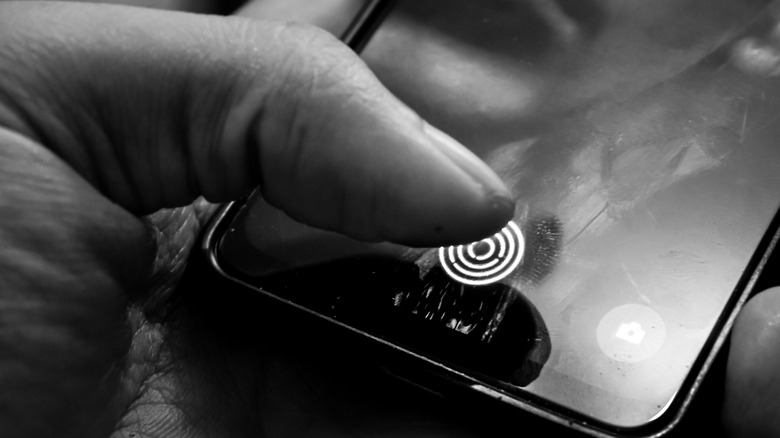
While fingerprints aren't as secure or convenient as Face ID — which can be used to lock iPhone apps — they are more reliable, especially in lighting conditions where facial recognition might struggle. If you frequently use your phone in low-light situations and don't mind giving up the convenience of Face ID, fingerprint scanning is a good option. Also, fingerprints aren't affected by facial expressions, sunglasses, masks, and angles, arguably making them easier to use than Face ID.
Fingerprints also win on the privacy front because they're unique to you. Although the risk is small and only applies to certain users, siblings with similar facial structures and identical twins can trick Face ID into unlocking your phone. If you're genuinely worried about your twin breaking into your phone, using facial recognition could lead to an invasion of privacy. Also, if you're looking to discreetly unlock your phone, a fingerprint scanner would be less noticeable than using Face ID.