

4 Affordable VR Headsets You Should Try Instead Of The Steam Frame
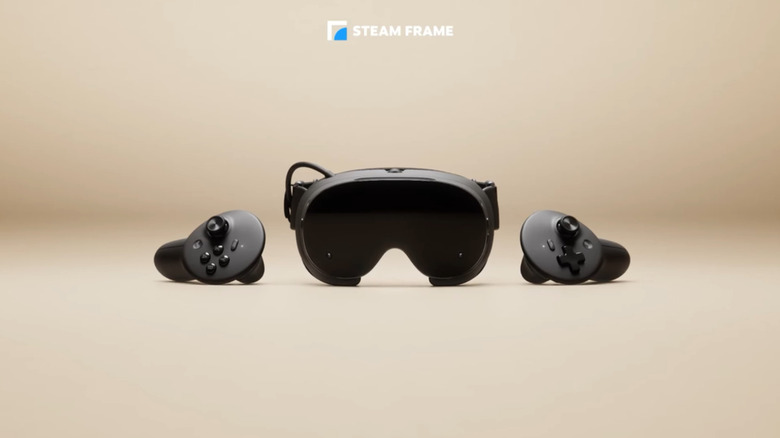
Valve's new Steam Frame has a lot going for it. Not only is it wireless, but it can play both VR and non-VR games. It also supports fully standalone play. Unfortunately, all those benefits come at a steep asking price. The 256 GB Steam Frame starts at $1,059, and those wanting to upgrade to the 1TB model will need to shell out up to $1,299.
That might be easier to swallow if you're already heavily invested in Steam and want everything Valve's offering. But if you're mostly interested in playing VR games or extending your desktop with virtual monitors, you don't necessarily need to spend more than $1,000 to make that happen. That's because over the years, we've seen several cheaper VR headsets hit the market. All these can handle those jobs, and some cost almost a third of what Valve is charging for the base Steam Frame. Going with another headset doesn't necessarily mean giving up wireless VR, either, as many of these cheaper options do offer similar functionality.
Of course, going with something cheaper does usually mean giving something up, and that's the case with some of these options. When trying to select alternatives to the Steam Frame, we focused on those that were not only affordable, but didn't sacrifice all the functionality you might want from Valve's offering. And while some are more designed specifically for gaming and media experiences, others are better for working in VR. Of course, none of these are going to give you the exact same experience as the Steam Frame. Depending on what you actually want out of VR, you probably don't need them to, especially if it saves you some money.
Meta Quest 3S
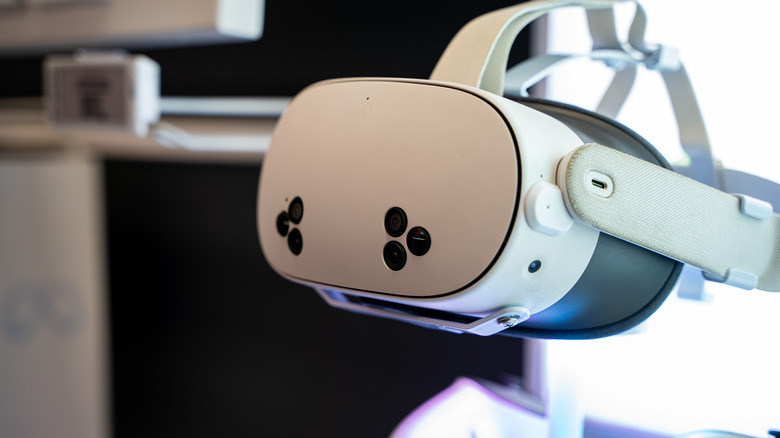
If price is the biggest thing keeping you from buying the Steam Frame, then the Meta Quest 3S is one of the best alternatives available. The 128GB model currently starts at $349.99, roughly a fourth of what it would cost you to pick up Valve's headset. The best part is, it still gives you a completely wireless and standalone VR experience, can run games directly from Meta's library, and can even be connected to a Windows PC for PC VR using Meta Link.
If you want a nice mixture of gaming and productivity, then the Quest 3S is a good option, especially since it supports turning your Windows 11 PC into a multiple-monitor virtual workspace. Of course, like any cheaper product in the VR space, there are compromises.
Most notably, the Quest 3S sports a lower-resolution display than the more expensive options out there. It also has a narrower field of view, which might make it less appealing to users who plan to spend a ton of time in VR. However, for just $349.99, the headset is more than capable of playing some games and letting you work in a virtual space.
Meta Quest 3
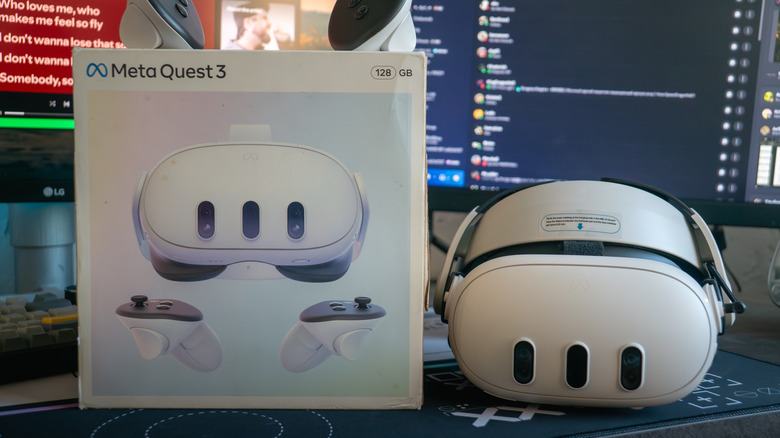
If you like the idea of the Quest 3S, but want something better, then the Meta Quest 3 is a solid alternative to look at. It costs a couple hundred bucks more than the Quest 3S, with the cheapest option starting at around $599.99.
However, it'll be the better buy if you're serious about using your VR headset for productivity beyond just gaming. It sports the same Snapdragon XR2 Gen 2 platform as the Quest 3S, but has a higher resolution of 2064 x 2208 per eye and offers a wider field of view compared to the 3S. It's still not quite as high resolution as the Steam Frame, sure, but it should provide more than enough clarity for heavy text usage. It also works with Microsoft's Windows Mixed Reality Link for multiple virtual monitors.
You aren't sacrificing the gaming side to get those improvements, either. The Meta Quest 3 can play standalone Meta Quest games or connect to a PC for titles that require PC VR support. At $599.99, it isn't exactly cheap, but you're still saving more than $450 compared to the cheapest option that Valve offers for the Steam Frame.
PICO 4 Ultra
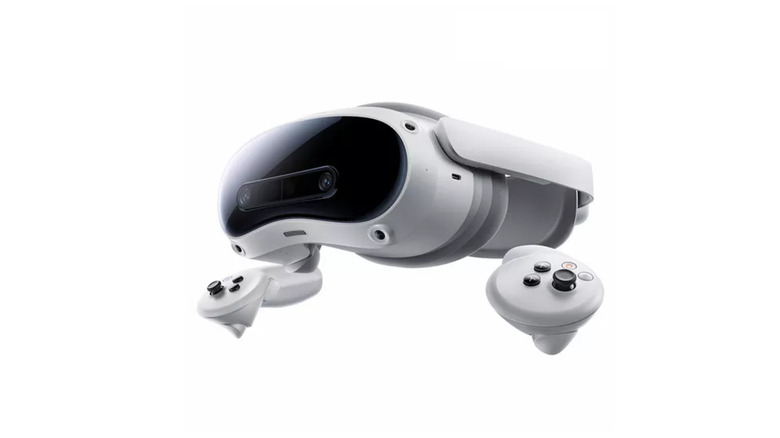
If you prefer to avoid Meta — a decision we wouldn't blame you for considering it's past data practices — then there are other companies to keep an eye on. PICO is another excellent affordable option, especially for users outside the U.S. The PICO 4 Ultra starts at around £529, which comes out to roughly $707 USD.
You might need to look outside the usual U.S. stores for this one, but it's a good option to consider if you're leaning more toward productivity features. That's because the PICO 4 Ultra fully supports Immersed, a VR screen system designed for Mac, Windows, and Linux.
Gamers can also make use of the PICO 4 Ultra thanks to PICO Connect, an app that easily lets you stream the desktop of a computer into the headset. This is a great way to take advantage of SteamVR games on Windows. As noted above, PICO isn't always an easy option to find if you're in the U.S. You'll likely need to import it. But if you can find a good deal for it online, it could be worth the extra work, especially since it features similar specs to the Steam Frame.
PlayStation VR2
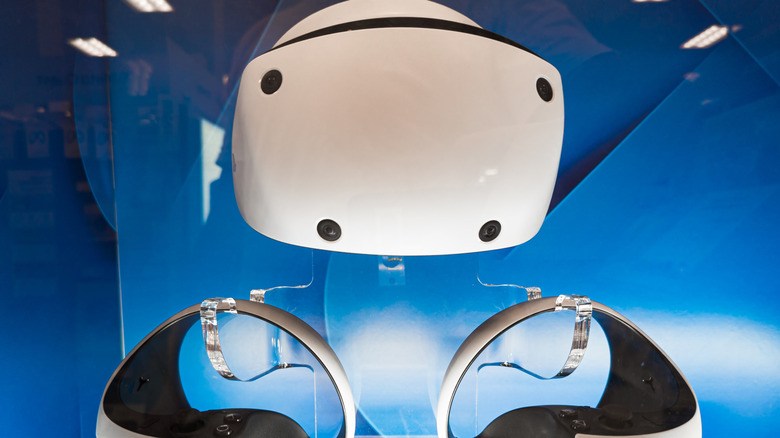
The next option on our list is a little different to the others, as it's primarily focused around gaming. The PlayStation VR2 might initially seem like a limited platform for virtual reality, however, thanks to a 2025 price drop which brought the headset to $399, as well as support for PC usage, the PS VR2 has become a solid alternative to higher-end and more expensive VR headsets.
Not only can it be connected to your PlayStation 5 and used to play games, but you can also bring it to your PC using software like Desktop+, which lets you create individual windows and desktop workspaces within the virtual environment. It's a wired headset, though, which might be a turn off for those looking to utilize the wireless access that the Steam Frame brings to the table.
However, if you mostly want a VR headset for gaming, and only plan to use VR productivity apps rarely, the PlayStation VR 2 is a great alternative to the Steam Frame, as you'll only need to shell out an extra $60 for Sony's PC adapter. The setup does require you to go through a couple steps to run it on PC. However, at nearly a third of the Steam Frame's cheapest price point, that's not a bad deal.