

The 5 Best Ways Your Apple TV Changed With tvOS 27
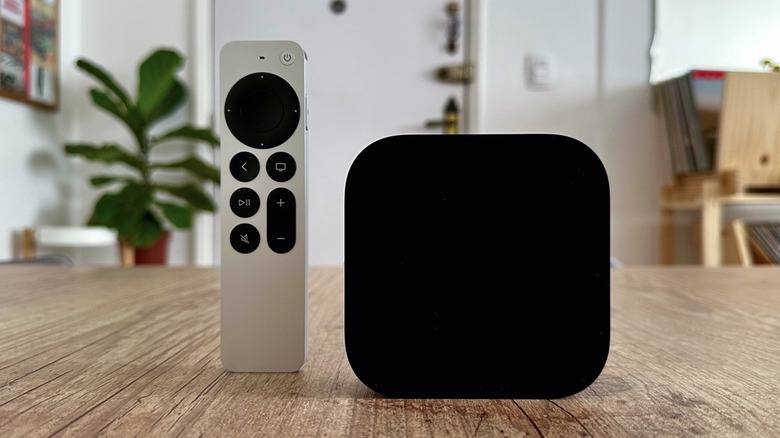
Apple released iOS 27 and other major updates for its devices in early September 2026, offering new features such as the improved Siri AI, new designs, and bug fixes. While the company offers a comprehensive page highlighting iOS 27, iPadOS 27, macOS Golden Gate, watchOS 27, and visionOS 27, there's an absence: tvOS 27. Currently available for the second and third generations of the Apple TV 4K, Apple didn't say much about what was coming to its set-top box when marketing its newest, free, software update. Now that it's released, one reason for Apple's silence may be that tvOS 27 is a lot more modest than previous software updates, especially because it lacks the new Siri AI. Still, Apple continues to refine its apps and controls, including a few Apple Music changes, and even a revamped Apple TV Remote app.
While these are some of the best ways that the Apple TV is changing with iOS 27, Apple hasn't told the full story yet. With rumors suggesting a new Apple TV box could land soon, it's possible that the next set-top box will exclusively feature even more changes such as Apple's rumored homeOS automation software.
Even though we still need to wait a little longer to discover what's coming with the Apple TV, iOS 27.2 hints at Siri AI coming to the HomePod and that users will be able to connect up to four HomePods with an Apple TV. That said, here's how you can currently enjoy your Apple set-top box.
Improved experience
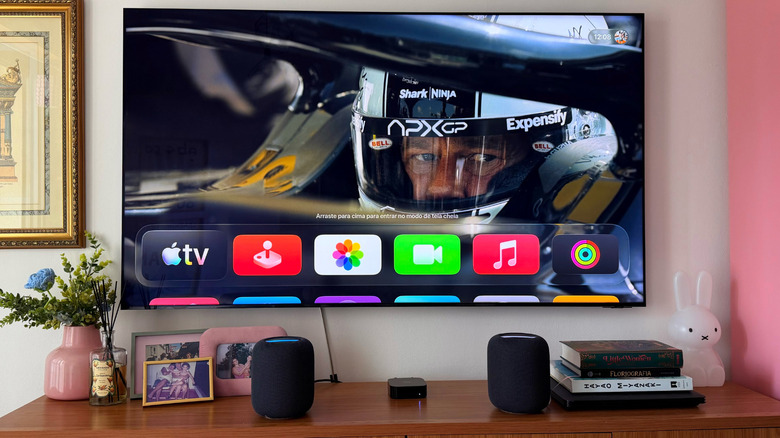
Apple's tvOS and visionOS are the most "exclusive" software available by Apple. Currently, tvOS 27 powers two Apple TVs and the current HomePod lineup, while visionOS takes care of the two Apple Vision Pro models released since 2024. Apple may launch new iPhones every year, but it doesn't aggressively update the hardware for its tvOS or visionOS devices, leaving them less capable than its flagship products. Still, current Apple TV users who update to tvOS 27 will realize that apps should be opening up to 30% faster, a key software improvement Apple touted for all its latest devices.
That speed boost extends to Control Center on tvOS 27, which should also feel faster, in addition to AirPlay connectivity. These are all everyday features we use, but that sometimes feel laggy due to slow feature rollouts and aging hardware. Another experience users should be aware of is a new broader text-size accessibility option, to make reading better on the big screen.
Apple Music changes
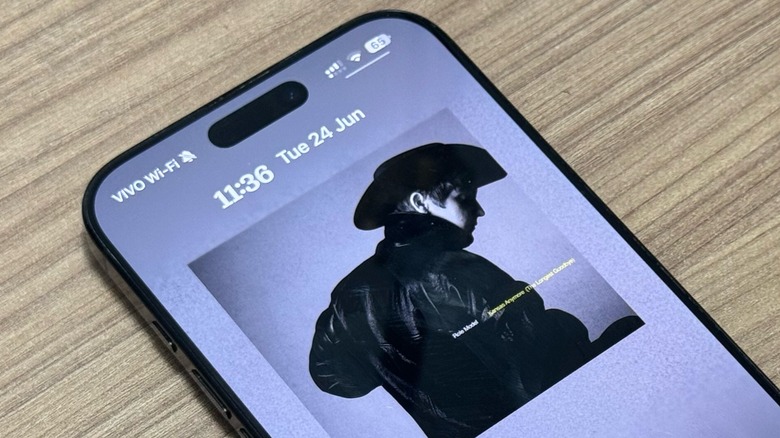
While iOS 26 brought many new features for Apple Music subscribers, the same can't be said about iOS 27. Obviously, there are a few notable changes that iPhone users can enjoy, however, they're not as packed as previous updates. Still, there are three ways Apple Music is changing for Apple TV users in tvOS 27 that can make the experience a lot more enjoyable for those subscribed to the service. One of them is that the Apple TV 4K will finally be able to play Hi-Res Lossless 24-bit/192kHz audio. Previously, Apple TV users could only take advantage of Dolby Atmos with Spatial Audio with supported TVs, or with a pair of HomePods. This feature has been available for other Apple devices since 2021, and it's nice to see that Apple is finally adding it to the set-top box.
For those holding house parties, listening to their favorite tunes while chilling, but prefer to do that on the bigger screen, tvOS 27 also includes new Crossfade and AutoMix features. With Crossfade, Apple Music can turn down the volume on one song while transitioning into the next one, so there's no awkward silence in between. However, those who want a more seamless transition can take advantage of AutoMix, which acts like a DJ, smoothly lining up the sounds and beats of songs to keep the energy going.
New ways to update the Apple TV
If you have a HomePod smart speaker, its tvOS software should update automatically. With tvOS 27, you can also trigger it with Apple's Home app. This isn't just convenience. The move follows rumors suggesting that Apple is planning a big push into home products with security cameras, an iPad/HomePod hybrid, smart locks, and even new Apple TV and HomePod models. Adding easier ways to update software could be a sign the company is preparing.
To do that, you need to ensure that both your iPhone and HomePod are running the latest software. After that, you can go to the Home app > Tap the Apple TV > Settings > Update. This will also work on your Apple TV, which did have a menu option to check for updates but wasn't as convenient to use with a remote.
The Home app will also make it easy to update multiple HomePods and Apple TVs, if you have several in your home. While we still have to wait a bit longer to see what's going to be Apple's new Home initiatives, iOS 27 seems to be hinting at some of the changes already.
Revamped Podcasts app
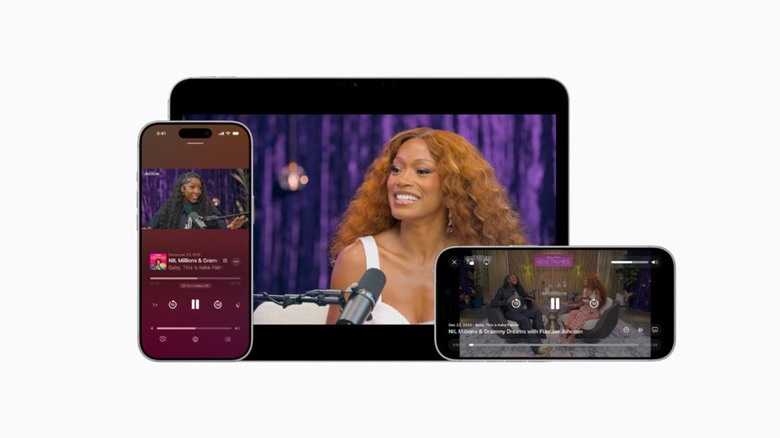
Another way the Apple TV 4K is changing with iOS 27 and tvOS 27 is through its revamped Podcasts app, which adds support for video in addition to audio. Even though this functionality arrived earlier this year for the iPhone, Apple TV users can now get this improved video podcast experience with the company's HTTP Live Streaming technology. According to Apple, this offers better video quality for viewers, while also making sure creators can monetize their work. The new Podcasts app can easily switch between watching and listening to podcasts too, offering a smooth playback experience.
Apple also says that content creators can insert video ads wherever they want, and that they can use platforms like Cast, ART19, Triton's Omny Studio, SiriusXM, AdsWizz, and Simplecast to upload their HLS videos. The new podcasts will play on the Apple TV in more than 170 countries and regions.
The update adds to other Podcasts app features, including Enhance Dialogue, changing playback speeds from 0.5x to 3x, automatically creating chapters, timed links, automatic transcript, and more. While these improvements were first made for iPhone, iPad, and Apple Vision Pro users, it's nice to see that those using the Apple TV 4K on a bigger screen will be able to enjoy new ways of experiencing their favorite podcasts.
New Apple TV Remote app
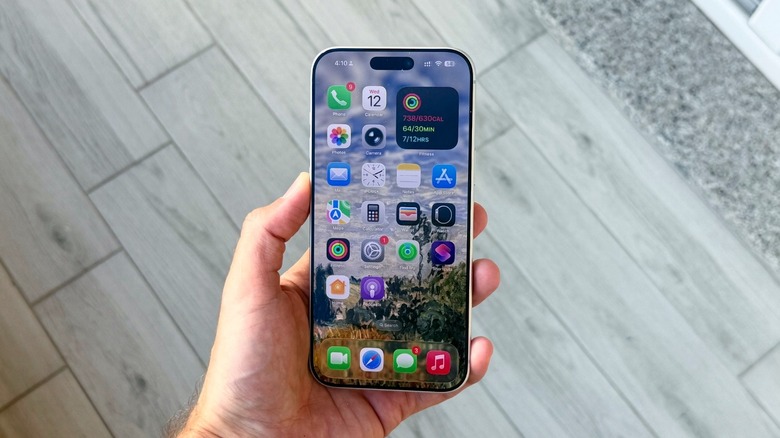
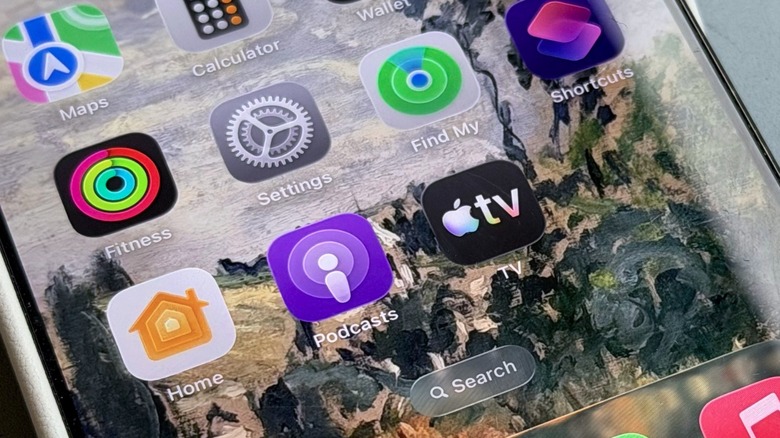
While one could say that there was nothing wrong with the previous Apple TV Remote app for iPhones and iPads, Apple released a new version of it for iOS 27. Just as before, the app makes it easy to swipe through menus, ask Siri for help to find content, and enter a password from your phone. The update also makes it easy to find the remote app, allowing users to add it to the home screen, whereas before it was only in Control Center.
Apple also says that the new Apple TV Remote is more than a remote as you can use Siri to search, control playback, or even ask questions about a show. The app also shows media information without interrupting the viewing experience by showing artists' names, and more.
The new app has also been designed with Liquid Glass in mind, so users on iOS 27 and iPadOS 27 will have a seamless experience between this and other apps.