

Siri's Access To Your Personal Data Is Greater Than Ever - Here's How To Restrict It
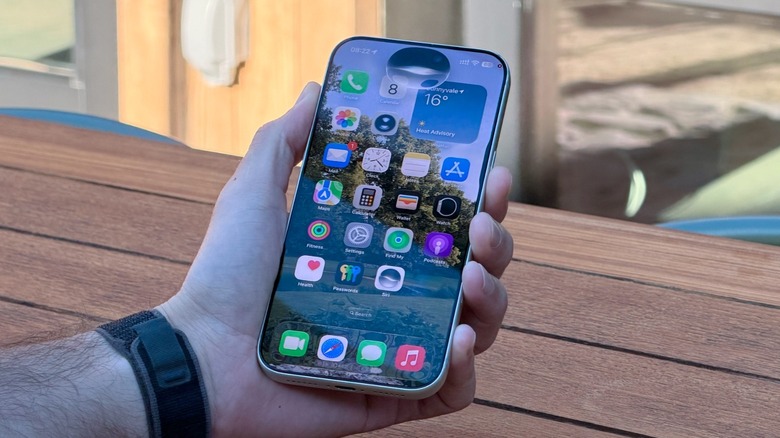
With iOS 27, Apple completely revamped Siri with an AI-powered version called Siri AI. This new personal assistant can tap into your personal data, third-party apps (if they support it), and even perform actions for you, see your display, and almost work as a true agent. Even though Apple says all your data is private, even when it uses the cloud to perform an action or search for something it couldn't know by itself, it's normal that some people feel uneasy about having a personal assistant, an AI, being able to see so much information.
This is why you can restrict how much of your personal data Siri can tap into, especially if you have an Apple Intelligence-capable iPhone (or iPad, or Mac) running iOS 27 and have the new Siri AI enabled. To do that, you need to go to Settings > Siri > App Access > Tap an app > Turn off "Learn from this App." Another possibility, also in Settings, is to go through Apps > Select an App > Turn off "Learn from this App."
Inside that tab, you can also turn off "Suggest App," which suggests an app inside another, like adding a schedule from an email to your calendar. Still, it's important to note that these use on-device technology, meaning the information is not going anywhere besides your phone. Finally, under the previous Siri section, you can turn off "Automatic Visual Look Up," which is used to identify objects and places that appear in screenshots. Just go to Settings > Siri > Turn Off Siri.
Understanding the architecture behind the all-new Siri AI
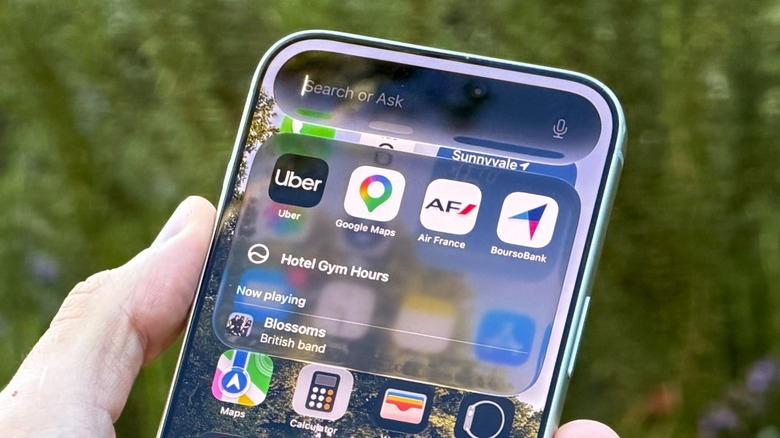
Apple says the new Siri is powered by the company's next-generation Apple Foundation Models, which have been made in partnership with Google and its Gemini models. These can run both on-device and on servers using Private Cloud Compute. Apple says that PCC "gives users access to frontier-level intelligence while extending the privacy and security of the iPhone into the cloud." In addition, the company claims that whenever Siri needs to tap the cloud, all users' requests or personal data aren't stored or made available to Apple or anyone else. Apple still continues to say that anyone can continue to verify this promise.
For everyday actions, Siri uses on-device processing through the Neural Engine on the iPhone's processor to analyze data directly on the device. Some of the requests that happen on-device are personal context, audio inputs, and App Intents, which means the actual content of your messages, personal information, or audio recording never leaves the iPhone — all these tasks work even without an internet connection.
When a task requires larger language models, Apple uses PCC, which establishes a secure connection to a custom Apple Silicon server designed specifically for that. Only the precise data needed to fulfill the request is sent. Once the server processes the request and sends the response back to your device, it leaves no trace on the server because it doesn't store or log any personal data.
Should you restrict Siri?
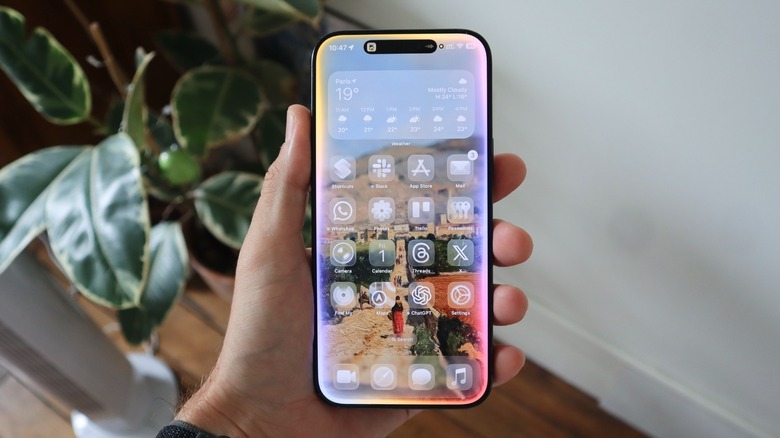
While Apple ensures that no data is shared with anyone, and there hasn't been any reason to worry until now (in the sense that no security researcher has proven that users' personal data goes somewhere). It's okay if you prefer to not have your bank app and other sensitive information being easily tapped.
In my daily usage, Siri AI has proven itself useful for tasks like reminding me of a message, getting the link to a podcast someone sent me a few weeks prior, and even remembering something I talked about with a friend a few months ago. The assistant is also great at troubleshooting information by taking a look at my display, saving information using Visual Intelligence, adding something to my calendar, and even translating a text.
Restricting Siri is all about whether you use the personal assistant on a daily basis or not. After years of empty promises from Apple, it's finally offering a personal assistant that is actually useful, and unlike other AI chatbots like ChatGPT or Gemini, it's not using your personal information to sell you products, or selling your data to others. That said, there's no real reason to prevent Siri from checking your information or apps, but if you want to do it, now you know how.