

Apple Music's Family Plan Has One Big Advantage Over Spotify (It's Not Just Price)
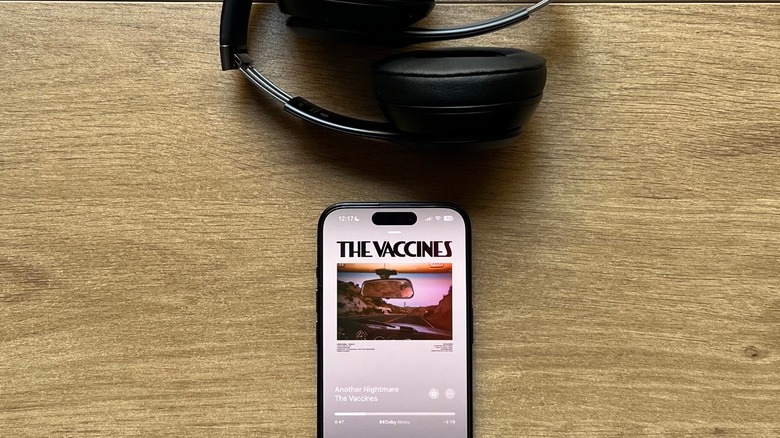
For customers always looking for the best audio streaming service, there's a big competition between Apple Music and Spotify. While Spotify offers several perks over Apple's streaming service like more advanced algorithms and social features, the same can be said about Apple Music, which has built-in Dolby Atmos with Spatial Audio support and perfect compatibility with the entire Apple ecosystem.
Still, Apple Music users, especially on the family plan, have another big reason to stay when compared to Spotify, as the most popular streaming service has been cracking down on family plans for people who aren't in the same household. Unsurprisingly, Spotify users on family plans aren't happy with this change.
According to a Redditor, after almost seven years on a family plan with their actual family, Spotify now wants them to verify with the plan manager that they live in the same household. Basically, what Spotify is asking is that once a customer gets this notification, they need to scan a QR code on the family manager's phone to continue to use that Spotify plan — otherwise, they get kicked out to an ad-based plan if they can't verify it in seven days, and can't join a family or duo plan for the next 12 months. To make everything more complex, the QR code refreshes every few seconds, so it's hard to bypass this security method. While this isn't the first time Spotify has tried to crack down on the family plan, it's yet another attempt from the company to generate more revenue from subscriptions.
Time to move to Apple Music Family plan
If this new crackdown continues to affect more Spotify users that aren't in the same household, an alternative is to move to Apple Music's family plan. After all, an Apple Music family plan costs $19.99/month for up to six people, while Spotify charges $21.99/month. What makes Apple Music's plan more enticing (besides the cheaper price) is that Apple doesn't require users to be in the same household. As a matter of fact, the only limitation is that everybody under a family plan needs to have an Apple Account in the same country.
Regarding Apple Music perks, Apple highlights an ad-free catalog with over 100 million songs available to download for offline listening, Spatial Audio and lossless support, free access to Apple Music Classical app, and support for several platforms, including iOS, Android, Windows, Sonos, smart TVs, consoles, and more.
While it's impossible to say that Apple will never make changes to how it views family plans, the company has historically not limited users to the same household, even after over a decade of the service being available. Additionally, if users choose an Apple One family or premium plan, they can share even more perks with six people like iCloud+ storage, Apple TV, Apple Arcade, Apple News+, and Apple Fitness+ — giving users a lot more to enjoy at a fraction of what a proper subscription would cost them.
How to set up Family Sharing on an iPhone, iPad, or Mac
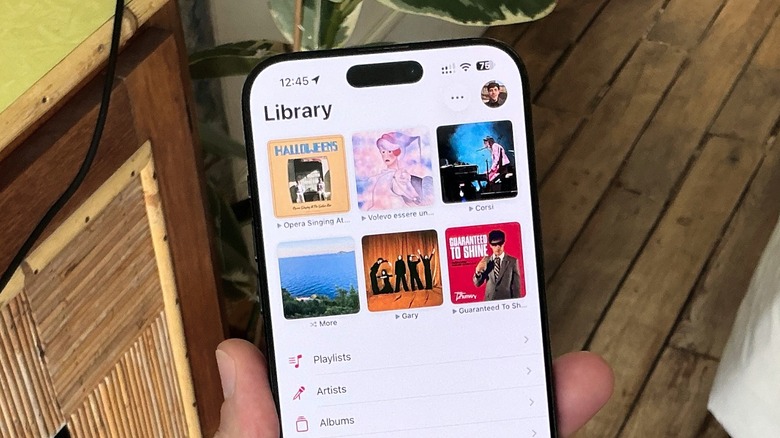
If you got this message from Spotify, and you've been off to college, you just moved away from your parents, whatever the reason might be, here's what you can do to set up a family with an Apple account and how to get an Apple Music subscription. On your device, tap Settings > Your Name > Family > Continue. Follow the onscreen instructions to invite family members. If you're the one getting the invitation by email or text message, you can just respond to the invitation. Otherwise, open the Settings app > Your Name > Invitations.
Apple tells users that they can only join one Family Sharing group at a time, meaning they can't have multiple families linked to their Apple Account. Even kids can be part of the household. If you've previously set up a kid's account on an iPhone or iPad, on their device, open the Settings app > Connect to Family > Follow the onscreen instructions. Apple also notes that in some regions, a Child Account needs to be connected to a Family Sharing group until they turn 18.
Finally, to get an Apple Music family subscription, open the Apple Music app > Home > Tap the trial offer or See More Plans > Choose Family > Start Trial. Don't forget to sign in with your Apple Account, confirm your billing information, and add a valid payment method. If you already pay for iCloud, Apple TV, or other services, it's worth checking the Apple One tiers, which can offer a bigger discount for you, while giving access to these services to the other family members.