

You Can Move Your Video Doorbell To A New Home - Here's How
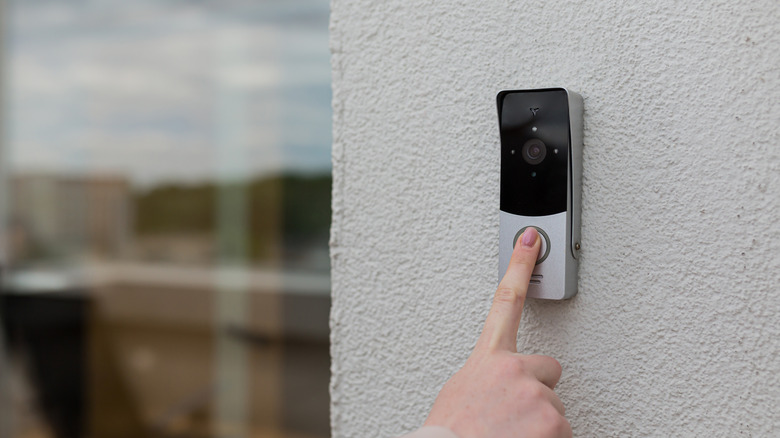
If you're planning to move to a new home, it's a good idea to bring your previously installed video doorbell with you. As a homeowner, there are many perks of installing a video doorbell. The good news is that it is possible to bring your video doorbell with you so you can feel better protected at your new abode. The process isn't all that difficult and can usually be done yourself.
To bring your video doorbell with you, you may need to remove the doorbell from your account through the app and disconnect the doorbell from its mount. In the app, choose the new address and home for the doorbell, install the device, and connect it to the Wi-Fi if it requires it. You most likely will get new internet, so you will need to update the Wi-Fi on the video doorbell in order to connect it. It's important to note that not all video doorbell companies are the same when it comes to changing addresses and subscriptions. So, check with your specific video doorbell brand, such as Google Nest to see what it recommends.
How to move a Ring video doorbell
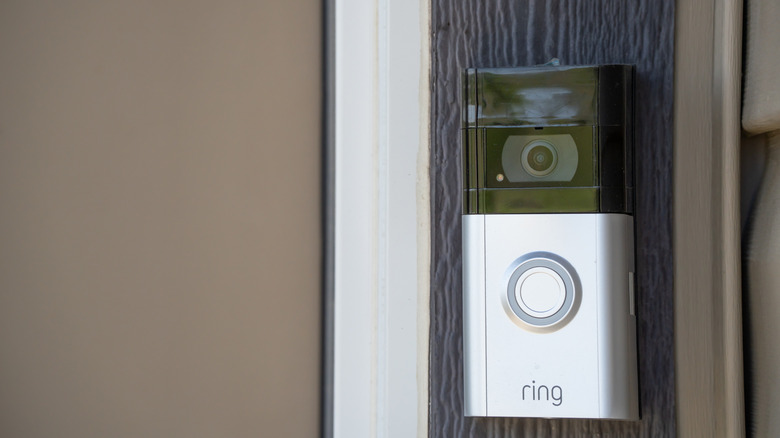
There may be a few different reasons you would want to move your video doorbell from one house to another. It means you can maintain your home security without interruption and using the same video doorbell service you are familiar with rather than switching to a brand new one.
To move a Ring video doorbell, you will need to open the app to find the address section in the Settings page (under Location). Select if the new location is a home or a business and enter the home's address when requested. It should auto-populate with the correct address if it is in the system. Then you can update the name of your location and save it. Once at the new home and the Ring video doorbell is installed, bring the app back up and go to settings. Go to the Device Health section and then Change Network to update the Wi-Fi to the current internet you are using at the new house. However, connecting reliably to Wi-Fi may be a common issue with video doorbells, so be ready for any technical challenges. If you have a subscription, you should not need to update or cancel it after you move, as all the settings should remain the same.
How to move a Google Nest video doorbell
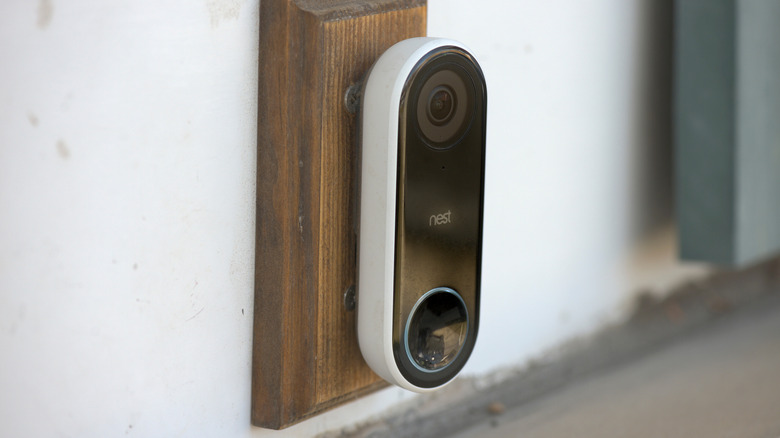
You can move a Google Nest video doorbell from one home to another as well. You can control, view, and manage video doorbells directly through the Google Home app and even create and oversee multiple homes through it as well. By creating multiple homes within the app, you can view video doorbells at one address, then switch to another home on the same app and view a doorbell camera through it as well.
To move a Google Nest video doorbell, you first need to remove it from the Home app before you uninstall the doorbell from its location. Make sure you save any footage you want to retain, as removing a Nest device can result in a loss of video history. Once at the new house, you will need to install the video doorbell and connect it to the internet. It is important that you make a new home on the Google app and add the camera there manually. This will ensure it is under a new location and address.
There are other video doorbells available, and each one may have its own installation and moving instructions. For instance, Tapo works similarly to Google Nest by allowing you to create multiple homes, too, and it's one video doorbell that works without a subscription. However, it's good to keep in mind that moving to another country can be more complicated, as Nest doorbells are designed to work with specific Wi-Fi standards.