

5 Frustrating Problems That Make Me Hate The MacBook Pro Touch Bar
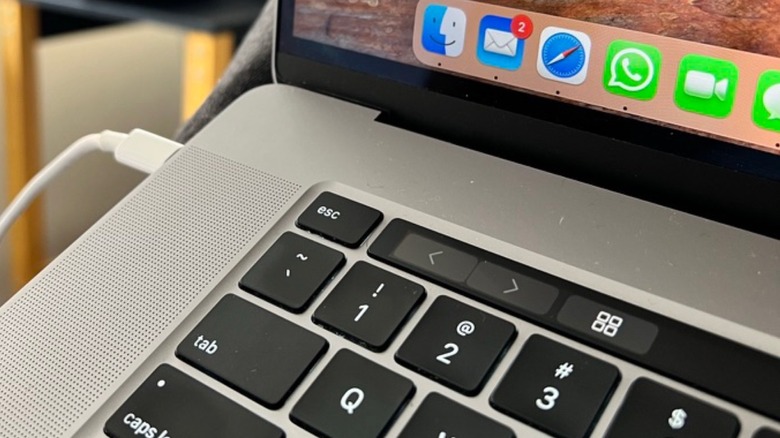
With the new MacBook Pro with OLED display announced, it's interesting to look back at Apple's previous main design change, the Touch Bar. The MacBook that replaced the function keys pro users loved was full of controversies, but lasted for a long time, from 2016 up through 2023 when Apple introduced the M3 MacBook Pro and a consistent design across the MacBook Pro lineup.
During these seven years, I owned three MacBook models, the 2017 MacBook with Touch Bar, the 2019 edition with a 16-inch display, and the 2021 redesigned model without the Touch Bar. Some of the things that made me hate the Touch Bar were the fact that developers never embraced it, it was easy to delete something by accidentally touching it and, for the longest time, it made the MacBook Pro the opposite of an useful device.
While a Mac, especially a MaBook Pro, should last for many years — such as my M1 Pro model that survived the past decade and will now be replaced by the new PROLED model — that wasn't the case with the Touch Bar models. Still, while we look back at the problems those models had, it's nice to see that Apple finally redeemed itself, as even the glowing Apple logo, removed with the first generation of the MacBook Pro with Touch Bar, is making a comeback with the late 2026 model. Here's what you need to know about this recent piece of Apple history, and why Apple should never bring it back.
Developers never embraced it
A big factor in any unsuccessful product is the lack of a supportive community. The iPhone became the huge success we know due to the App Store and an ever-growing list of apps. Still, not every feature of the iPhone succeeds. For example, the 3D Touch function was eventually discontinued because users didn't know how to use it, the deeper Camera Control customizations introduced with the iPhone 16 already come turned off by default, and the new iPhone Duo lacks the Action Button introduced by Apple with the iPhone 15 models.
All these examples show that when the community doesn't embrace a product or feature, it gets discontinued, and the Touch Bar on the MacBook Pro suffered from the same issue. From the outside, it looked cool, unique, and like a must-have function. Actual users, on the other hand, consistently called it a gimmick, and one of the issues with this functionality was that developers never embraced it. Most of the support for the Touch Bar was offered by Apple — and not all of its stock apps actually worked differently with it. With that, most of the time the Touch Bar worked like the function keys Apple removed, or something in between.
While, eventually, key developers started to add support for the Touch Bar, it was already too late, as Apple also started to make concessions, like bringing back the physical ESC key and, by 2021, completely redesigning the MacBook Pro away from the Touch Bar.
It's hard to use
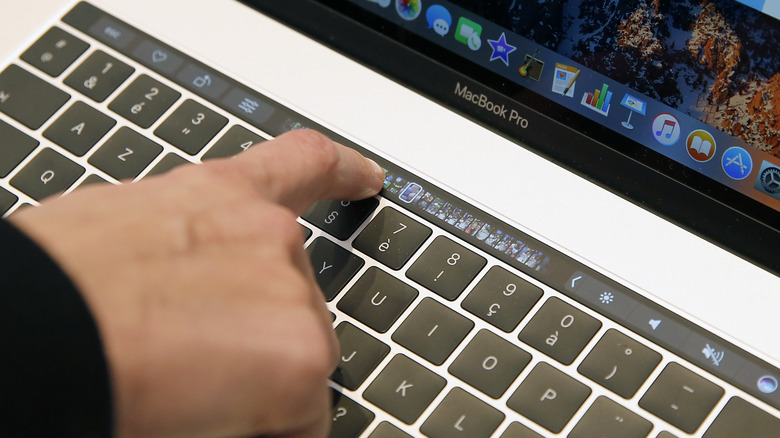
While not every app or software supported the Touch Bar, there were the basic ones that did like Safari, Apple Music, iMessage, and the iWork suite. With each app, the Touch Bar completely changed for that specific app, meaning that if you wanted to do a basic task, such as increasing the brightness of the display, you would have to type a menu on the Touch Bar to expand the function keys, increase brightness, and then come back to the app's individual interface.
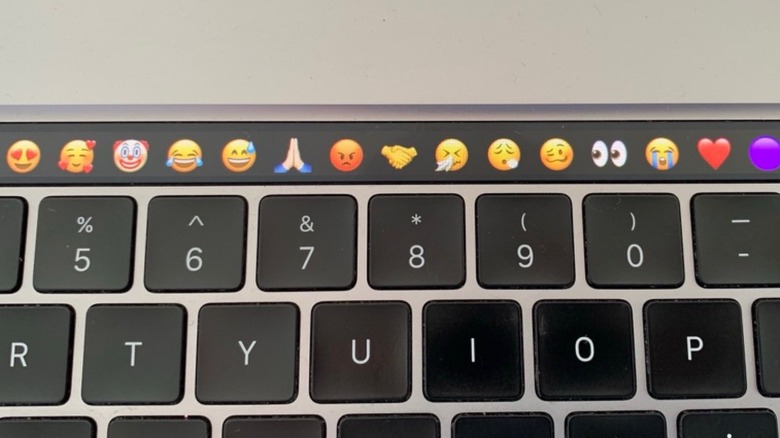
Since the interface changed for each app, it also meant that customers would get confused with the functionalities, as there was no consistency — unless the app didn't support it, then it would be word predictions, emojis, or general keys. However, like me, many customers suffered from typing a paragraph, and then seeing it disappear because they accidentally tapped the Touch Bar.
In other words, using this thin OLED touchable panel was usually annoying, as users would have to constantly guess how to operate it, look down as the next tap wasn't obvious, and in case it froze, users would have to restart the computer. The worst thing is that the first-generation of the MacBook Pro with the Touch Bar had a digital ESC button, meaning that if a more serious error would occur with the Mac, users couldn't press the ESC button because it would be frozen.
The lack of function keys
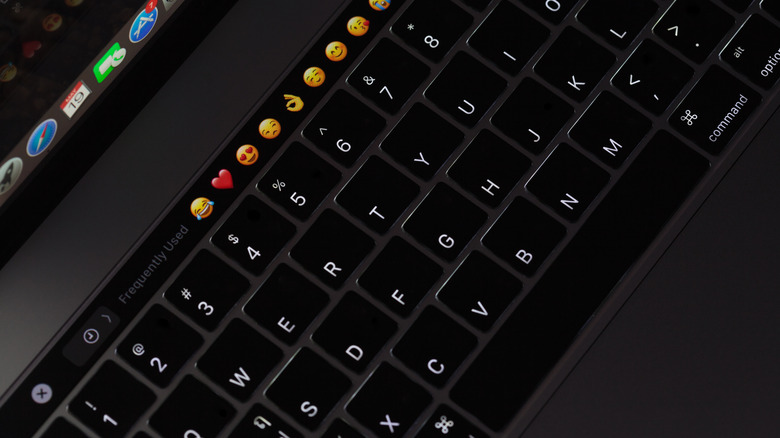
Apple has never been shy about making bold moves. Some examples include removing the CD and legacy ports from the Mac, removing the headphone jack from iPhones, or charging $20 for a polishing cloth. Still, while some changes require more courage than others, Apple had to, eventually, reverse its course on removing the function keys from the MacBook Pro. After all, pro users had tactile muscle memory from decades routinely using function keys for debugging, text navigation, and system shortcuts. With the Touch Bar, users had zero haptic feedback, forcing users to interrupt their visual focus, look down at the keyboard, and target a dynamic button rather than focusing on their task.
Beyond breaking that muscle memory, the removal of physical keys created a constant usability headache because key positions were no longer fixed, meaning that they could eventually shift, vanish, or change depending on the software. If an app froze or crashed, most times the Touch Bar would remain with the controls from the app, and users would have to restart the machine to be able to use the computer properly again.
Still, while Apple was somewhat fast to add a physical ESC key, it took the company five years to bring the function keys back to the MacBook Pro, and seven in total to completely remove the Touch Bar from its Pro computers, offering a streamlined experience to whoever would buy these laptops.
The butterfly keyboard
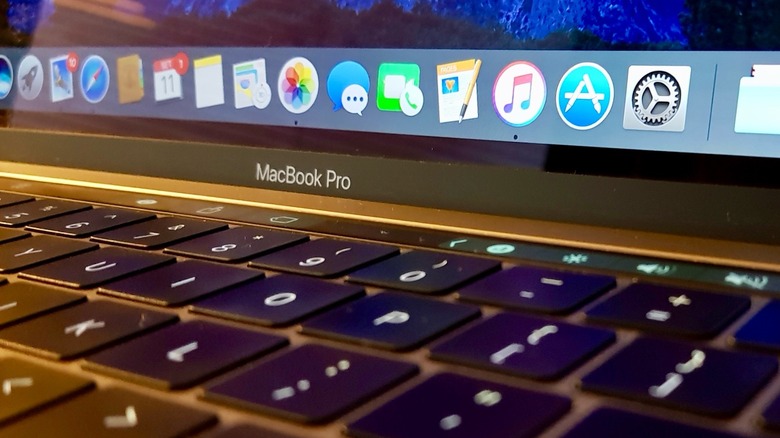
Moving away from the Touch Bar itself, what made me and so many other people first seriously question this generation of MacBook Pro was the butterfly keyboard. First introduced with the 2015 MacBook, Apple said that this keyboard was 34% thinner with a mechanism that was 40% thinner than a traditional scissor mechanism, while ensuring four times more stability. By the time the company introduced the all-new MacBook Pro in 2016, it was already betting on a second-generation of the butterfly keyboard, with a "more responsive and comfortable typing" experience.
Behind the curtain, what was happening was that this keyboard was extremely faulty, and it was so easy to break it with any debris that could get inside. Several publications wrote about it, including The Wall Street Journal in 2019, meaning that even though the MacBook Pro was already going to the fourth generation, it still suffered from a terrible mechanism that looked beautiful on paper, but worked awful in everyday experience.
This is why with the 2019 edition of the MacBook Pro, the first with a 16-inch display of that generation, the company retracted itself with a new Magic Keyboard, featuring a "refined scissor mechanism that delivers 1mm of key travel and a stable key feel." Apple also said that "incorporating extensive research and user studies focused on human factors and key design, the MacBook delivers a keyboard with a comfortable, satisfying and quiet typing experience." Still, this was no excuse for offering a terrible experience to its customers for years.
Poor thermal design
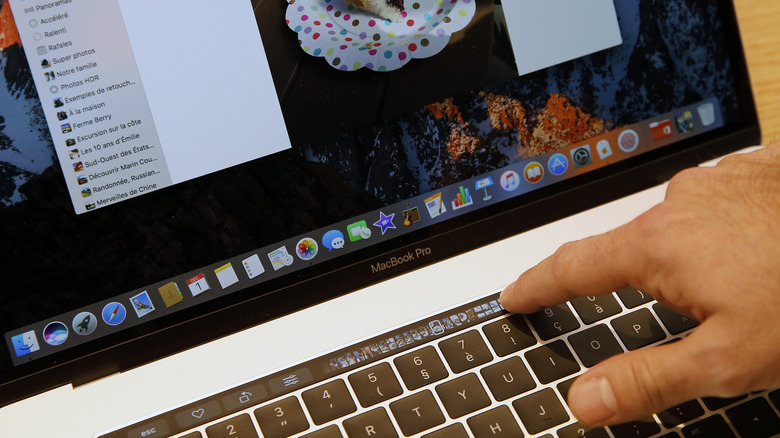
An issue that remained longer than the butterfly keyboard was the poor thermal design from the MacBook Pro models ranging from 2016 to 2019 — finally being fixed by Apple's power-efficient M1 chip in 2020. The problem was that Apple tried to make the chassis as thin as possible, but the cooling system got compromised, leading to widespread performance and reliability issues for users.
Basically, the heat sink, heat pipes, and fan assembly were too small to dissipate the high heat outputs generated by Intel's 8th and 9th gen processors under sustained workloads, meaning that the laptop would quickly overheat. As someone who owned both the 2017 and 2019 versions of Apple's MacBook Pro with Touch Bar, and only used them for tasks like using social media, writing, light photo editing, and such, the fans would get ridiculously loud and the bottom of the laptop would start feeling incredibly hot.
This is because the tight enclosure severely restricted the airflow, and the fans couldn't draw enough cool air to keep internal temperatures under control. For example, even turning on the 16-inch MacBook Pro from 2019 today, already makes the computer go extremely warm, really requiring an active cooling system to not throttle in just a few minutes. That said, Apple was only able to fix it once it introduced the MacBook Pro with the M1 chip, as even the MacBook Air, before a redesign, already lacked an internal fan, showing how much Apple believed in its energy efficiency in addition to the tight integration between hardware and software.