

Change These 15 In-Game Settings Before You Play GTA 6 For The First Time
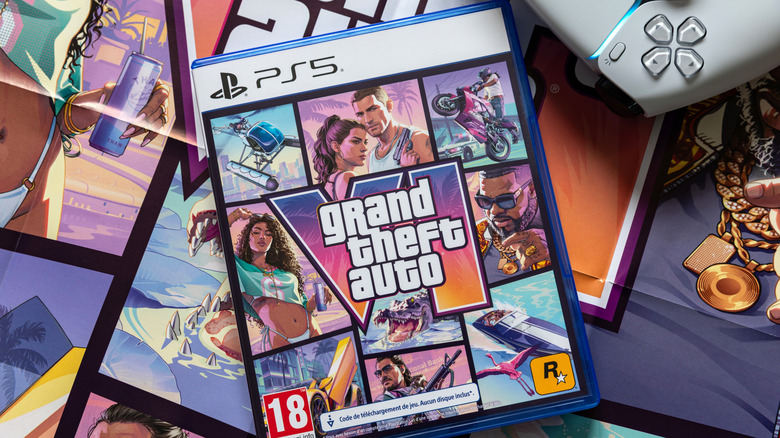
Some may have thought it would never arrive, but "Grand Theft Auto 6" is finally available. It's so highly anticipated that it's been affecting the price of consoles like the PlayStation 5 Pro, with countless players eager to get their hands on a game over a decade in the making. Eager as some folks may be to finally start their journey through Leonida, some users should remember to crawl before they run. As great as it may be to finally play "Grand Theft Auto 6," remember there are some in-game settings you may want to change.
When first opening the options menu in "Grand Theft Auto 6," you're likely to see a number of categories available, such as Gameplay, Control Scheme, Controller, Camera, and more. Buried within these menus are multiple options, giving users far more control over the game than they may initially realize. Rockstar has gone to great lengths to make the experience unique for players, with things like projectile accuracy, map icons, controls, and even violence adjustable.
With "Grand Theft Auto 6" already being one of the highest-rated games of all time, being able to tailor the experience to your own preferences is just another cherry on top of an already appealing pie. Gamers around the globe may be ready to get their hands on the game, but be sure to stop and take a moment to make the experience right for you. After all, you only get to experience something for the first time once.
Start here with these GTA 6 settings
Before you start "GTA 6," remember that Rockstar offers different control schemes. These include Left-Handed, Classic, and Default, so players who prefer reversed controls have options. While users can't adjust the game's difficulty, they can make things slightly easier by turning off vehicle damage or adjusting enemy encounters. Users should also remember they can adjust mini-game difficulty, such as making gym sessions easier so they can get back to missions faster.
For those who want to make things easier on their eyes, Rockstar lets users increase the size of certain icons on the overworld map and minimap, making it a bit easier to reach certain destinations and goals. Be aware that "GTA 6" also offers a voice option for GPS navigation, though it's disabled by default upon boot-up. For controls, the game also includes quick action assists that can help you tap and hold buttons at up to 5x and 4x speeds, respectively (and there's also an option: Hold Delay). For general movement, users can also adjust joystick sensitivity.
The "GTA 6" Settings menu isn't just about movement and difficulty; users can also adjust how Aim Assist works, which ranges from zero to five. This changes how quickly your aim tracks targets. Users can also prioritize quick gun draw and enable or disable drive-by assistance, both of which can help with shooting targets. PlayStation 5 users may also want to remember to enable a certain setting to avoid spoilers.
Other quality-of-life settings in Grand Theft Auto 6
Weapon settings aren't just about guns, as there's also an option to have a visual indicator when throwing projectiles. Just look for the Projectile Arc option in settings, and you'll get a visual for where things will land. Of course, if all the blood and gore gets to be too much, both can be disabled in settings along with dismemberment. For blood and gore, users can choose from three levels.
Rockstar is naturally no stranger to adding some Hollywood magic to its games, but naturally users have some options in this realm, too. For example, if the camera shaking gets to be too much, users can disable it, but you can also turn down the cinematics for vehicle crashes and kill shots. Keep in mind, of course, that you can also crank the settings to five for some wilder cinematics. Finally, if you're the type who likes to stream online, Rockstar included an option to silence licensed music to help you avoid copyright strikes.
With some of these settings, bear in mind that Rockstar warned that changing some of them may affect the game's overall balance and alter your experience. However, how you want to play "GTA 6" is ultimately up to you. Even Rockstar feels the game will look its best on the PlayStation 5 Pro.