

How To Master AirPods Pro 3 Features And Settings
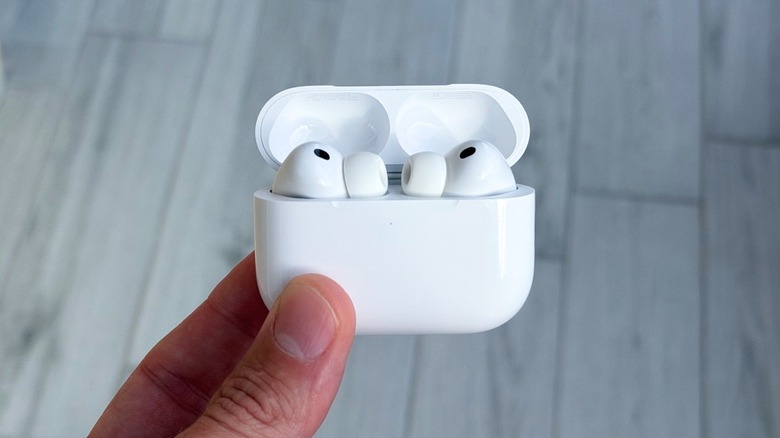
Apple's AirPods have been available for almost a decade now. With the latest iteration — the AirPods Pro 3 – users have more features than ever to enjoy the company's best wireless earbuds. As Apple adds more functionality, though, some users may not be able to take full advantage of all the features, since activating them can involve several steps. This is why we decided to put together a list of all the AirPods Pro 3's settings so you can discover what you can do with them.
Once you have your AirPods Pro 3 connected to your iPhone, you can go to Settings and tap on your AirPods. There, you can give your earbuds a different name than Apple's default nomenclature. This screen allows you to switch between the different listening modes, i.e., Transparency, Adaptive, or Noise Cancellation, among other options. Here's everything else you can do with your new earbuds.
Live Translation, Find My, head gestures, and heart rate measurements
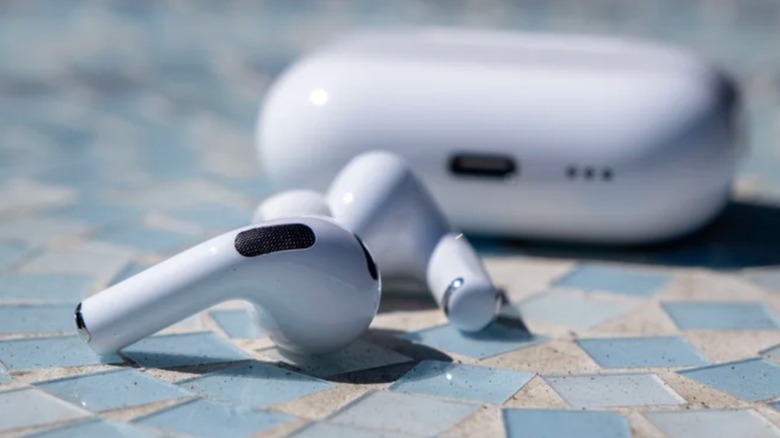
With iOS 26, Apple added Live Translation capabilities to AirPods running on the H2 chip. Users can choose between a variety of languages to have real-time translation in their ears. That said, it's important to download the languages before using this feature. Apple also offers head gestures for AirPods, which means you can move your head up and down to accept a call or reply to a message, or move side to side to decline calls. You can enable all of these features from the same Settings menu.
You can also find your lost AirPods with Apple's Find My app. Thanks to the new U2 chip, it's easier to find your AirPods case even if it's a bit farther away using Precision Find. An exclusive feature introduced with the AirPods Pro 3 is the built-in heart rate sensor, which works during a workout and even calculates the calories burned based on your heart rate. If you use the Apple Watch with your AirPods, you get an extra channel for measuring your heart rate, making it more reliable.
Hearing health and other custom settings
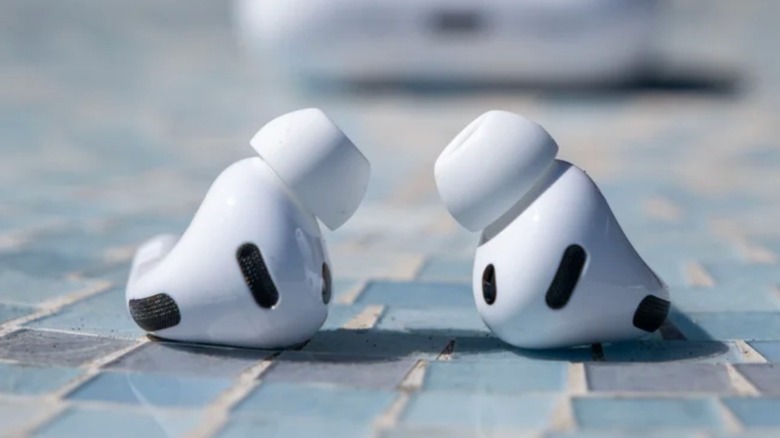
Apple is taking hearing health rather seriously with the AirPods Pro 3. This is why users can set Hearing Protection or use Hearing Assistance to aid users with mild to moderate hearing loss by boosting voices and sounds around them. Besides that, the AirPods Pro 3 can make adjustments that improve the clarity of music, videos, and calls. Users can take a hearing test from the Health app or activate hearing assistance from the AirPods Settings page. Users can also customize the tap or stem-press actions.
These gestures can be used to invoke Siri, switch noise cancellation modes, play/pause music, etc. You can also tweak call controls, such as pressing once to mute/unmute a call, or twice to end it. What's new with this generation is the ability to take photos with AirPods. By activating the Camera Remote feature, you can choose whether pressing the stem once or pressing and holding it can start a recording inside the Camera app.
Other good-to-know AirPods Pro 3 features
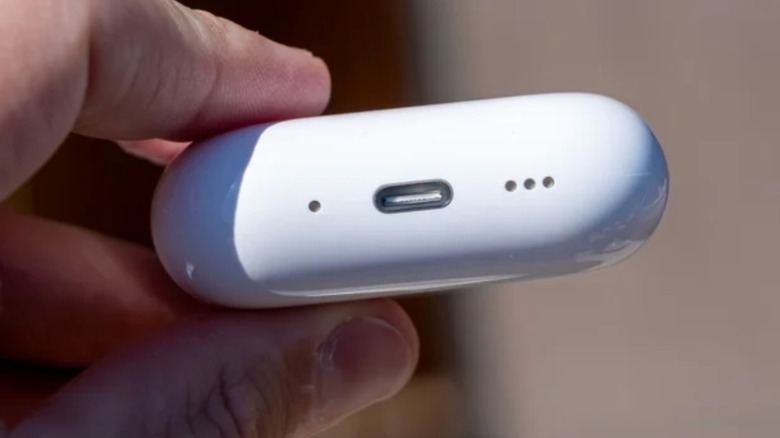
The AirPods Pro 3 has a new Battery settings menu, which not only optimizes charging patterns with usage but also delivers charging notifications when the battery is low or when the AirPods have been fully charged. There's also an Accessibility page that can make it easier for you to adjust the speed required to press your AirPods stem for activation, use ANC with just one AirPod, turn on Loud Sound Reduction, and even adjust the volume of tones played by the AirPods.
One of our favorite AirPods features is turning on the "Off Listening Mode," which shows how much your AirPods can protect you against loud noises. This feature is perfect for when you're at a concert or passing by a construction site. Finally, at the end of the AirPods settings screen, you can check the model, serial number, and firmware version. Users can also check the Limited Warranty and add AppleCare coverage on the same page.