

The Best Way To Keep Your Phone's USB-C Port Clean
We may receive a commission on purchases made from links.
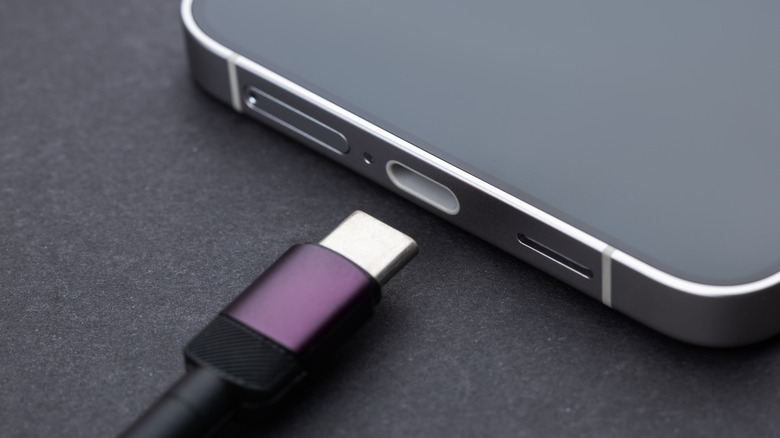
Your smartphone is the device that accompanies you most throughout your day, bouncing around in your pocket and occasionally being subjected to the elements. An inevitable side effect: Your smartphone's vulnerable points, such as its USB-C charging port, may accumulate unpleasant contaminants like dust and debris. Thankfully, much like cleaning dust from most types of electronics, cleaning these contaminants out is fairly simple, frequently requiring no more than a few quick puffs of compressed air.
Your phone's USB-C port is very delicate, and if you probe it violently with a pointed object, you're more likely to permanently damage it, rather than clean it. This is why the best cleaning method is one that involves little-to-no physical contact, i.e. compressed air. Give your phone's charging port a quick spray every now and then, and you won't need to worry about damaged prongs or charging problems. If you're not actively charging your phone, or otherwise using your USB-C port, you can also put a cover (or plug) over it to keep any new dust from getting in.
Compressed air will remove most accumulated dirt and debris
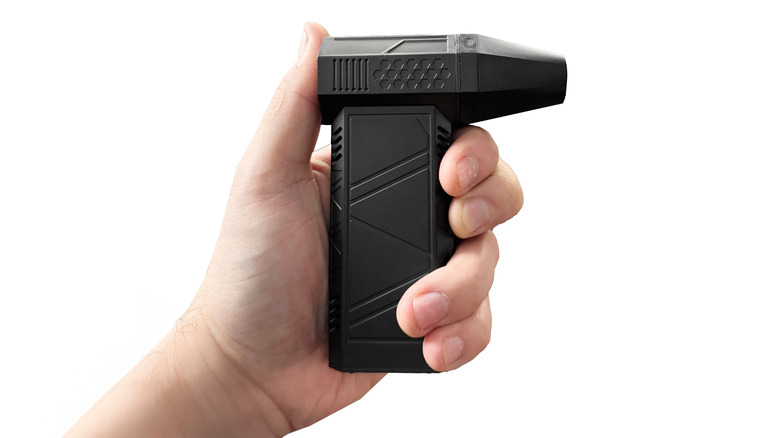
Compressed air is the ideal tool for safely cleaning out your phone's USB-C port — as well as the USB ports on your laptop computer — and it's readily available in several forms on Amazon. You can get a three-pack of disposable Dust-Off cans, or if you'd prefer something you don't have to replace, you can get a rechargeable, reusable electronic compressed air duster.
Before you attempt to clean your phone's USB-C port, you should unplug it from any outlets or other devices and power it down completely. While the likelihood of electrical hazards is lower when using compressed air, the risk is never truly zero. Turning off your device prevents these hazards from damaging your phone or potentially injuring you. Once your phone is powered down, place the straw of the compressed air can/device a couple of inches away from the port and fire off a couple of quick bursts. Try to angle your phone downward so the dust falls out — and if you're using the canned variety of compressed air, don't spray the air for more than two seconds at a time. Move the straw around a bit so you get every angle inside of the port.
Once the port has been cleared of dust, consider inserting a dust plug into it. This will help to reduce the likelihood of more dust getting in, so you won't need to clean as frequently. You can get USB-C dust covers in packs on Amazon as well.