

Does Keeping Old Text Messages Slow Down Your Android Phone?

A few years ago, we could only send plain text messages with 160 characters. There was no option to include any media or attachments, which kept the messages close to 140 bytes. But the Messages app on Android phones has changed. The messages are heavier, and if they pile up over time, they can slow down your phone when the storage runs low.
With people having mostly shifted from regular text messages to instant messaging and social media apps like WhatsApp, Signal, Instagram, and Snapchat for chatting and sharing content with friends, the Messages app on Android phones is now mainly used to check one-time passwords, delivery notifications, and two-factor authentication.
Often, the app fills up with messages from banks, insurance companies, retailers, travel apps, and other businesses. Promotional texts usually contain several megabytes of content. Spam messages also add to the problem. These messages often carry heavy attachments such as graphics and link previews. When all of them accumulate for months, they take up significant storage and add more strain on the Messages app, which slows down your phone as well.
Why messages are heavier than before and how to manage them

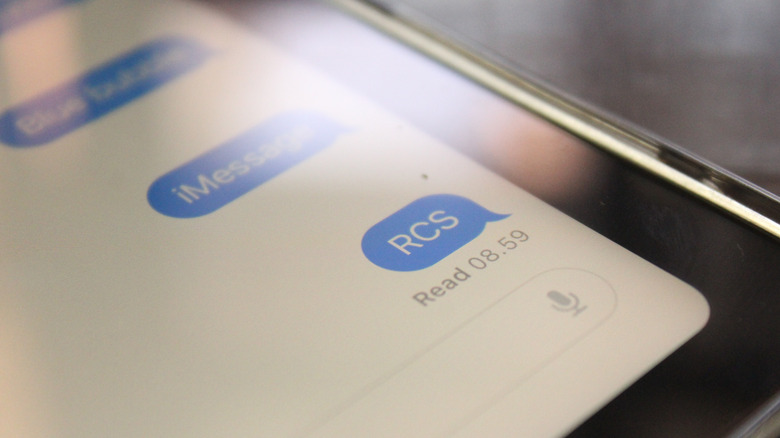
Plain text messages were lightweight, taking about some kilobytes to a few megabytes of storage, even if you had thousands of them. That changed when Google began rolling out Rich Communication Services (RCS) through its Messages app in 2019. RCS changed basic texts into dynamic ones, allowing you to send high-resolution photos and videos, GIFs, long messages, audio clips, and file attachments along with plain text messages. Just like on WhatsApp and iMessage, you can also see when someone is typing, get read receipts, and manage group chats. Although it made messaging more dynamic and added end-to-end encryption for privacy, these threads take up far more space on your phone than simple text messages.
Plain text messages don't affect your phone's performance; the slowdown happens when you have plenty of media-heavy RCS threads and little storage space on your device. The easiest and obvious way to manage it is to delete messages as frequently as possible. Identify threads containing pictures, videos, and heavy attachments as they consume the most space. Erase two-factor authentication codes after using them, and bulk-delete spam and promotional messages.
I deleted my old messages, and my phone is still slow. Now what?
Even after bulk-deleting messages, if your phone's performance still feels sluggish, there can be other factors for the slowdown. For example, inactive apps keep running in the background, consuming storage and processing power. You can either remove them or, if you use such apps once in a while, limit their background activity in Settings.
Caching adds to the problem. Apps store temporary files on your device so that they can load content faster when you open them. In modern smartphones, these cache files take up several gigabytes. This slows down the apps and can also cause glitches or crashes. When storage is low, your Android phone can slow down. To free up space:
- Go to your phone's Settings.
- Select Apps.
- Choose a specific app.
- Tap Storage.
- Select Clear Cache.
Then, your phone will instantly free up space, and you can repeat this with other apps. Bloatware also takes up storage and runs as background processes, which can cause a slowdown. Delete these unwanted, pre-installed apps or remove their background permissions. Scan the Downloads folder as well on your device to remove heavy PDFs and other files you don't need.