

Chrome Can Use Google Account And Wallet Data To Speed Up Autofill

Google on Friday released a new Google Chrome feature that can be especially useful at this time of year. We're shopping and traveling more during the holidays than at any other time, which means we spend more time on computers and mobile devices making online purchases and arranging travel plans. These chores come with the same hassles. We have to input the same information again and again, whether it's payment details, shipping addresses, or data from travel passes. That's the problem Chrome aims to solve by integrating with Google Account and Google Wallet data to make the autofill process even faster.
 Google
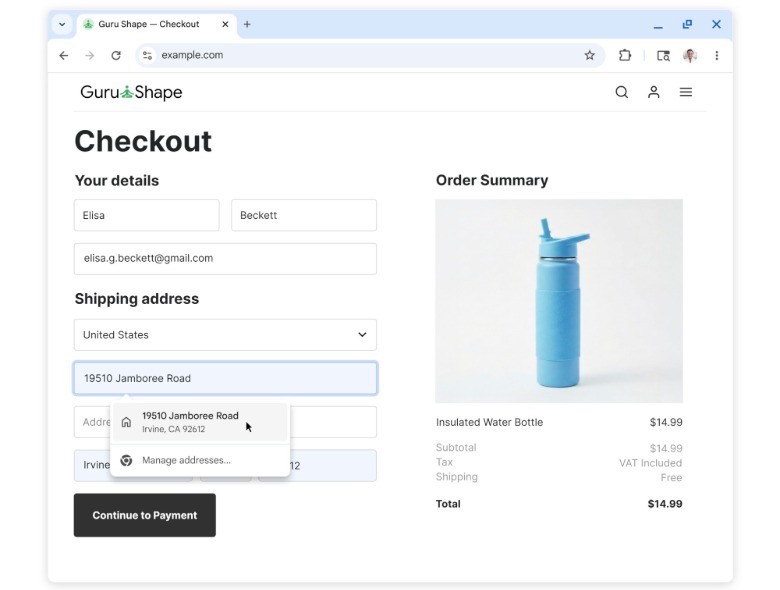
The Google Account integration allows the Chrome browser to pull information from your account securely, including your name and email address, when signing up for a new service or logging in. The same Google Account data lets Chrome surface Home and Work addresses that you might want to use while you're shopping online this holiday season. A single click lets you autofill the information and complete your shopping sessions faster than before, as long as you're using Chrome while logged into your Google Account. The new integration will be available on desktop, Android, and iPhone.
What about loyalty card numbers and travel details?
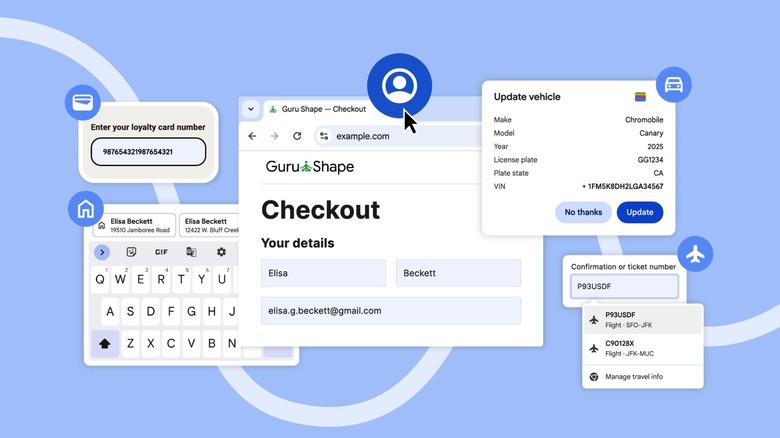
Many web browsers already let you autofill information like your name and address. But Google is going further than that with Chrome, adding a handy Google Wallet integration that lets the browser extract other data you might have to fill in online, including loyalty card information and travel details, like a flight booking number or a car's license plate. The new integration will be available on Android as well, allowing users to find these details on the spot, without worrying about hunting flight and car details down in emails or other apps.
 Google
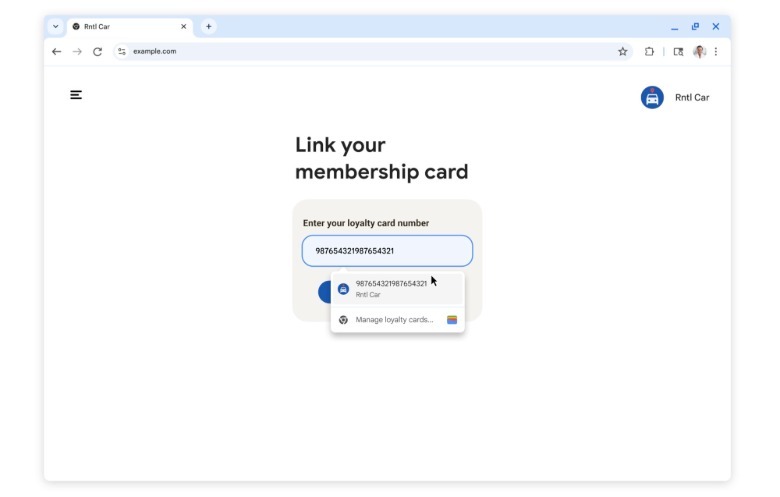
The examples Google showed include shopping online and having to enter loyalty card information so you don't miss out on rewards or points. Chrome can autofill that data by extracting the correct card data from Google Wallet. Similarly, an example showed how quickly you can fill in a rental car form with this integration. Chrome will suggest the flight information from Google Wallet, like a confirmation number, when booking your car rental. The browser can also autofill your car details, including license plate numbers when appropriate.
 Google
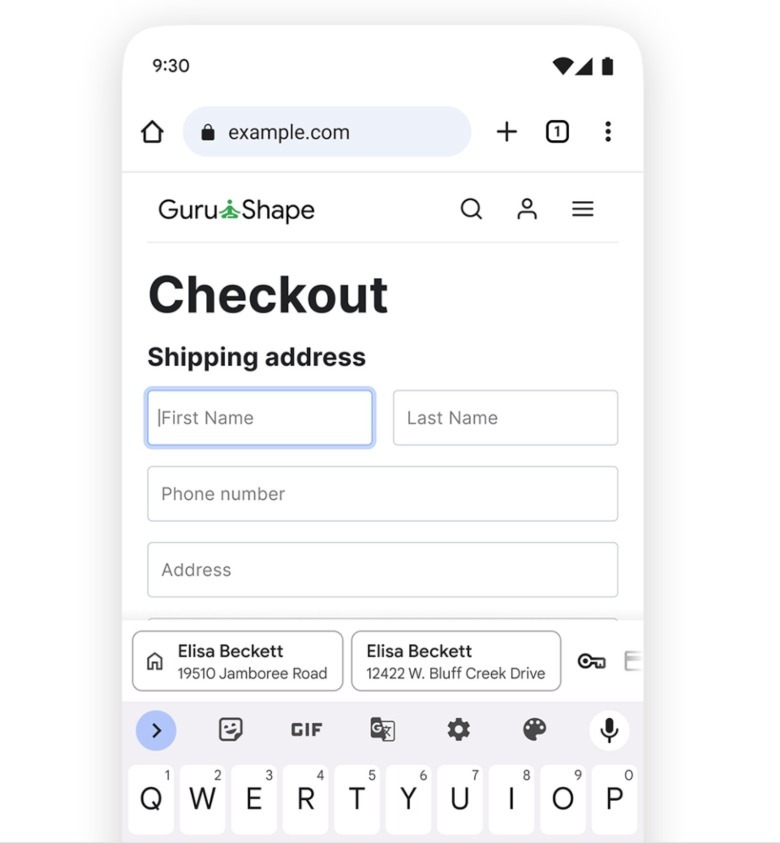
Also, Google made an improvement to the autofill experience on Android devices to make it easier to choose the right information. Previously, the autofill suggestions were too condensed atop the keyboard. Now, Chrome will display two-row autofill cards so you can tell the difference between different sets of data. This will make a difference when shopping for a last-minute gift that you want shipped to your work address rather than home. Speaking of addresses, Google said in the blog post that it made "significant improvements to recognizing and filling addresses globally," which should improve the form-filling process across the world.