

4 Google Gemini Smartwatch Features You Need To Start Using
Smartwatches have come a long way over the years. They can provide navigation, handle incoming communications, control your music, and even act as a viewfinder for a connected phone's camera. With such capabilities onboard, secondary devices that were once focused primarily on integrating into health and fitness routines have become legitimate pieces of tech for productivity, creativity, and overall daily convenience. The Google Pixel Watch, Samsung Galaxy Watch, and Apple Watch lineups, for example, all include voice assistants built into their operating systems.
But AI is beginning to add even more conveniences to these devices, and Google Gemini stands out as a particularly capable AI app to install on an Android smartwatch. Google is replacing Google Assistant with Gemini, and some newer watches, like the Google Pixel Watch 4, come with it by default. After all, having the power of Gemini on your wrist can greatly change the way you go about your day.
Gemini integrates with software like Gmail, Google Maps, Google Calendar, and YouTube Music. But Gemini is also capable of understanding conversational language and completing multi-step tasks, which gives your smartwatch capabilities that would have previously required additional human guidance. Whether you use a Google Pixel Watch or another Android-powered smartwatch, installing the Google Gemini Wear OS app opens up a whole new world of features you need to start using.
Music playlists
Finding the right music for any given situation can be a task all its own, especially with the nearly infinite selection of songs available through music streaming services. Instead of fumbling through Spotify or Apple Music apps to track down something to listen to, you can simply tell Google Gemini to create a playlist that suits the moment. This can come in especially handy when setting out for an evening run, when getting things ready for a long road trip, or when simply trying to relax at the end of the day.
YouTube Music is the platform Gemini taps into when creating a music playlist, and it does so with an entirely hands-off approach. You can get things started by saying "Hey Google," by pressing your watch's side button, or by tapping the Gemini app icon on the display. Gemini is capable of understanding commands such as "play music to help me focus," but you can also say things like "build a playlist for my evening run." You can even adjust the music selections once you've started your way through the playlist. Gemini on Wear OS is also capable of controlling music playback, should you want to skip songs, play some of them over again, or adjust the volume.
Email collaboration
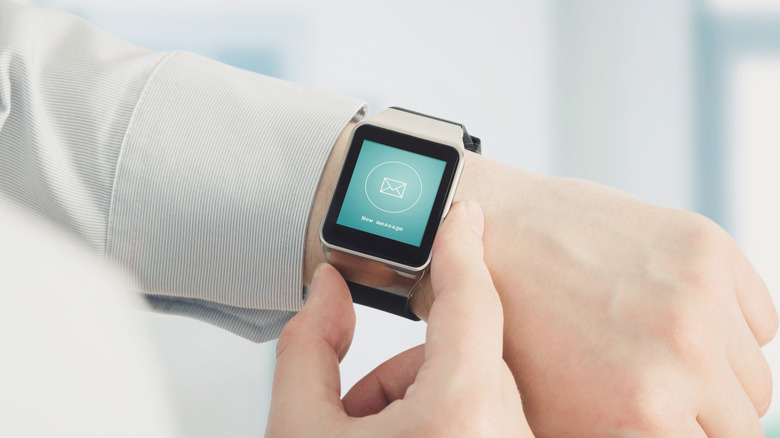
Some incredibly convenient Gemini features are available to those who use Gmail as their email service. While email on smartwatches has mostly been limited to notification previews and squinting at text on the watch's small display, Gemini in Gmail can provide email summaries. You can use this feature to have Gemini summarize specific emails as they come in, or you can have it read you an email in its entirety. These capabilities can prove especially valuable if you have a busy inbox but find yourself regularly in meetings, commuting, or engaged in social activities that don't allow for long looks at your watch.
Through your smartwatch, Gemini in Gmail can even chip in as a collaborator. Gemini is capable of summarizing an entire email thread, should you happen to miss several replies as they come in. It can also provide you with suggested responses to an email, draft emails in their entirety, and track down information in previous emails. The most convenient thing about all of this remains the fact that Gemini understands natural language queries, so you can simply talk to it throughout these processes without needing to memorize specific voice commands.
Fitness integration
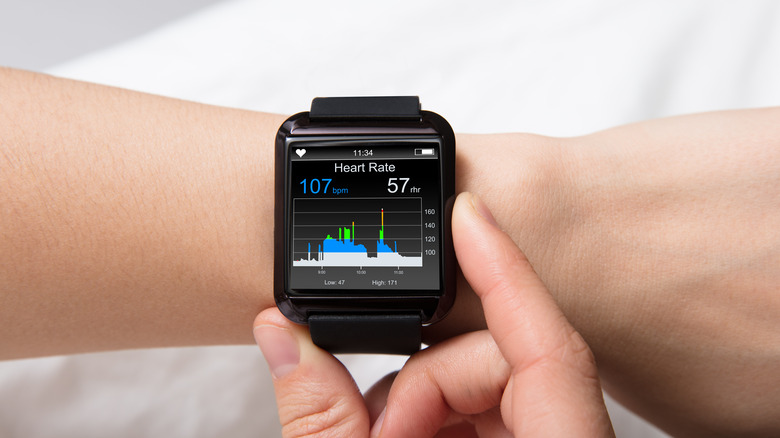
While many people tap into the productivity and communication features modern smartwatches have to offer, other users are interested in wearable tech primarily for health and fitness features. Google Gemini's fitness integrations can completely change how those users interact with their smartwatch throughout the day. Instead of swiping through apps or trying to tap little buttons on the screen while in the middle of a workout, you can simply tell Gemini to start tracking activities, to update you on your workout statistics, or to pause your workout for a quick break.
Gemini is able to communicate with certain third-party health apps, such as the Samsung Health app found on Samsung watches like the Galaxy Watch 8 Classic, so you aren't limited to any one software ecosystem in order to track all of your health data. And, because Gemini is available to any smartwatch user with Wear OS 4 or newer installed, you don't have to be a fitness nut to take advantage of its fitness integrations. Every day, Gemini uses include asking for updates on your step count throughout the day, tracking down healthy meal recipes on the internet, and researching different exercises you can do throughout the day to keep your body from getting stagnant at work.
Smart reminders
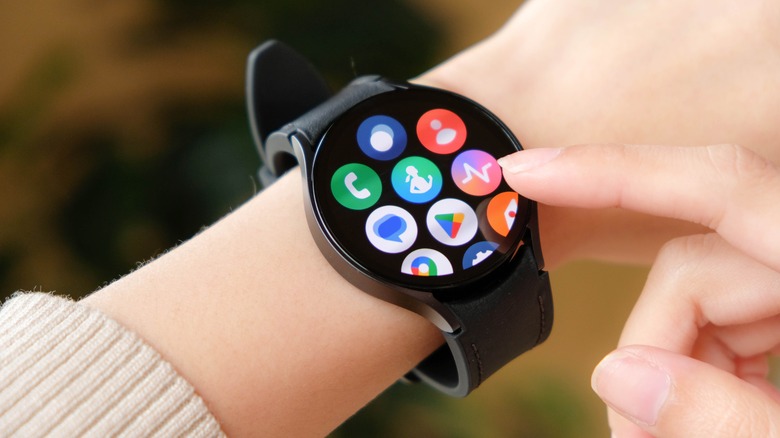
Those frequently on the go no longer have to turn to their phone for reminders about where they need to be at any given time. Gemini on Wear OS has the ability to remember small but important details you may forget over the course of a busy day, and this functionality transforms your smartwatch into an infinite series of "notes to self." You can tell Gemini to remember anything you like, from the area of the parking garage you left your car in to items you need to pick up at the grocery store later in the day. When you need the information, all you have to do is ask Gemini to recall what you told it.
You can also utilize Gemini's reminder capabilities to check in on tasks you have set up for the day. Because Gemini on Wear OS integrates across multiple apps, you can ask it for reminders of events you have planned, as well as the places you'll need to be. When asked something such as, "What's on my schedule today?" Gemini will provide you with all of the information you've locked into your calendar that day. It can even spot gaps in your schedule and provide suggestions for when it may be best to handle other errands you have planned.