

Which Audio Input Port Is Best?
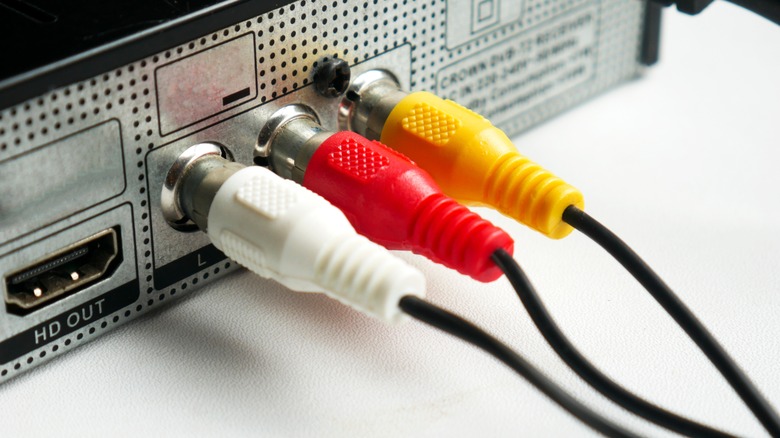
If you've ever taken a look at the back of your computer, you've no doubt seen the rainbow of holes that make up the different audio ports your motherboard has to offer. You'll also spot many of the same connections behind some of the best soundbars, receivers, gaming headsets, and speaker sets. I recently purchased a soundbar and subwoofer combo from Amazon that supports both analog and digital audio, and it left me wondering the same thing many PC users eventually ask: Which audio port delivers the best sound quality?
Today's audio hardware offers several methods for transferring sound from your device to your speakers, and not all ports work the same way. Traditional analog connections, such as the classic 3.5mm headphone jack or RCA inputs, carry raw audio signals that your speakers must interpret and amplify. They're simple, widely compatible, and still used across a range of devices, from studio monitors to gaming PCs. But they can also pick up electrical interference, causing distortion, depending on the cable quality you're using and your overall audio setup.
On the other hand, digital ports such as optical, USB-C, HDMI eARC, and coaxial audio transmit data in the form of 1s and 0s. Because the signal stays digital until it reaches a DAC (digital-to-analog converter), where it is then translated to an analog signal, these ports tend to provide cleaner audio, better channel separation, and support for advanced audio formats and features.
Understanding how each port works and the pros and cons of analog versus digital can help you choose the best connection, whether it's for gaming, music production, movies, or everyday PC audio. Let's break down the differences to help you make the right choice for your home audio setup.
Analog audio
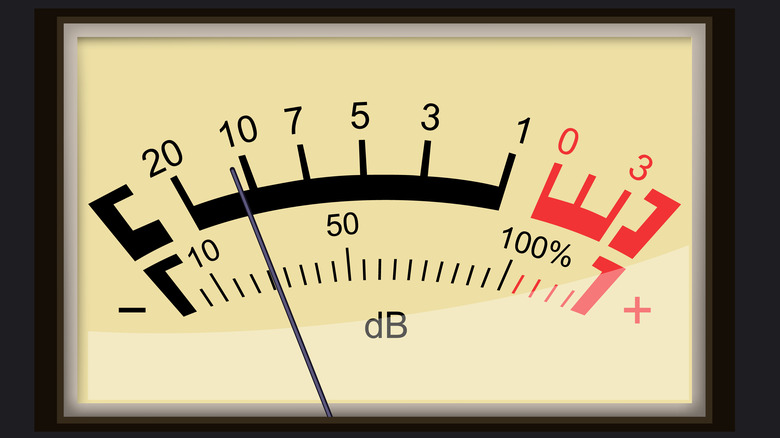
Analog audio has been around far longer than today's digital standards, and it remains a favorite among audiophiles who want their music delivered in its most natural form. When you use an analog audio output, whether from a turntable, an older receiver, or even a PC's 3.5mm jack, the device sends a continuous electrical signal that directly mirrors the shape of the original soundwave. Unlike digital formats that convert everything into 1s and 0s, analog transfers audio as a smooth, uninterrupted waveform.
If you've ever connected speakers using RCA cables, you've used analog audio. These familiar red-and-white connectors separate the left and right channels and typically carry a line-level signal, which is loud enough for most powered speakers or amplifiers. Turntables are the major exception. They produce a quieter phono-level signal, which requires additional amplification to reach normal listening volumes. That's why many powered speakers now include a built-in phono preamp, allowing you to plug a record player directly into them without extra hardware.
You'll also find analog audio through 3.5mm AUX inputs, which work similarly to RCA, but through a single compact connector. 3.5mm AUX remains popular for desktops, laptops, handheld gaming systems, and countless portable devices.
Analog audio's biggest advantage is its character: It preserves the natural texture of a recording and avoids the digital processing that some listeners feel "colors" the sound. However, it does come with trade-offs. Because the signal travels as raw electricity, it's much more prone to interference. Cheap cables, long cable runs, or nearby electronics can introduce background hiss, static, or hum, issues that digital connections simply don't suffer from.
Digital audio
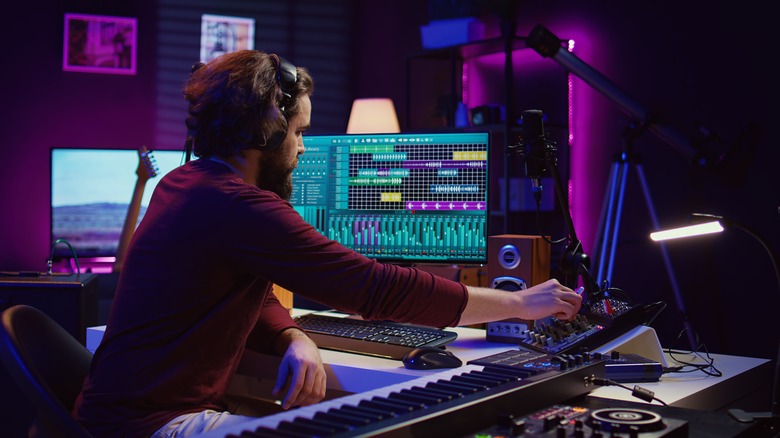
While analog audio transfers sound as a continuous electrical waveform, digital audio ports take a fundamentally different approach. Instead of sending raw electricity, digital connections transmit audio as data, precise streams of 1s and 0s. This ensures the signal remains clean, consistent, and resistant to interference, which is why digital ports have become the standard for modern home theater systems, gaming setups, and computers.
One of the most common digital connections is the optical (TOSLINK) standard. It utilizes pulses of light rather than electrical signals, making it immune to electromagnetic interference and making it ideal for setups with long cable runs or lots of nearby electronics. Optical also supports multichannel formats such as Dolby Digital and DTS, though it typically can't carry the higher-bandwidth audio formats that HDMI is best suited for.
HDMI ARC and eARC have quickly become the go-to digital ports for TVs, soundbars, and receivers. In addition to transmitting high-quality digital audio, HDMI can also handle advanced formats such as Dolby TrueHD, DTS-HD Master Audio, and immersive audio like Dolby Atmos (with eARC). This makes it the most flexible option for home theater enthusiasts who want lossless sound without extra cables.
For computers and DACs, USB audio is another reliable digital option. USB bypasses your device's internal sound card and hands the signal to an external DAC, helping eliminate noise and ensuring cleaner audio playback, which is especially useful for high-end headphones and studio monitors.
The main advantage of digital ports is stability: Because audio is transmitted as data, it won't pick up distortion the way analog lines can. If your priority is clean, consistent audio quality, digital connections generally offer the most reliable path there.
Which is actually better?
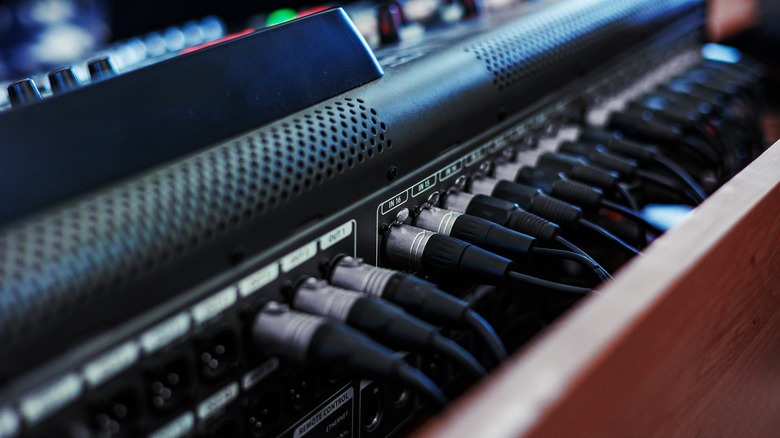
So, which audio connection is actually better, analog or digital? The answer depends less on raw signal theory and more on what you're trying to accomplish with your setup. Digital audio ports take the lead when it comes to overall consistency. Because they transmit data rather than a continuous electrical signal, digital connections aren't affected by interference, ground loops, or cable quality in the same way analog lines are. If you're running a home theater system, gaming on a modern console, or using a soundbar with your TV, HDMI ARC/eARC or optical will almost always deliver cleaner, more reliable audio results.
That said, analog still has its own place, and it can absolutely sound better in the right conditions. A high-quality DAC feeding powered speakers or studio monitors over RCA or 3.5mm can offer a warm, natural presentation that some Hi-Fi listeners prefer. Turntables, in particular, rely on analog output by design, and a properly amplified phono connection can provide a depth and character that digital sources often lack. Analog remains a standard across older devices, mixers, and instruments.
For most everyday users, though, digital wins for convenience, noise-free playback, and support for modern formats such as Dolby Atmos and lossless audio. If you're building a clean, low-maintenance setup, go digital. If you're chasing a particular "signature" sound or running legacy gear, analog still earns its place.