

What Makes Nvidia's AI Accelerators Different From Regular GPUs?
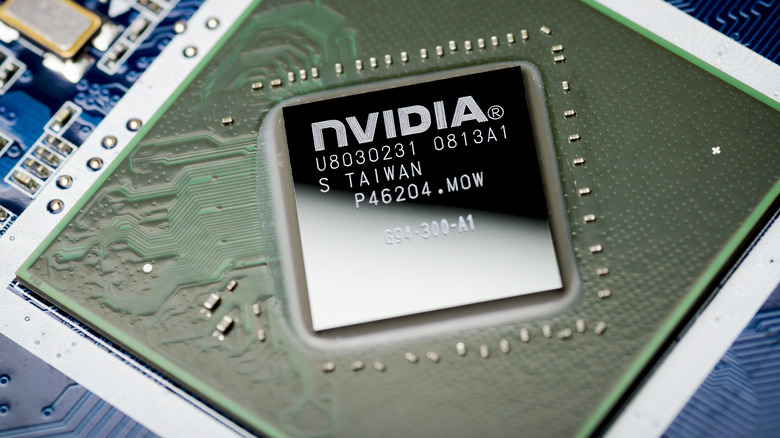
A regular GPU is a visual problem solver at its core. It was built to draw frames quickly, handle textures and lighting, and make games look smooth. The same parallel math that makes those visuals possible also happens to be great for crunching huge numbers all at once. That is why people started using high-end graphics cards and general data center GPUs for heavy compute tasks. For a long time, that was enough firepower to push new ideas forward.
The catch is that a consumer or general compute GPU still carries a lot of hardware logic meant only for graphics. Its memory layout is tuned for feeding pixels to a screen rather than shuttling massive blocks of numbers around nonstop. You can definitely run advanced workloads on a GPU, but once the data grows and you have multiple cards trying to work together, the communication overhead starts dragging everything down. You end up wasting power and time just waiting for chips to sync up.
Now, if you are playing with smaller models or only making quick predictions, a standard GPU still feels fast, but the moment you scale up or start training across many machines, those graphic-focused design choices turn into dead weight. That is why NVIDIA started building accelerators focused only on compute jobs. They remove the screen handling baggage, boost memory bandwidth, and are designed so that multiple chips can cooperate without constantly getting in each other's way.
How an NVIDIA H100 is built different
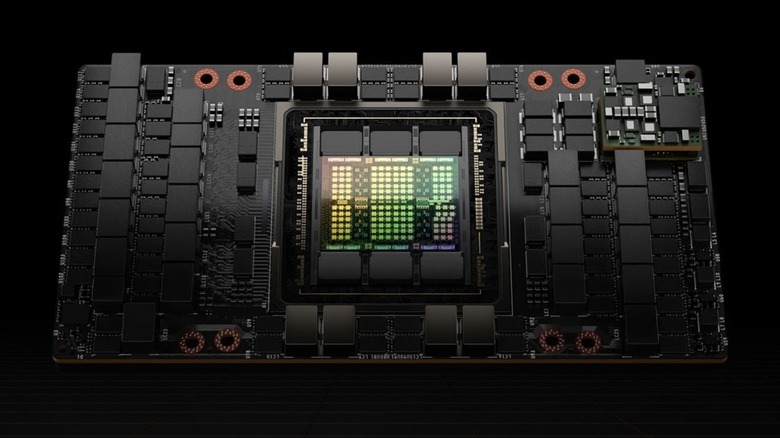
The H100 is an absolute computing workhorse. It is built to take on giant math problems that need a ridiculous amount of speed and coordination. One of its biggest advantages is the high-bandwidth memory system, which can push data through the chip a lot faster than the memory found in gaming cards. So when you're working with huge, non-stop workloads, the speed removes a lot of dead time waiting for numbers to show up.
The H100 also handles math in formats like FP8 that let it pack more work into every cycle without ruining accuracy. That gives engineers a simple tradeoff. They can push for raw speed when they need it or tighten things up when results demand it. Either way, the hardware does not get in the way.
Where the H100 really earns its price is in teamwork. The connectors that link one unit to another are fast enough that entire racks of these cards can behave like one giant processor. When the job is too big for a single machine to finish in any reasonable window, that ability to scale cleanly is more important than raw power on one card. Every part of the H100 points at the same goal. Move more data, crunch more numbers, and finish insane workloads without wasting time or electricity. This processor is tailor-made for the companies and labs running the biggest compute challenges out there, where shortening long tasks can save millions in resources.
Do you need to buy an AI accelerator?
Both kinds of hardware exist because people use computers for very different things. Most of the world needs a GPU for the same stuff we have always used them for: gaming, video editing, and the kind of creative apps that push pixels around. A GeForce RTX card is built exactly for that job. It also happens to be the easiest way to learn AI at home or experiment with smaller models. You can run things like Stable Diffusion, fine-tune something fun, or build a side project without spending anywhere near datacenter money.
Accelerators only come into play once the stakes go up. At that point, it's no longer about showing off specs; it's more about consistency and scale. Every bit of lag means servers stay active longer, which pushes up the bill. To put it in perspective, if your model at home stalls, you groan in frustration. If it stalls in production, people lose jobs. The H100 is designed to avoid that waste. It keeps workloads efficient when demands spike and the clock never stops.
So, choosing between a GPU and an accelerator is really just choosing based on your reality. If your AI projects are for yourself, stay on GPUs and keep having fun. If you are building something that has to perform every minute without slowing down, that is when you move to an accelerator like the H100.