

The Cheap And Easy Way You Can Instantly Upgrade Your PlayStation 5
We may receive a commission on purchases made from links.
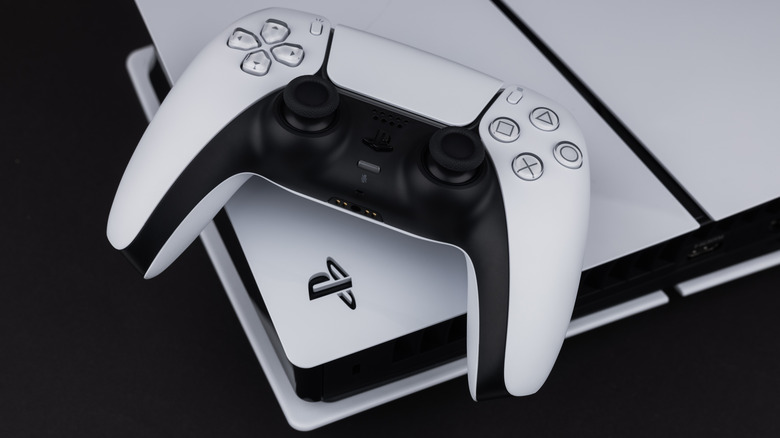
When the PlayStation 5 was released in 2020, it signaled a moment of prowess in the console space — offering impressive performance for the price and garnering positive feedback, including from our PlayStation 5 review. The system originally came in two configurations, one with a disc drive and one without. In today's gaming world, players may prefer to opt for digital only games for convenience and to eliminate the need for physical storage on their shelves.
But this does leave you considering the size of the hard drive loaded into the PS5. That internal storage is exactly the area users might want to update. While some of the newer PS5 models do feature more storage than the original, you'll still be facing the fact that your digital storage capacity is likely to run out at some point — and rather quickly if you're downloading large games.
That's why one of the cheapest and easiest upgrades you can do to a PlayStation 5 system is to swap in a new, larger solid-state drive (SSD). In addition to these drives being more reliable than mechanical drives (as outlined in our guide on SSDs versus hard drives), they're also fast, easy-to-use storage for your console.
Why you should upgrade the PS5's storage
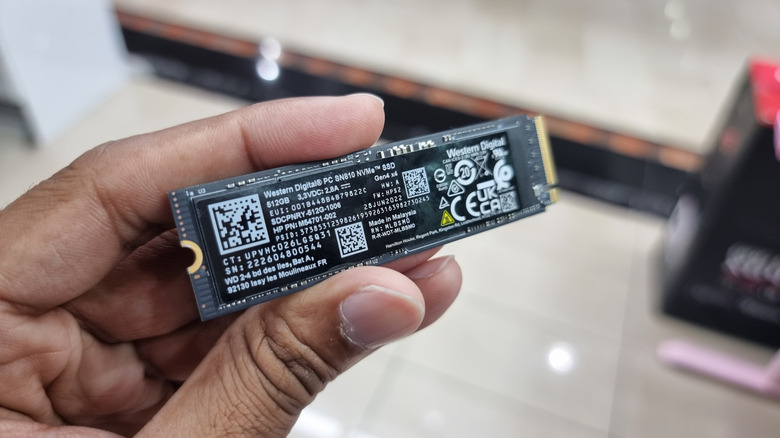
The original PS5 system launched with an advertised 825-gigabyte solid-state drive. That means, when you factor in the system data out of the box, you're already down to around 660 gigs of storage. With triple-A game titles climbing up over 200 gigabytes just to install and play, that's not a lot of space. Even when you consider the more recent PS5 Pro model with its two terabytes of capacity, you're running against storage limitations if you like to keep your games on the system directly.
So clearly there's a cap within the PS5 itself, but what's the value in upgrading? Along with being a relatively easy upgrade, there are a couple other things to consider. If you took advantage of the recent PlayStation 5 Black Friday deals, be aware that it can accommodate adding an additional SSD with a storage capacity of up to eight terabytes, giving you more than eight times the amount of storage that the system's built-in drive offers.
This gives you a long runway for game installs and reduces some of the frustration of having to delete one game to add another. What's more, SSDs can be relatively cheap PS5 upgrades. Consider, for example, the WD_Black SN850X SSD, which gives you an additional terabyte of space for $150.
How to install an SSD in your PS5
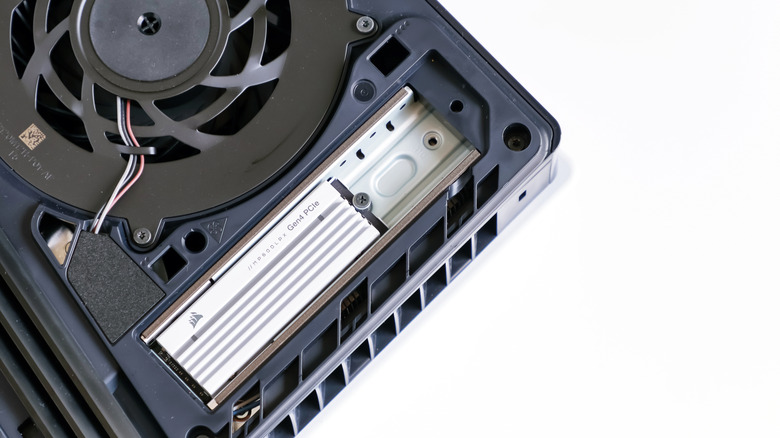
Thankfully, Sony has considered user-friendliness when it comes to adding an SSD to your PlayStation. Simply remove the white plate on one side to expose a surface-mounted M.2 SSD slot. Before you head to Amazon to order a new drive, though, be sure to check out the requirements of the SSD, as there are spec and size considerations. Some SSDs on Amazon are advertised to support the PlayStation5, which takes out the guesswork, depending on the model you're looking at.
Once you've got a compatible SSD, it's as simple as finding that M.2 slot on the PS5 under its cover, unscrewing the M.2 flap, and using a spacer if necessary to screw a new SSD right into the system. Then reattach everything, and you're done. PlayStation notes that new drives will likely need to be formatted by the system, so make sure there's no important data on your SSD. The system should handle setting it up for you, and then you're good to load more games onto your console — no electronics expertise or major gadget surgery needed.