

Can An HDMI Cable Go Bad?
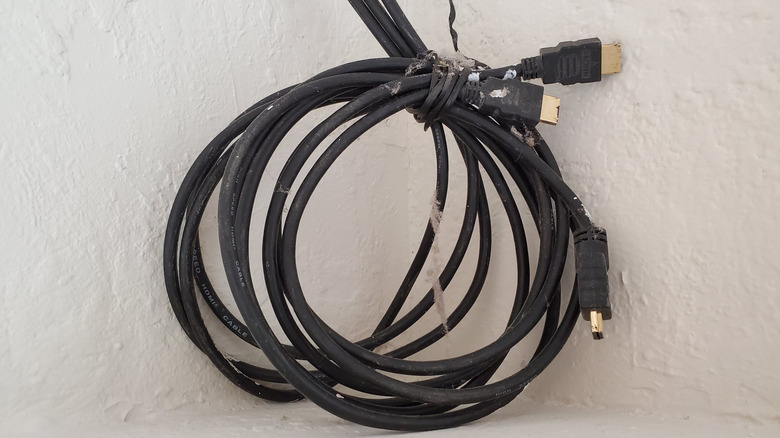
You're settling in for Netflix movie night when suddenly your screen goes black, starts flickering, or weird sparkles start dancing across the screen. Before you panic about your expensive TV, your HDMI cable could be the problem. Yes, HDMI cables can and do go bad over time, and recognizing the signs early can save you hours of frustration and unnecessary troubleshooting.
High-quality HDMI cables can last a long time with proper care. However, cheaper cables or those subjected to rough handling tend to fail much sooner. Physical damage from bending or twisting the cable, and environmental factors like heat and moisture, all contribute to a cable going bad. Cables can also fail due to internal wiring issues or damage in the connectors.
Unlike many electronics that either work perfectly or don't work at all, HDMI cables can partially fail, causing confusing intermittent problems that make diagnosis tricky. You might get a picture one moment and lose it the next, or notice audio cutting in and out randomly. Understanding what causes HDMI cables to fail and how to spot the warning signs can help you fix HDMI connection issues faster.
How to tell if your HDMI cable is faulty
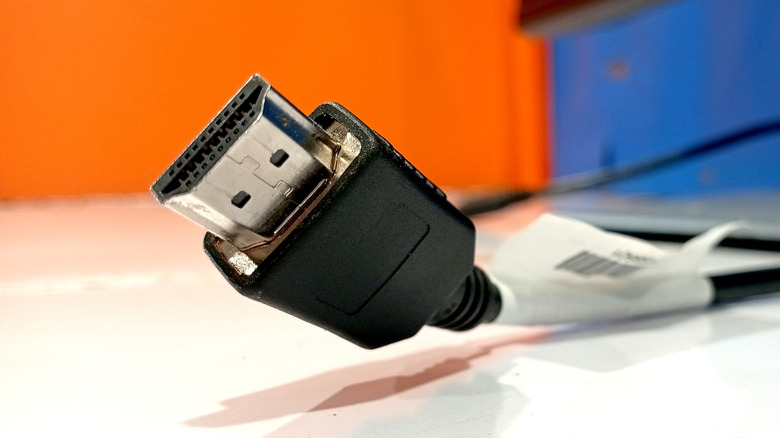
The most common sign of a failing HDMI cable is "sparkles" or flickering white dots scattered across your screen. These look like shooting stars or white noise and appear randomly, especially during fast-moving scenes. You might also experience intermittent blackouts where the screen goes completely blank for a few seconds before the picture returns.
Audio problems are another telltale sign. Since HDMI carries both video and audio signals, a damaged cable affects both. You might hear crackling, popping sounds, or lose audio entirely, even though the picture remains stable. Other visual symptoms include fuzzy or grainy picture quality, discoloration that makes colors look washed out, and poor resolution even when your TV supports higher quality. These issues can appear suddenly or develop gradually over weeks.
If your cable is flat-out bad, the device connected might show "no signal" or fail to display anything, which would be the most obvious sign.
A loose HDMI port can mimic a bad cable
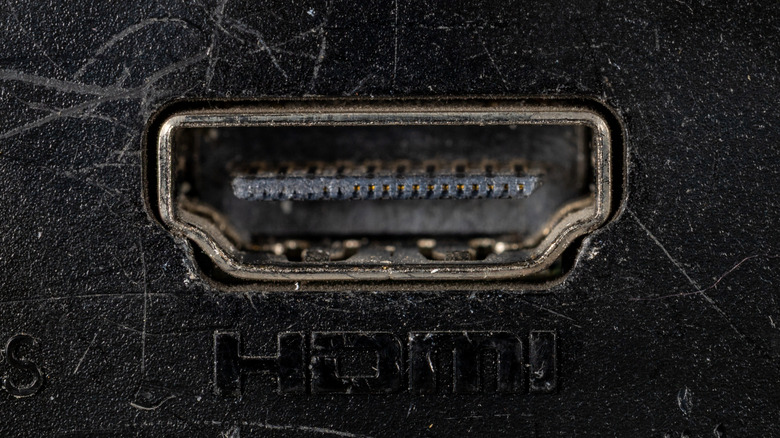
Sometimes the cable is perfectly fine, but the HDMI port on your TV or monitor has gone bad. HDMI ports are soldered directly to the device's mainboard, and frequent plugging and unplugging can crack these solder joints over time. If the port is loose, the connection becomes unstable, mimicking the symptoms of a broken cable. A bad port generally won't ruin a cable, but if the port is physically mangled with some of the metal inside bent, forcing a HDMI cable into it can damage the cable's connector pins.
To troubleshoot this, perform a gentle wiggle test. If moving the cable head slightly at the connection point causes the image to flicker or cut out, the port is likely the issue. To confirm, try swapping the HDMI cable to a different port on the TV or a port on another device. If the picture clears up, the first port is likely defective. If the issue persists across multiple ports and devices, the cable is dead.