

Apple CarPlay Not Working After The iOS 26 Update? There's An Easy Fix For That
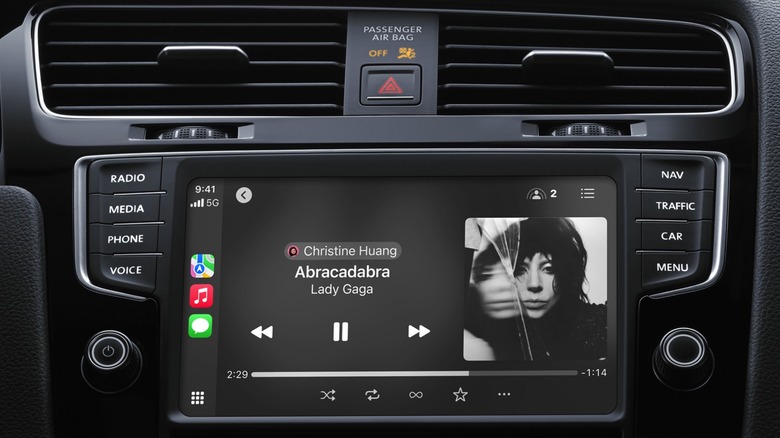
Stop turning your iPhone on and off again, because doing so likely won't bring back Apple CarPlay if it's disconnected, especially if this issue started happening after the main iOS 26 update, as it did for many users.
TikTok user Charly went viral this week for sharing a public service announcement about unexpected CarPlay connectivity issues and how to fix them. Unfortunately, there's nothing users can do to patch whatever bug is preventing a wireless connection, but they can use a USB-C cable with data transfer capabilities to link the iPhone to the car and restore CarPlay functionality.
@charlyssa.thatsme Quick PSA if you have an iPhone. #iphone #appleupdate #carplay
"If you have an iPhone and your CarPlay stopped working after the most recent update, you need a data cable," Charly said in a video that recently went viral, as other iPhone users encountered the problem. She explained to Motor1 that she discovered the fix via "a lot of trial and error." After she read online that others had the same issue, she assumed the problem was related to data transfers and tried connecting the iPhone to the car via a data cable.
You may already own a data cable that's compatible with CarPlay
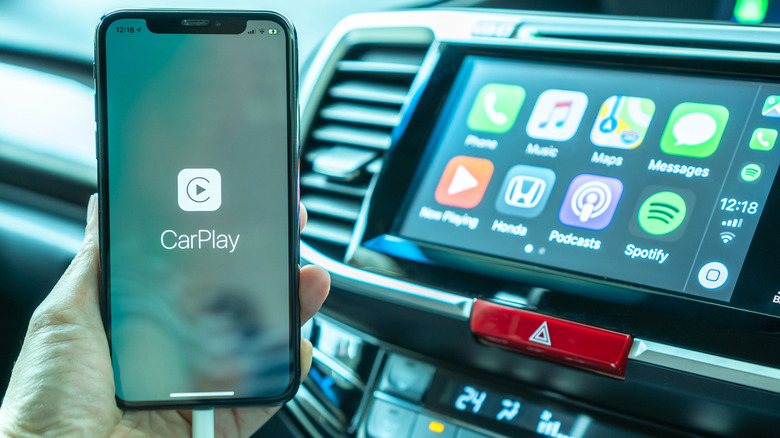
Charly's experiment was successful. She fixed the CarPlay connection with the help of a data cable, which is just a USB-C cable that also transfers data. The TikToker noted that she tried every USB-C cable she had, but none worked until she tried a data cable. Other iPhone users who encounter the wireless connectivity problem may experience the same. Since not all charging cables can transfer data, CarPlay won't work if you use a charging cable to hook up the iPhone to your car, as it won't transmit the data that needs to reach your car's infotainment system.
If you still have the original USB-C cable that shipped with your iPhone, you luckily already own a data cable. If your iPhone is a model from the 11 to 14 series, the original Lightning to USB-C cable that came with it also transfers data.
You've likely purchased extra USB-C cables if your iPhone isn't new, so picking one of those up at random is not enough to ensure CarPlay works. Sure, you can test one by one, but you can instead check the cable for markings that indicate it supports data transfer (like transfer speeds). If those aren't visible, you may want to see if the iPhone triggers a data transfer with your computer when using the cable to connect the two devices. If all else fails, you can purchase a third-party data cable from an electronics store and keep it in the car for emergency CarPlay connectivity.
Other fixes that may restore your CarPlay connection
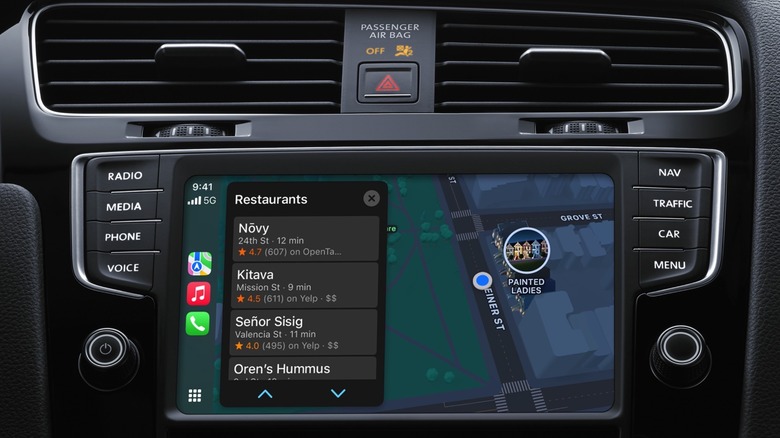
CarPlay is supposed to "just work," as Apple likes to say when talking about new products and features. The iPhone should connect to your car wirelessly and automatically. It's unclear which of the latest iOS 26 updates caused the CarPlay connectivity problems. Apple released the new main build in mid-September, and then issued two smaller updates, iOS 26.1 with new features and iOS 26.2 with extra improvements and tweaks. You can already install the beta version of iOS 26.3. Charly doesn't say which software version she's running. If iOS 26 is the latest update she installed, updating to iOS 26.2 could fix the issue. That's something you can also try before switching to the wired CarPlay experience.
If your car only has USB-C ports and your iPhone has a Lightning port, you will need a USB-C to Lightning adapter like the one Apple sells for $29. This specific accessory transfers data and power, so it should work with CarPlay. Apple notes in a support document that "some combinations of adapters, cables, and vehicle entertainment systems might disrupt the wired CarPlay connection." Apple suggests USB-A to USB-C cables for such situations. If your car takes only USB-A cables, you'll need an adapter that supports data transfer.