

OnePlus Pad Go 2 Review: Killer Value, But Not Perfect
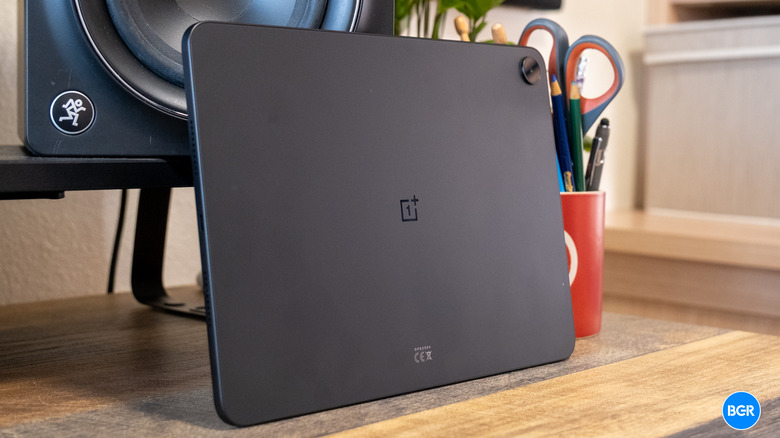
OnePlus has been building out its tablet lineup over the past few years, and the OnePlus Pad Go 2 is the company's latest play for the mid-range market. At $400, it sits in an interesting spot — cheap enough to undercut the premium stuff from Samsung and Apple, but packed with enough to feel like an actual productivity tool instead of a major compromise.
The Pad Go 2 picks up where the original Pad Go left off, with plenty of upgrades. There's a new processor, a bigger and sharper display, and optional cellular connectivity — with 5G for the first time in the Go lineup. The question is whether all of that adds up to the Android tablet you should buy if you don't want to spend flagship money.
Design
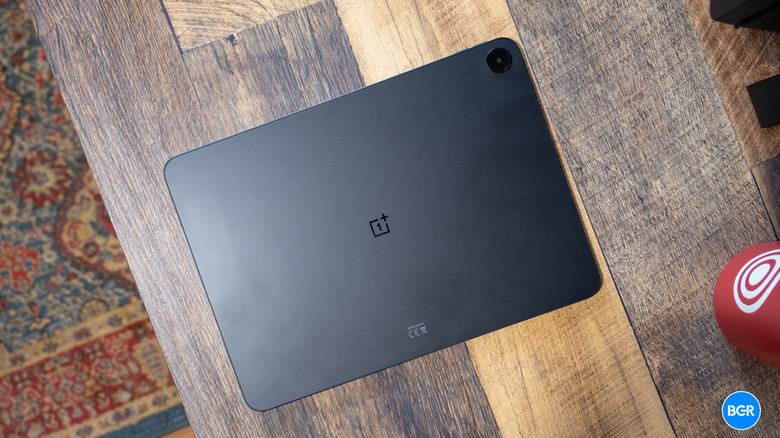
Size-wise, the OnePlus Pad Go 2 lands between Apple's 11-inch and 13-inch iPad models. That's big enough to actually get work done, but still portable enough for watching stuff on the couch or bringing along when you travel.
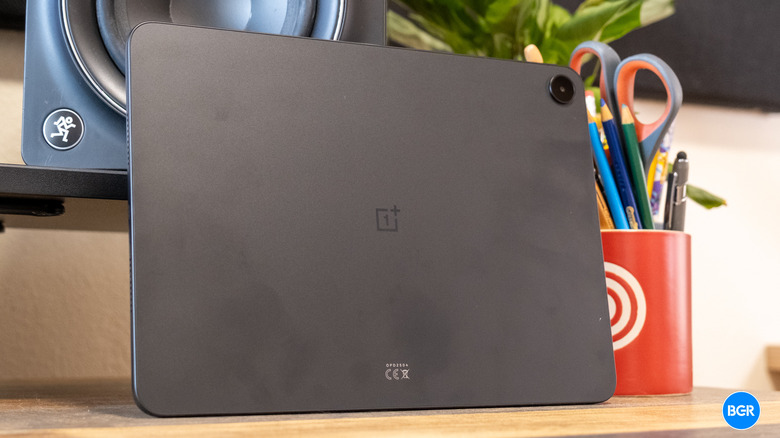
OnePlus has changed up the look compared to the last generation, and the result is something that feels a little more premium and professional. The build quality isn't quite flagship-level, but the tablet feels solid in hand and doesn't come across as cheap. The Shadow Black color adds to the professional vibe, though you will be wiping off fingerprints constantly.
The tablet is a bit heavier than before, thanks to the larger display and battery. The edges have a subtle curve that makes it more comfortable to hold for longer sessions too, just like many modern phones. The bezels are also slim enough to give you plenty of screen real estate, but thick enough that you can hold the tablet without accidentally tapping something.
Hold the tablet vertically, and you'll find the USB-C port at the bottom, volume buttons on the right, and the power button up in the top right corner. OnePlus put the front-facing camera on the right edge, which means it ends up at the top when you're using the tablet in landscape mode. This is exactly where it should be for video calls. Overall, I quite like the design of the OnePlus Pad Go 2. Sure, it's not the most unique-looking tablet ever, but it still looks professional and sleek.
Display
The OnePlus Pad Go 2 has a 12.1-inch IPS LCD panel with a 1980 x 2800 pixel resolution, which works out to 284 pixels per inch. You get a 120Hz refresh rate for smooth scrolling and animations, plus a peak brightness of 900 nits in high brightness mode. The screen can vary in refresh rate, but it can't dynamically range up and down like an LTPO panel — instead it switches between "modes" depending on how you're using it.
Day-to-day, the screen looks reasonably crisp and plenty bright. The 7:5 aspect ratio is good for productivity — you get more vertical space for documents and web browsing than the wider aspect ratios on tablets built primarily for entertainment. Movies look good too, and there's enough screen to make split-screen multitasking actually usable. Tablets don't typically get used outdoors all that much, so you don't necessarily need the brightest screen, but if you do plan on using it outside, expect to have some glare issues in direct sunlight. Still, it's fine for most situations.
The screen overall isn't incredible, but it does the job perfectly well. Most people will find the screen perfectly acceptable for streaming, reading, or working through documents.
Audio
OnePlus equipped the Pad Go 2 with a quad-speaker setup featuring what the company calls "Omnibearing Sound Field" technology. The system automatically adjusts the stereo channels based on how you're holding the tablet, so the audio stays oriented correctly whether you're in portrait or landscape.
The speakers are fine for a mid-range tablet. There's some depth to the sound and the mids are decent, but the bass is just okay and the highs could be crisper. They're not going to match the audio quality of pricier tablets from Apple or Samsung, which have invested heavily in their speaker tech. For casual stuff, like random YouTube videos, the speakers are fine. But they won't replace a good pair of headphones if you actually care about audio quality.
Performance
The OnePlus Pad Go 2 runs on the MediaTek Dimensity 7300-Ultra chipset, built on a 4nm process, with 8GB of RAM. Performance lands squarely in "better than expected" territory — nothing exceptional, but easily more than adequate for what this tablet is supposed to do.
OnePlus has positioned the Pad Go 2 for productivity and media consumption, and the hardware handles those tasks easily. During testing, heavy multitasking sessions went smoothly — switching between apps felt snappy, and running multiple applications at once didn't cause any noticeable slowdown. The software's multitasking features work well with the hardware to create a responsive experience overall.
Gaming works too. You can push the tablet to its limits with the most demanding games or extremely intensive workflows, but the average person isn't going to hit performance bottlenecks. Only those with particularly heavy usage, such as intensive video editing or having multiple demanding apps running simultaneously, will find the tablet struggling.
Honestly, the performance exceeded my expectations for a $400 device. If you want a tablet for productivity, media consumption, and some gaming here and there, the Pad Go 2 has plenty of power. The optional 5G connectivity also means you can stay connected without tethering to your phone if mobile data matters to you.
Battery and charging
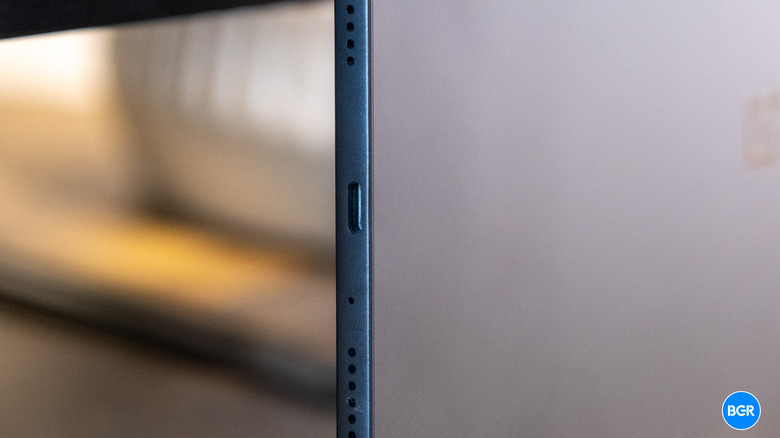
OnePlus put a substantial 10,050 mAh battery in the Pad Go 2, and the company claims it can last for up to 15 hours of video streaming on a single charge. In practice, the tablet easily goes several days on moderate use before you need to plug it in. Use it throughout a work day, even at higher brightness, and it'll comfortably last from morning to evening.
The tablet supports 33W wired charging, which is perfectly fine but not class-leading. Faster charging would have been nice given the large battery, but it's not a big deal if you can just charge overnight like most people. The inclusion of reverse charging is useful — the tablet can function as a power bank for other devices in a pinch.
Camera
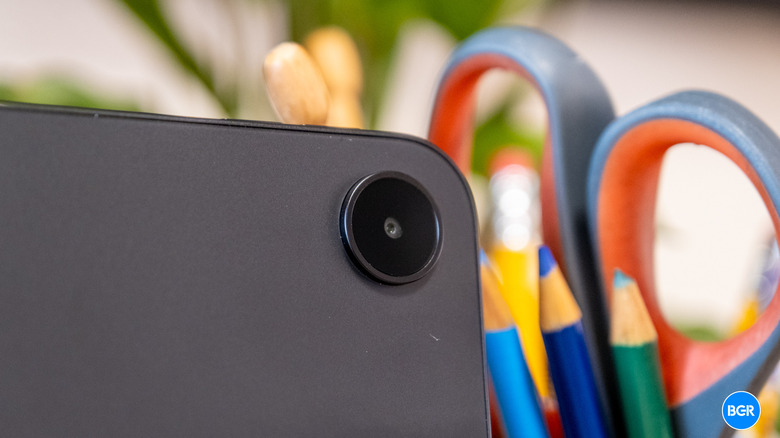
The OnePlus Pad Go 2 has an 8MP rear camera that shoots 1080p video at 30fps, along with an 8MP front-facing camera with the same video specs. This is a straightforward setup, and it acknowledges the fact that basically nobody buys a tablet for its cameras. That doesn't mean they're not important — plenty of people use their tablets for video calls. But that should be the primary use-case for a camera on a tablet.
The rear camera is functional at best. It'll do for snapping a quick photo of a document or whiteboard, or showing someone something during a video call. It should not be considered a replacement for your phone's camera in any meaningful way. Image quality in good lighting is acceptable, but anything more demanding will show the camera's limitations quickly.
The front-facing camera matters more on a tablet, and the Pad Go 2 also does fine here. Video calls look perfectly acceptable, with reasonable image quality and accurate colors under normal lighting.
Software
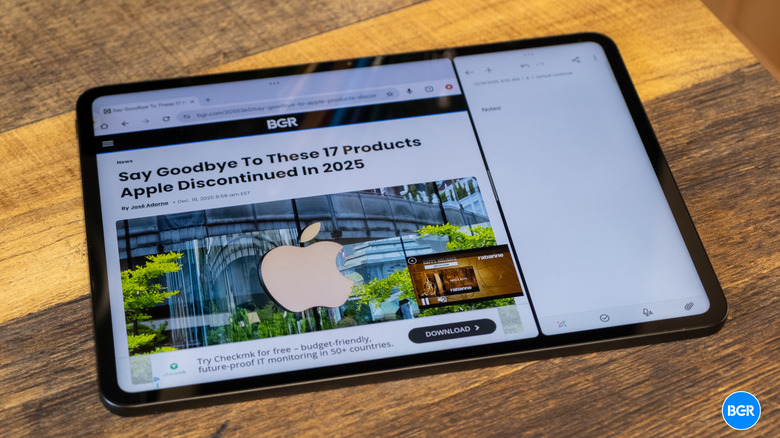
The OnePlus Pad Go 2 ships with Android 16 running OxygenOS 16. The combination makes for a solid software experience overall, with particularly strong multitasking that actually takes advantage of the large display.
The multitasking implementation gives you several ways to work with multiple apps at once. Swipe down with two fingers on an app to enter split-screen mode. The tablet can handle up to three apps simultaneously — two in split-screen with a third floating. You can rotate between multiple floating windows, and with the right app in picture-in-picture mode, you could effectively get to four apps visible at once.
Once you learn the gestures, these features work well. There's a learning curve, but it's not steep. For Android tablet software, OnePlus has done solid work making multitasking practical and functional.
That said, the software still doesn't match iPadOS, which received significant multitasking improvements with iOS 26. Apple's platform has better developer support for apps running at various window sizes, along with more polished multitasking overall. Android tablets have made progress, but iPad is still ahead here.
Beyond multitasking, OxygenOS 16 is generally well-executed. The interface is relatively clean, features are easy to find, and the visual design looks modern. OnePlus included various AI features, including a writer, summarizer, and other tools — though the tablet doesn't have Mind Space, the new AI feature from the OnePlus 15. The AI stuff may or may not be useful depending on how you work, but it doesn't get in the way.
Accessories
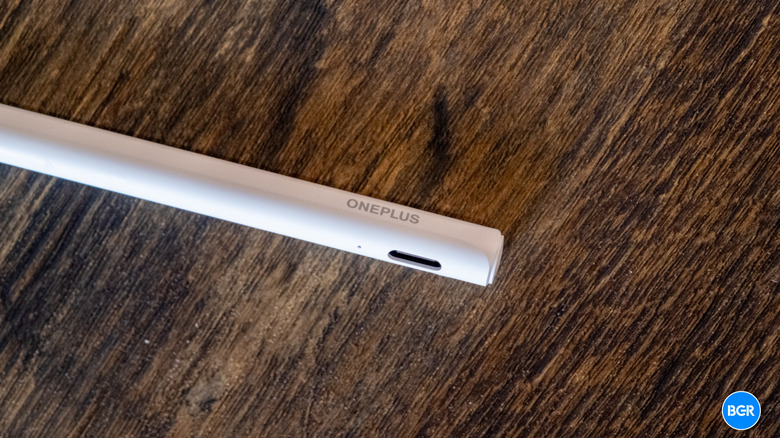
OnePlus sells several accessories for the Pad Go 2, including the OnePlus Pad Go 2 Stylo and the OnePlus Pad Go 2 Folio Case. Both are functional, but both feel kind of lazy compared to what competitors offer.
The Stylo works fine as a stylus. It felt responsive enough during testing and has a button for switching between modes. It's comfortable to hold, though that mode button barely sticks out from the body — you can't really find it by feel. More importantly, the Stylo charges via USB-C instead of magnetically attaching to the tablet. After years of Apple's magnetic Pencil approach, having to separately charge a stylus feels like a step backward. The stylus also doesn't physically attach to the tablet anywhere, which increases the chances of losing it.
The Folio Case provides adequate protection, though the materials feel a bit cheap. There's a loop for storing the Stylo, which partly addresses the attachment problem. It's not premium, but it does the job for basic protection.
Conclusions
The OnePlus Pad Go 2 makes a strong case for itself in the mid-range tablet space. At $400, it significantly undercuts Samsung while delivering a capable, well-rounded package. A large display, competent performance, excellent battery life, and solid multitasking software make it an easy recommendation for anyone looking for a general-purpose Android tablet.
If you want a tablet for productivity, media consumption, and some gaming without spending flagship money, the Pad Go 2 delivers solid value. It's not perfect — the accessories feel underdeveloped, the audio won't impress anyone who cares about sound quality, and Android still trails iPadOS for tablet-optimized software. But at this price, the compromises are reasonable.
The competition
OnePlus's own Pad 3 is the premium option within the company's lineup, with better performance and features if you're willing to spend more. Samsung's Galaxy Tab S11 competes here as well but also costs more, and the price difference might be hard to justify unless you specifically need what it offers.
The reality is that competition at the $400 Android tablet price point isn't exactly fierce. A lot of options at this level cut too many corners, while others creep up in price to the point where they're competing with entry-level iPads. The Pad Go 2 sits in a reasonable middle ground.
Should I buy the OnePlus Pad Go 2?
Yes, if you want a solid Android tablet at the $400 price point.