

Can You Use A Google Chromecast Without Internet?
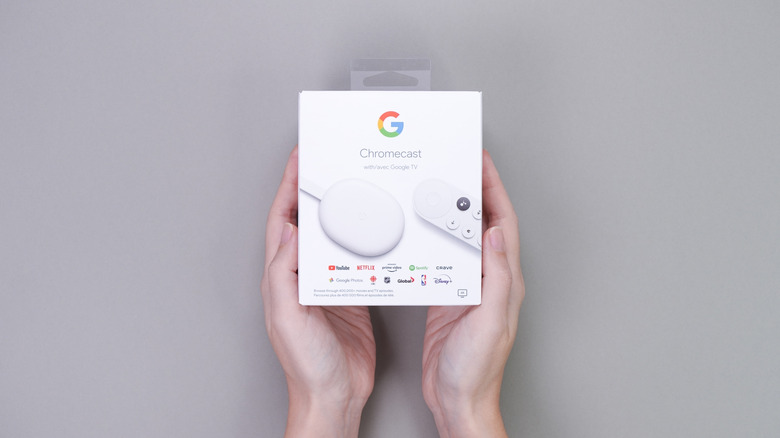
Google Chromecast was a digital media streaming device that users cast or send audio/video from their Android device or computer to a TV or display. For over a decade, this small device has been the perfect and budget choice for those without a smart TV or with a model that was already too old and wouldn't run streaming video apps, such as Netflix, HBO Max, Amazon Prime, and so on.
Even though Google recently discontinued the Chromecast as we know it, the company still supports some of the latest models with software updates and security fixes. That said, one of the most common questions users have about Google Chromecast is if it's possible to use this device without an internet connection, and the answer is: an internet connection is not necessarily required, but a local Wi-Fi connection is.
After all, the Chromecast was built around IP networking, which means it prioritizes simplicity and security over peer-to-peer flexibility. Additionally, Google never implemented Wi-Fi Direct for casting, which means the Chromecast is useless if the device and your Android phone are not connected to the same network. Here's how to use your Chromecast without an internet connection, and what you can and can't do with it.
Google Chromecast works as long as it has an Wi-Fi connection
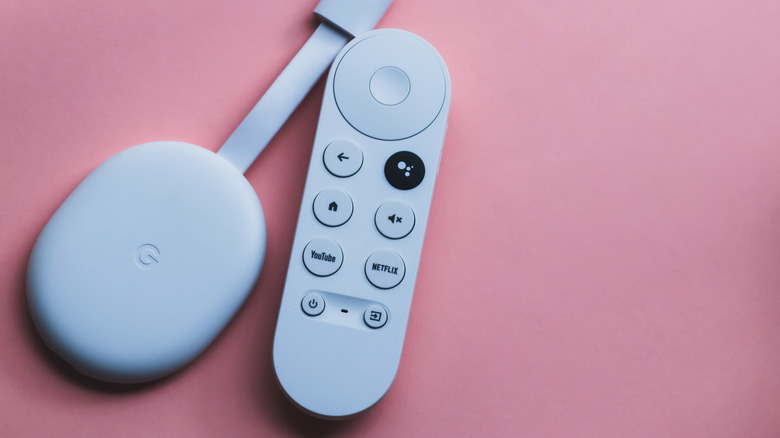
As explained above, Google Chromecast requires a Wi-Fi connection to work. If it's your first time setting up the Chromecast, you can set up a mobile hotspot, a travel router, or an Ethernet adapter. The device doesn't care how fast your internet connection is; it just requires a Wi-Fi connection.
That said, even if you want to screen mirror your Android device to your TV using the Chromecast, you still need to be on the same local Wi-Fi network, even if that Wi-Fi has no internet. Once you connect to the Wi-Fi, you can mirror local content like photos, videos, and presentations.
While some stories online mention Google's Guest Mode, this is no longer a working feature, which means you can only use your Chromecast if you have a Wi-Fi connection, which is different from a Roku device, which can function without a Wi-Fi or internet connection, or an Apple TV set-top box.