

Do Smartphone Apps Spy On Your Contacts?
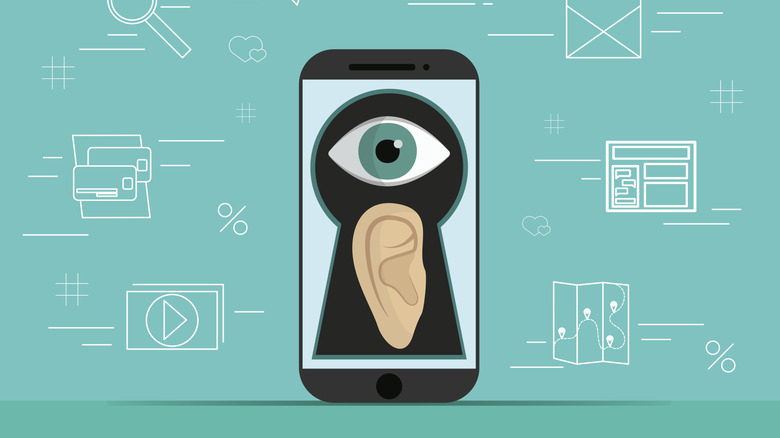
Most smartphone apps like to request permission to access your data. These apps typically ask for access to anything from your location data, calendar, or even your contacts. Apps that access your contacts are usually calling or messaging apps; typically, they use a phone number to connect and suggest contacts to add to its service. While that is to be expected, the occasional tricky malware or spyware app, like the nasty Albiriox trojan, can also spy on your contacts via your address book or similarly linked data.
No matter the reason or source of an app's access to your contact information, it is still very invasive. If your smartphone has malware, spyware, or stalkerware installed, there's plenty to worry about beyond your phone app contacts. Though you can still control your data, you can do so by being careful about the apps you install and by turning off permissions and requesting that your data be removed. Meta, for example, lets you request that personal information be removed or have it removed after deleting your account. So, how exactly can an app get access to your contacts, and what can you do about it?
Why would smartphone apps have access to your contacts?

Smartphone apps are hungry for your personal information, basically any data that you provide them. Depending on each app's data-sharing practices, they may share this data with their ad investors. The reason is that most apps you find on a smartphone's app store are being offered for free, but more often than not, developers or companies hosting these apps still seek to make a profit.
Your data is essentially being monetized and used to help advertising services deliver personalized ads. Data brokers also use your data to build profiles. Basically, combining bits and pieces of legally obtained information into a detailed profile; these profiles may contain your location, age, marital status, purchase history, and even the contact information of your linked contacts.
The best way to know exactly what is going on with your data is to read the Privacy Policy of any smartphone app before installing. The Privacy Policy explains how it handles the data you provide, which data it collects, why it needs your data, its overall data-sharing practices, and other critical information like retention, legal compliance, and your user rights. An app that isn't transparent about its Privacy Policy and data collection practices, or doesn't follow through on it, isn't one to be trusted, and yes, this does happen.
How to handle your personal data on your smartphone

The easiest solution is to stop installing apps, but that's like asking someone to stop borrowing books from a library or to stay clear of downloading new software on a computer. Even if you deprive your device of third-party apps, your data is still not safe. Consider Google, for example. Google loves collecting and selling your data; it's all connected to your primary account. Every time you access a Google service, you basically feed more data to Google via your profile. The difference is that you are trusting Google with your data. But some might be fine with it since you can also toggle off features that prevent Google from doing more with it, such as turning off ad personalization and trackers. But when you toggle off activity tracking, you can also break some services that depend on algorithms to provide relevant content, like YouTube.
The in-between option is to disable app permissions and services (one of many recommendations from the U.S. government). You should also do a quick audit check of your permissions for the smartphone apps you do have installed. Your device should have an app management section that shows which permissions are allowed and which are blocked, broken down by app. You can remove contacts from the permitted list or change it so apps only allow them while in use. It's especially helpful when you're dealing with apps that run rogue with your permissions, showing sensitive data when it isn't required, and it helps you determine which ones deserve to be wiped clean.