

Apple Music Just Got A Huge Update With iOS 26.2 - Here's What Changed
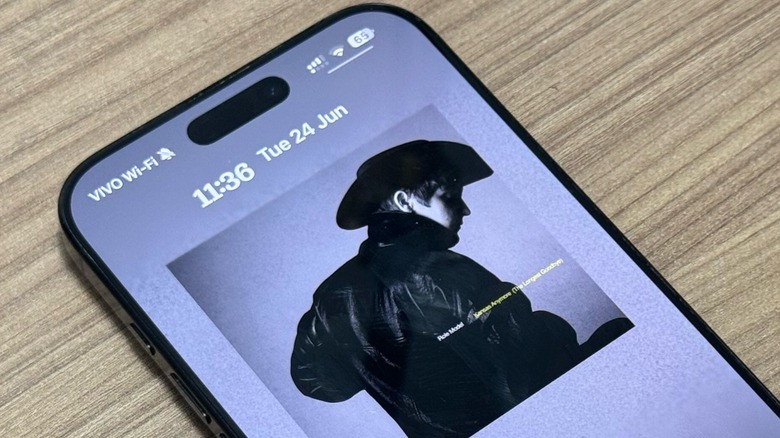
Apple is giving a lot of love to Apple Music and with iOS 26.2 the company continues to improve the listening experience. In addition to bug fixes, Apple Music now shows the Favorite Songs playlist in Top Picks on the home tab. Plus, users can see lyrics for their downloaded songs in the app while they listen, even when they don't have an internet connection.
With this change, Apple Music subscribers will never have to guess what an artist in singing again. This is especially useful for when an Apple Music user is on a plane without Wi-Fi, practicing songs by their favorite artists while waiting in line for a concert, or even when they just don't have a reliable internet connection but want to sing along to new or unfamiliar music.
With this added feature, Apple Music subscribers got another perk that Spotify users don't have. Even better, Apple Music users don't need to do anything to get their song's lyrics available, they just need to make sure to be running iOS 26.2. That said, if you're not seeing offline lyrics, you can re-download a previous song available offline.
Apple Music got a lot more in iOS 26
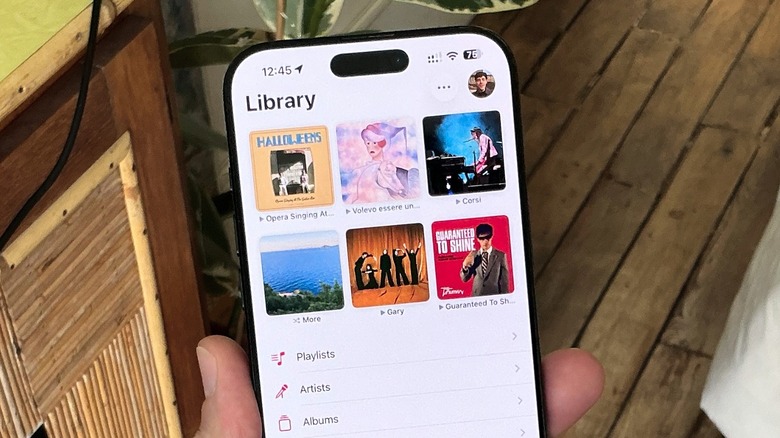
After a few underwhelming Apple Music updates, Apple went above and beyond with its music streaming service with iOS 26. It got a redesign with Liquid Glass, as everything is more glossy, vivid, and interactive than it was in iOS 18. For example, it's now possible to swipe between songs from the mini player, and the hover menu changes when you're using the platform.
For those who love international songs, Apple Music introduced Lyrics Translation and Lyrics Pronunciation. With Lyrics Translation, you can better understand your favorite foreign-language songs by seeing real-time translations in your spoken language, while Lyrics Pronunciation makes it easier for everyone to sing along, no matter the language.
It's also possible to pin your favorite songs, artists, albums, or playlists to the top of your library or have a song with an animated cover take over the entire Lock Screen. Apple also tweaked some Apple Music widgets, and a new AutoMix feature technically improves the iOS 18 crossfade function, which is a DJ-style feature that seamlessly mixes one song into the next. It's not our favorite addition, but some will love AutoMix.