

You Should Stop Connecting Your Smart TV To Wi-Fi — Here's Why
We may receive a commission on purchases made from links.
If you're often finding your TV slow to stream your favorite shows, movies, and live content, or if the Wi-Fi feels unreliable most of the time, you should start connecting your TV with an Ethernet cable. This cable offers a wired connection between your internet modem or router to your smart TV, computer, and other devices, and it's ideal for those who want a reliable internet connection to avoid possible speed fluctuations from your internet provider due to many reasons, such as network congestion or your router's capabilities.
Users might get the same speed with Ethernet as they would get on Wi-Fi, and an Ethernet cable that offers up to 100Mbps is more than enough to stream your favorite Netflix shows in 4K. According to Netflix, 15Mbps is enough to stream in 4K, while 25Mbps provides more buffering, which means that your content loads faster. That said, to have a reliable and high-resolution TV experience, a quarter of what an Ethernet cable usually provides is more than enough.
This is what TV manufacturers, like Samsung, suggest. Samsung advises that while a wireless connection can give users more freedom to position their TVs wherever they want, an Ethernet connection is stronger and more stable, which means that if your internet connection is fast enough, you'll be able to stream content in 4K, switch between streams, and easily watch your favorite live content in real time without long buffering times or loss of image quality.
Which Ethernet cable should you use for a smart TV?
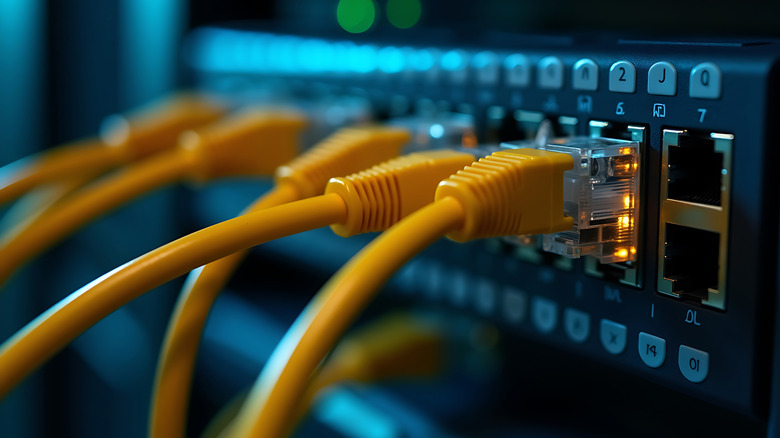
Just like selecting the best Wi-Fi router for your home, it's also important to consider the different types of Ethernet cables and determine which one is best for your needs. For most people, Cat5e or Cat6 cables should be more than enough, and they can be as cheap as around $5 on Amazon. Cat5e supports speeds up to 1Gbps, while Cat6 reaches up to 10Gbps in short distances. Both options are sufficient for streaming in 4K, even if your smart TV can't reach those levels.
It's also important to note that if you want to connect your router to several Ethernet cables, you're probably not going to slow down your internet service. For example, you can connect your smart TV, your PlayStation 5, and even your computer to your router with three Ethernet cables without much issue. However, you need to check your router's capacity and the total internet bandwidth available in your internet plan. After all, bandwidth is the amount of data a cable can carry from one device to the other. That said, even if you have the best Ethernet cables on the market, your internet plan and your router also need to follow the specs.