

5 Things Apple TV Does Better Than Your Smart TV
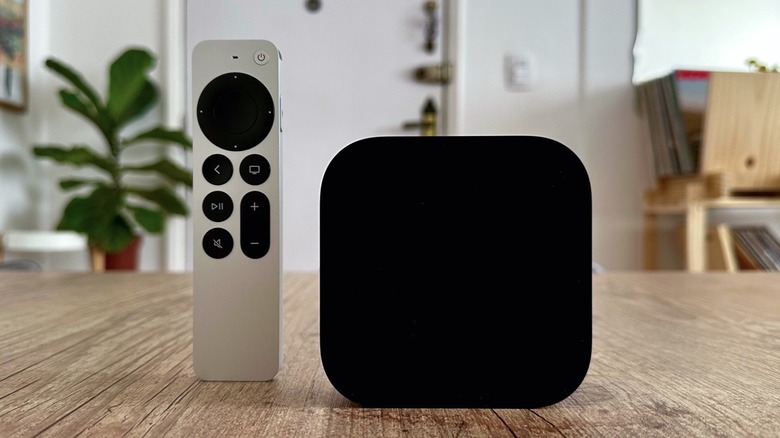
Choosing a smart TV is no easy task. After all, manufacturers offer so many different options with regards to display sizes, built-in technologies, and specs. You may not pay too much attention, that is, until you need to know if your TV has HDMI 2 or 2.1 capability, how many ports it has, or which processor it uses. Still, whether you bought a high-end TV or the cheapest, having an Apple TV device can greatly improve your experience.
With the latest Apple TV being released in 2022, and rumors suggesting a new model might be launching soon, you still have plenty of reasons to upgrade your TV experience with this set-top box, as it offers the best software on the market and perks that no other option has (particularly for Apple fans). After over a decade using the Apple TV and owning a few different models, this article also represents my experience with having to upgrade my smart TV more often than my streaming device.
tvOS is superior to other smart TV software
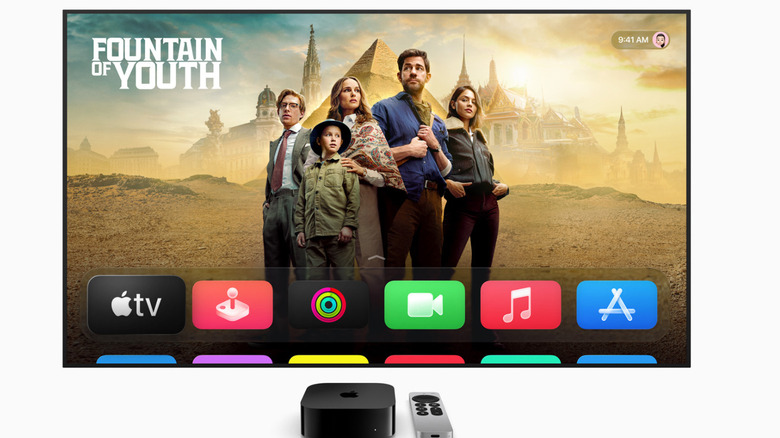
Apple often touts the quality of its software. Apps are easy to install and utilize, the company offers quick set-up from the iPhone to the Apple TV, and everything you have on your iPhone can be synced via Apple Account to your Apple TV — including photos, purchased movies, streaming apps, and even settings from your Home app.
Beyond a pretty UI that can be controlled via Siri Remote or iPhone, what makes the tvOS experience superior is Apple's dedicated hardware. After all, the company knows how much it can push its specs to improve the user experience. Streamlined product focus also has its perks, as developers need to create apps for a very limited number of Apple devices, instead of thousands of devices made by competitors.
Imagine Netflix. Everybody can watch Netflix on a smart TV. However, how can the company ensure the app will run the same on a $200 TV from a few years ago versus a $5,000 premium display purchased today? With an Apple TV, it doesn't matter which smart TV you have, the streaming experience will be the same — even if the picture quality may differ due to the TV's own constraints — because the app runs on standardized Apple TV hardware.
It's the only way to use a pair of HomePods with your TV
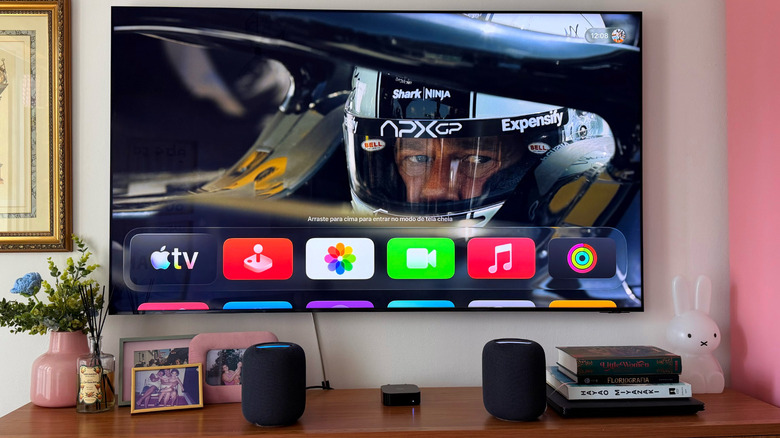
Personally, one my favorite features of the Apple TV is the ability to set a pair of HomePod devices as the main audio source. Even though smart TVs let you have your own audio setup, I really enjoy having a pair of HomePod speakers — and you can choose between the original models, the Mini, or the second-generation devices released a few years ago.
With a pair of HomePod 2 speakers on hand, you unlock exclusive perks like the ability to enhance the audio quality of a TV show. And when using Apple Fitness+, you can choose between a louder background music or a louder coach's voice through the HomePods.
I also think the Dolby Atmos support — and better integration with Apple Music and the Apple TV app — make the experience more enjoyable, especially if you're not aiming at a full home theater setup, but still expect great sound quality. With the latest Apple TV and an eARC compatible TV, you can use your HomePods as the main source of TV audio, whether playing a gaming console or using other peripherals.
Apple TV offers more privacy, and doesn't display ads
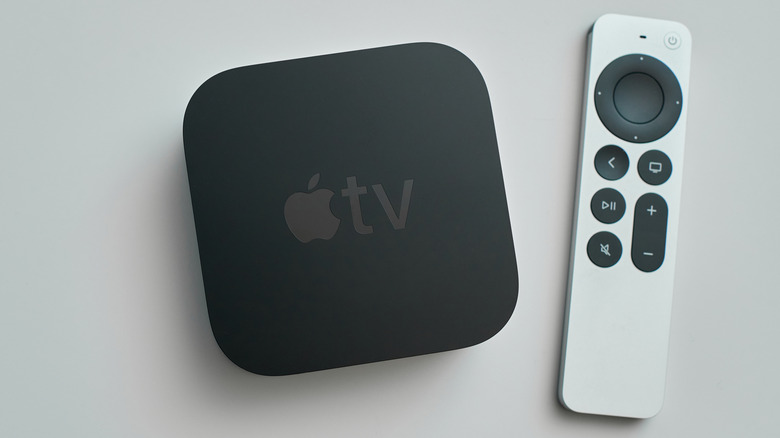
Like all tech companies, Apple tracks user data. However, the company doesn't sell that information to third-party firms. Besides that, the setup process of the Apple TV lets you choose what you'd like to share with the company, such as your location, audio recordings from Siri, and more.
In addition, some of the data Apple collects is anonymized. For example, the company might know that the laughing emoji is the most popular deployed by users, but it doesn't know if you use it, or how many times you have used it.
Another example that makes the Apple TV better than a regular smart TV interface is that the Apple TV doesn't display ads on the main experience of the set-top box. You're only seeing content from the apps you've downloaded, and you're never forced to watch an ad before performing an action on your Apple TV. Of course, Apple TV streaming promotes shows when you tap to watch an episode, but it won't prevent you from skipping the promo.
Apple TV could extend the life of your older smart TV
If you're happy with the current smart TV you have, but it's not performing the way it used to, the best way to expand its longevity is by having an Apple TV. For example, Apple released the first generation Apple TV 4K in 2017. It's now 2026, and you can still use that first-gen device with your favorite streaming services. It still updates to the latest version of tvOS, and the experience remains solid.
While a smart TV's processor and firmware might not last for a decade — often plagued by slowdown and lack of updates — an Apple TV could refresh your viewing experience. Even if you end up upgrading your set-top box because you want new perks, you can still use the Apple TV for another purpose. You might install it on another TV in your home, or gift it to a friend, rather than see it collect dust.
Apple TV offers the best experience in coexistence with your Apple devices
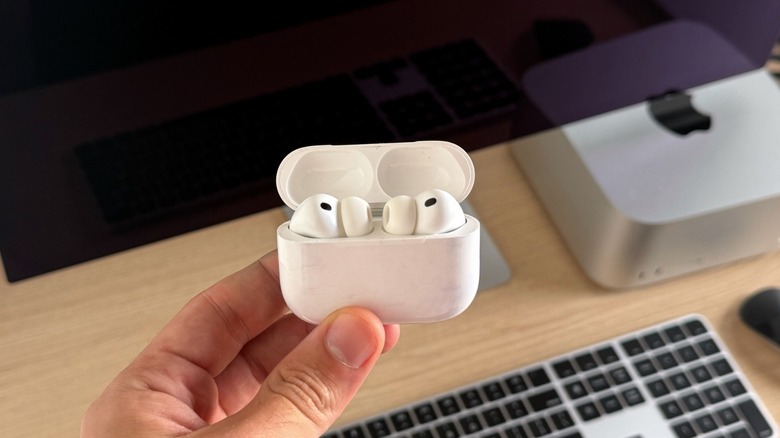
If you're a true Apple fan like myself, you probably have AirPods, a Mac, an iPad, an iPhone, HomePods, and so on. With the Apple TV, everything seamlessly connects to your set-top box. For example, you can quickly connect your AirPods to your TV to ensure spatial audio sound on your favorite Apple TV shows, and have all the controls you know from your iPhone available on your Apple TV.
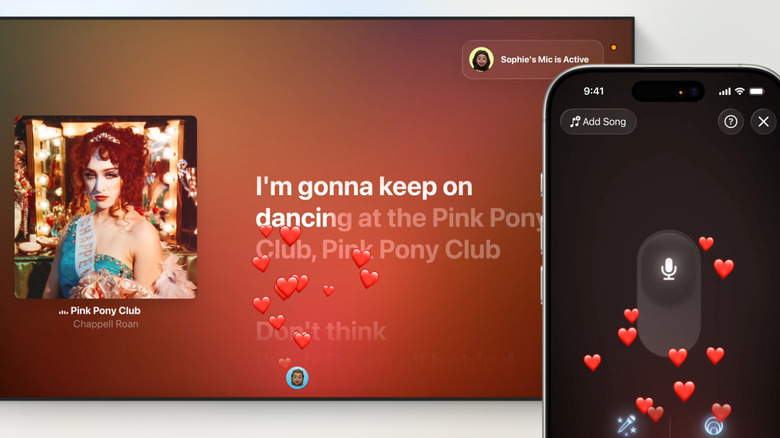
Besides that, the latest Apple TV 4K features a FaceTime app which lets you use your iPhone as the camera. This is perfect for video conferencing, and you can even use your iPhone's microphone for another experience — Apple Music Sing. With this function, users can lower the main singer's voice and be the ones belting out their favorite tunes.
By using an Apple TV, it's also easier to connect your iPhone, iPad, or Mac to AirPlay content, and you don't need to worry if your TV is compatible with Apple software or not. Simply plug in the Apple TV, and you're good to share your information on the big screen.