

5 3D Printing Rules Every DIYer Needs To Know
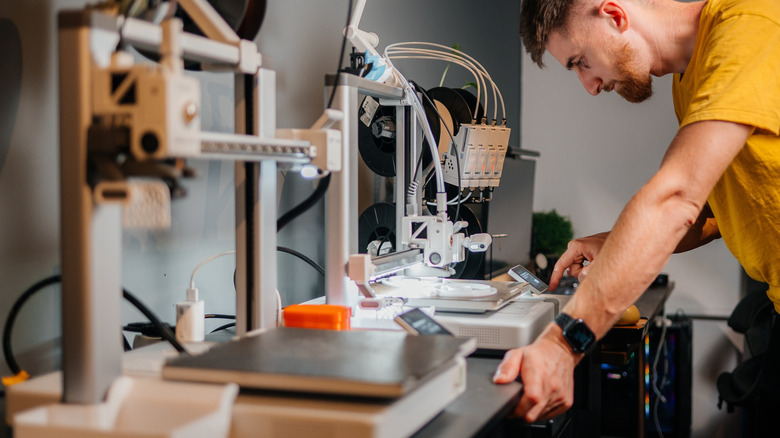
Technologically and functionally speaking, 3D printing is amazing. You can create virtually anything using the right printer. The world's largest 3D printer can create a whole house in under 80 hours. Of course, that's an industrial-sized printer, not something consumers would own or have access to. Closer to home, you can use a printer to make things like stands for your electronics, chess and board game pieces, cable organizers, and a host of useful knickknacks, especially if you're just starting with the technology. Here's what you don't often hear: For every successful project, there are many that fail — around 31% of all printing projects fail, and it can happen for a myriad of reasons.
Whether you're an experienced designer, hobbyist, or just your average DIY enthusiast looking to create some small components for your various projects, it always helps to understand some basic guidelines surrounding 3D printing tech. Doing so won't outright eliminate problems or failed prints, but it will significantly mitigate errors and their severity. Here are some 3D printing rules that every DIYer should know and follow, to the best of their abilities.
Make sure your printer is stable and remains so
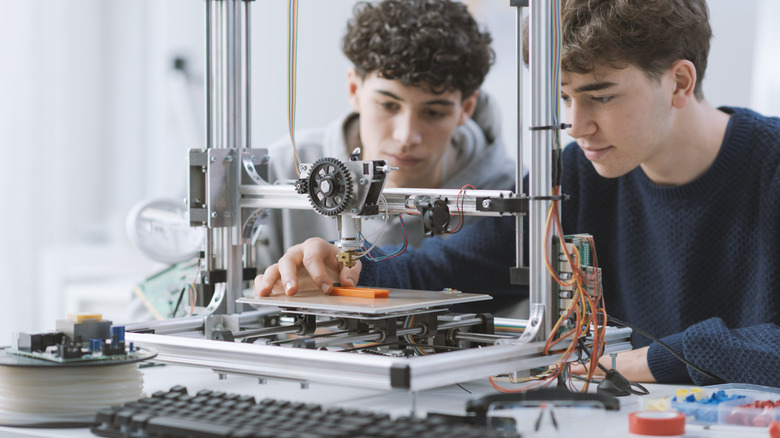
During printing, the machine parts move, adjust, and contort to create the desired outputs. Sometimes, this could mean the printing bed moves, but most certainly the nozzle and other components will. It's absolutely crucial to keep your entire printer stable, level, and steady. Wobbling, or vibrations caused by the printer, could affect the finished product — or result in a failure altogether.
Choose a sturdy table or immovable surface for your project, like a solid desktop with little to no wobble. You might also adjust printer speeds, as printing slower reduces the level of vibration and unnecessary movement. Meanwhile, you can also invest in padding to place beneath the printer if it doesn't have rubber feet, or add braces to non-moving parts to keep them secured. Newer machines do come with an auto-leveling feature, but it's still necessary to ensure the printer is physically level and stable before you do any calibrations.
Keep your printer clean
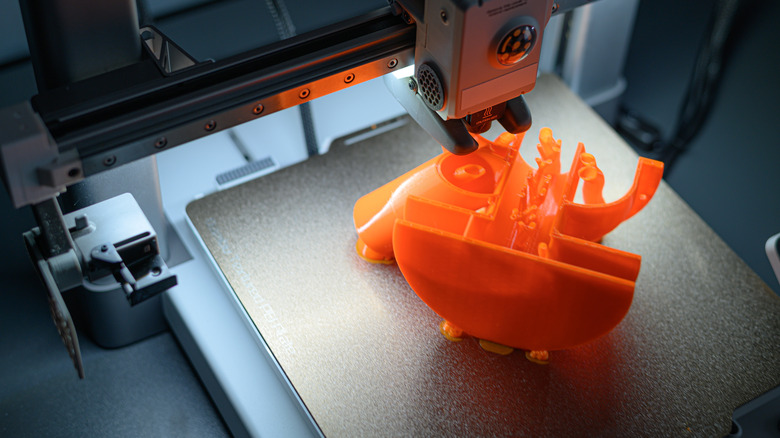
One of the top reasons for a 3D printing failure is bad adhesion. This could happen because of a dirty bed surface, the wrong nozzle height adjustments, and improper temperatures, whether regarding the bed or nozzle. But the easiest fix, and one that's addresses a common culprit, is to simply clean the bed of your printer before each project. You can rub it down with undiluted isopropyl alcohol to remove oil, dust, or glue residues — just make sure you dry it before you begin printing. You could also wipe it down with a damp cloth, or instead use a microfiber cloth to remove dry particles if stickiness or residue isn't a factor.
It's a fairly easy process overall, so it makes sense to get in the habit of cleaning your printer after every run.
Always stabilize your overhangs
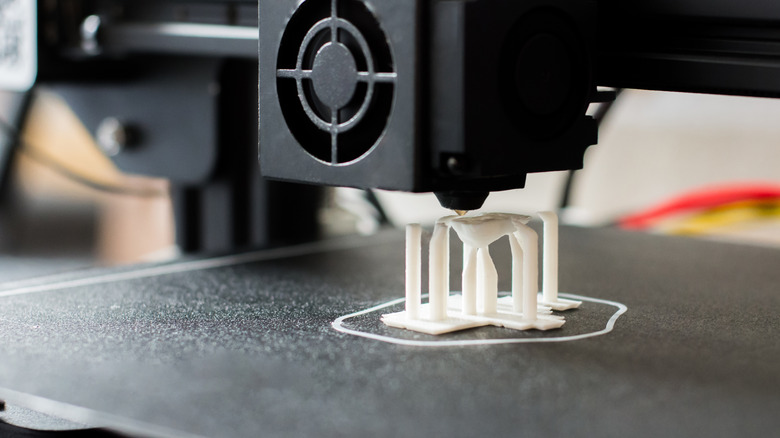
When designing items or objects before the print, or working with a community blueprint, it's easy to overlook the stabilization rule. Because of how 3D printers work, extruding layer-by-layer, and the printed material being essentially wet, that means the work-in-progress parts must be supported. Any features of the print extending horizontally, that don't have other elements underneath to support them, create what's called an overhang. As a general rule, anything extending beyond 45 degrees from the vertical axis will need support. These structures can be added using slicing software, or simply baked into the designs early on.
Ideally, you keep the supports thin and removable so you can clip them off and sand down the affected surfaces for the finished product. But those supports can mean the difference between a droopy, imprecise build and one that holds up after everything dries.
The quality of the materials matters
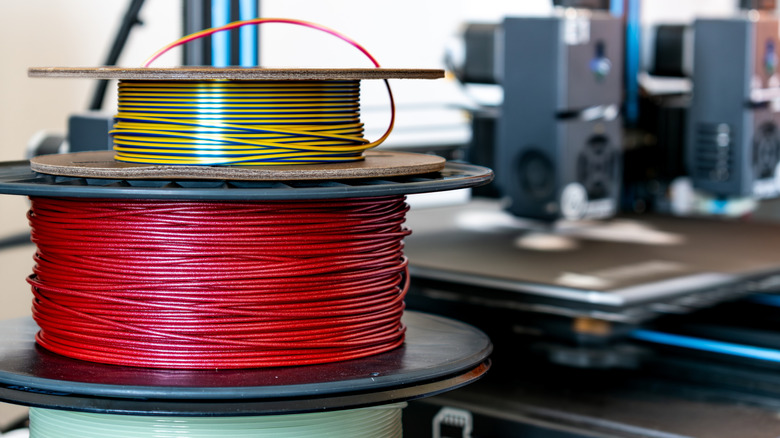
This might seem obvious when you sit down and really think about it, but it's still important to keep in mind especially when you're shopping for materials and filament: The materials you choose are fundamental to the entire project. They can affect everything from the aesthetic of the item to the build quality, resistances, and flexibility if you're printing something malleable like seals or gaskets. They can even affect the speed of the print itself, and how the final product turns out in terms of overall functionality or visual appeal.
Keep this in mind when shopping for replacement filament or choosing the appropriate material for your next project. Low quality filament can clog the nozzle, ruin builds, and cause all sorts of problems for you. You can tell filament quality by examining spools and bundles. If you notice visible streaks, color changes, or other weird anomalies, it could mean there are a lot of contaminants. Another way to check is to use trial and error. If your nozzle is clogging constantly, it could be the type of filament or material you're feeding the printer. Besides, the material will completely change the way your prints look and function after the fact, which could be a big deal if you're printing your own laptop or something like it.
Mind the design and printer resolution
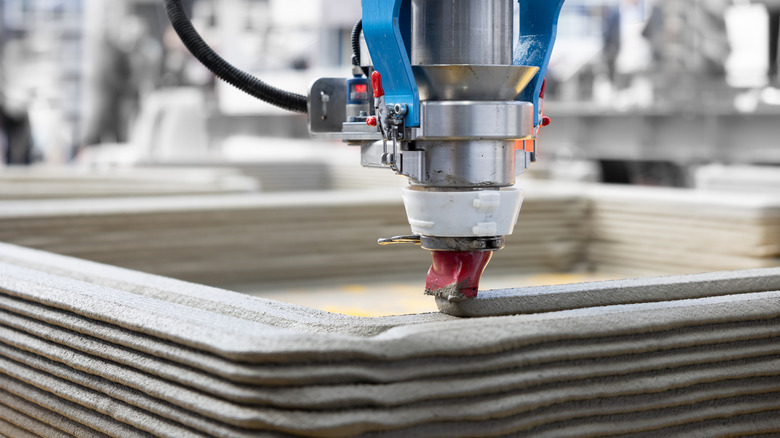
Like photos and other media, the resolution of the print plays a huge role in the final product's quality. But for 3D printers, resolution refers to the thickness of the horizontal and vertical layers of the objects being created, which relates to the level of detail a printer can achieve. A higher resolution means more detail, cleaner lines, and smoother surfaces for the finished item.
Resolution is separated into XY for horizontal detail and Z for vertical detail. You can adjust layer height and vertical details in slicer software. But also a factor is the nozzle diameter or nozzle size, which affects the XY-plane or horizontal details. Smaller nozzles give thinner lines thanks to a fine extrusion of the material, versus bigger nozzles with thicker extrusions. Not so fast, though: Sometimes bigger nozzles can be better when fine detail isn't as much of a concern and you want to speed up the print.
That's why it's important to choose the right printer and the right components for the job. When you're designing, always mind the resolution to ensure your printer can handle the desired level of accuracy.