

Turn Your Old Android Phone Into A Dash Cam With This Easy DIY Project
We may receive a commission on purchases made from links.
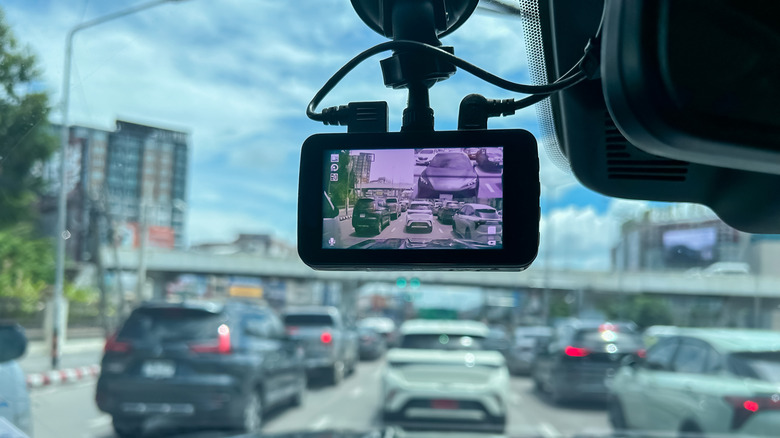
A dash cam can be a very useful tool when you are involved in a car accident and want evidence to prove you weren't at fault. However, dash cams can be quite expensive. For example, the Nextbase iQ Dash Cam, despite its great tech, is $500. The good news is that you don't have to break the bank to give yourself the safety of a dash cam by simply repurposing your old Android smartphone.
While you certainly can use your current Android as a dash cam, it may be inconvenient to set up and take down consistently since you will need it for other purposes as well. With an older one, it can serve that purpose alone. By mounting it to your dashboard, downloading a specific app, and ensuring it keeps a good charge, you have a simple DIY dash cam to use on the road.
It is worth noting that leaving your Android on your dashboard inside your car while you are gone could attract car thieves. So you may only want to use the dash cam during certain drives, or simply ensure it is out of sight while you are away from your car. Though you may not necessarily miss an old phone, it's still never fun to get your car broken into.
Choose your dash cam app
One of the first steps to take is to choose a dash cam app for your Android. You will need to download and install the app in order to make your phone function as a dash cam. It is worth looking around to find the app that meets your specific needs, but Droid Dashcam and Driver are both free options on Google Play that are simple to use.
The Droid Dashcam has over one million downloads on Google Play as of this time of writing. This app works on Android and also iOS in case you have an old iPhone you also want to repurpose. Droid Dashcam has some good features including sharing and uploading videos it records, enabling you to turn on auto recording when you launch the app on and off, and letting you choose whether or not you want audio recorded. You can also turn on the G-shock sensor, which means it will detect when a potential accident has happened and save that footage.
The Driver: Driving & Dash Cam App on Google Play has over 100,000 downloads as of this time of writing. This app casts a wide net as it also has functions to help you with accident claims assistance, driver education, roadside services, and more, though some require the paid version. It has DriverCloud storage for your videos so you don't have to take up memory on your phone and G-force sensors, as well.
Set up your Android as a dash cam

After you have your dash cam app, it's time to set up your Android. Choose a spot on your car's dashboard that gives you the best view of the road in front of you. You will need a way to keep your phone in place. Suction cups and other phone holders for your car can be purchased on sites like Amazon for relatively cheap. For example, you can get the Loncaster Car Phone Holder for $11.98 on Amazon, or the Qifutan Dash Mounted Holder for $9.98. These products were available at the stated prices at this time of writing.
With the app downloaded and phone mounted to the dashboard, it is time to think about keeping your phone charged. An easy solution is to keep your Android charging through your car's port via a cable while in use so the battery doesn't drain quickly. You can also save battery life by ensuring no other apps are running at the same time and that you are not connected to Android Auto.
With that done, it's time to do some testing. Drive around and record videos with your new Android dash cam to ensure you have a good field of view and learn all the features of the app well. While there are many ways to repurpose your old Android, turning it into a dash cam not only lets you record fun road trips, but also can help you legally if you ever need it.