

The HDMI Gadget For Retro Gaming You've Been Missing
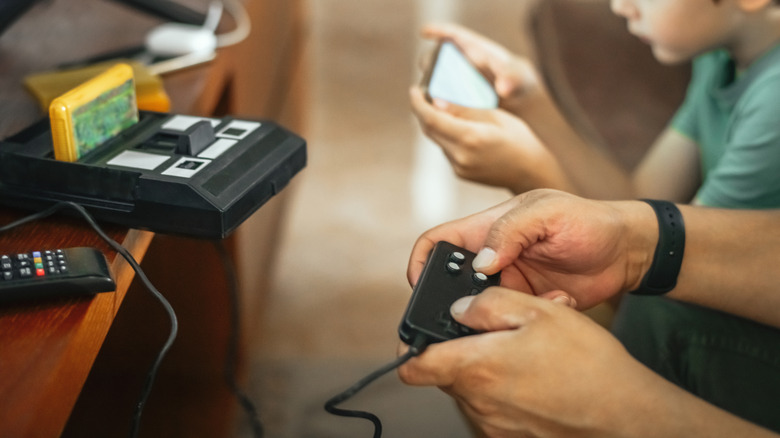
Retro gaming is a hobby that is slated to only grow in popularity over time, and now it's more enjoyable than ever thanks to HDMI conversion tools. If you've ever tried to plug a retro video game console directly into a modern TV, you know that the result isn't pretty. An old Super Nintendo or PlayStation 2 was not meant to display in ultra-high resolution or in some widescreen aspect ratios. Luckily, you can overcome ugly pixelation and unsightly black bars with an HDMI scaler gadget.
Scalers address the largest issue that retro game consoles have with modern TVs: signal incompatibility. Those yellow/red/white cables that came with old consoles output a low-resolution analog signal that transmits a 480i image at best. HDMI scalers are video processing boxes that convert analog signals into digital signals that transmit an upscaled image in 720p, 1080p, or even 4K resolution. It's exactly what you've been missing if you want to enjoy classic games in the most visually optimized way.
How do HDMI conversion scalers work?
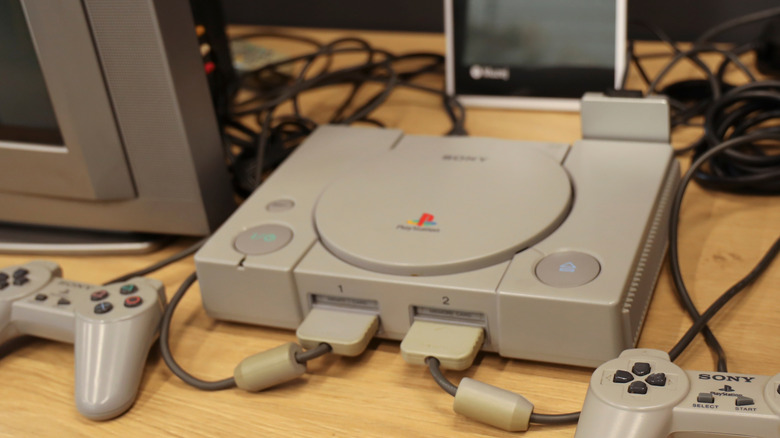
When using an HDMI scaler for retro gaming, you plug the console's analog cables into the conversion device. Component, composite, and S-Video cables are all typically compatible. The analog (voltage-based) signal is converted into a purely digital data stream that the scaler sends to the TV via an HDMI cable.
The actual conversion process is an impressive feat of technology. A 480i image in 4:3 aspect ratio has 307,200 pixels, but you need nearly 8.3 million pixels to fill a 4K screen. The scaler fills in the missing detail by adding intermediary pixels in a process called "interpolation." The best HDMI scalers are capable of doing this in a way that stays perfectly true to the game's original art direction, resulting in a sharp image that exactly matches how you remember the game to look in your mind's eye. Many scalers also allow you to configure line-doubling, image sharpening, and other settings to create an upscaled image that suits your preferences.
For an even more true-to-period experience, there are also aftermarket retro consoles that replicate the appearance of classic consoles and even work with your original game cartridges or discs, all while displaying in high-resolution and including other modern conveniences. This can be a great way to get back into retro gaming if you don't still have your original consoles lying around. Suffice to say, there are many ways to use extra HDMI ports to enhance your gaming experience.
What are the best HDMI scalers?
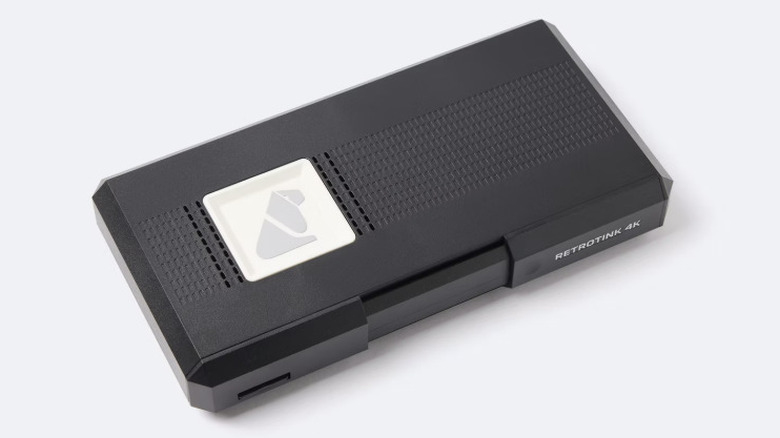
There are a couple of things to keep in mind when choosing an HDMI scaler for retro gaming. First, make sure it's compatible with your console's output format (component, composite, or S-Video) so that conversion can take place properly. You should also make sure you're buying a scaler with very low input lag, as this can be a problem when playing analog consoles on a modern TV that favors HDMI input.
With those factors in mind, the RetroTINK 4K and the Open Source Scan Converter (OSSC) are among the best HDMI scalers currently available. They can handle a wide variety of AV input types and reliably maintain a very low input lag of less than one frame. If you're looking for a more budget-friendly option, the RAD2x Cables are ones that will bring your favorite games back to life without breaking the bank.
Of course, true nostalgia-driven enthusiasts will assert that nothing beats the experience of buying a CRT television for enjoying retro games the way they were meant to be played. Even so, excellent game design has a timeless appeal that transcends the way you play, and if HD gaming is your preference, an HDMI scaler will help you enjoy all-time classics in the perfect way for you.