

iOS 26.3's New Privacy Setting Lets You Hide Your Exact Location
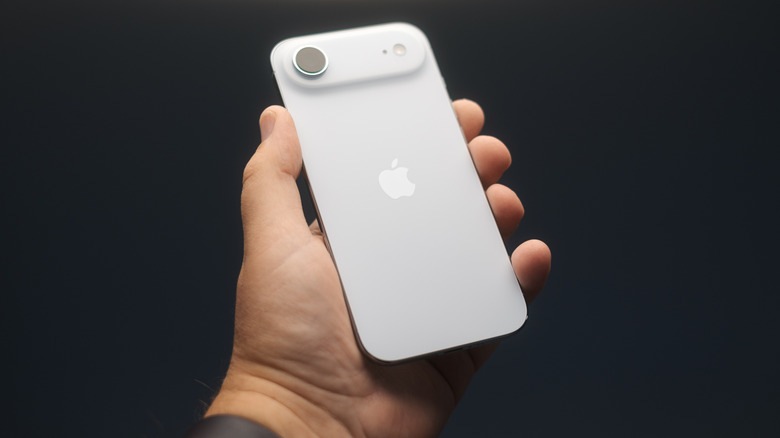
Apple is about to give iPhone owners even more control over their privacy. According to a support document, iOS 26.3 will let users limit the ability of cellular networks to determine a user's precise location, meaning that carriers and websites won't be able to know exactly where you are.
As the company explains, cellular networks are currently able to see a user's precise location via their cellular connection. Once iOS 26.3 rolls out, users will be able to limit some of the information their cell providers see, which will make it harder for them to know precisely where a user is at any given time. For example, Apple points out that instead of being able to figure out what street you're on, the network might only be able to determine the neighborhood.
Apple says this extra privacy layer won't affect the quality of the signal quality or the data shared with emergency services if you call 911. Users can also continue to share their precise location with friends and family through the Find My network and with apps that use Location Services. However, availability of this feature is still very limited.
How to hide your precise location with iOS 26.3
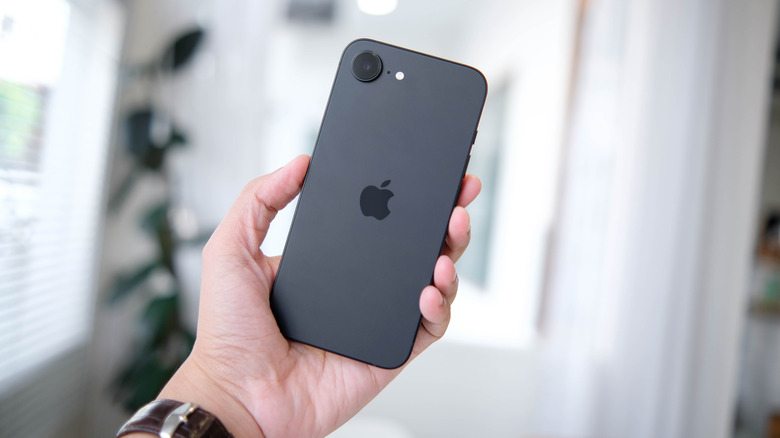
Hiding your precise location with iOS 26.3 requires specific hardware and a supported carrier. Apple says this feature is only available for iPhone Air, iPhone 16e, or iPad Pro (M5) for now. Notably, these are the only devices featuring Apple's C1 and C1X 5G modems. With the company expected to expand its 5G modem to more products in the coming months, you should expect the entire iPhone 18 lineup and other Apple products getting this extra layer of protection in the near future.
Besides that, the ability to hide your precise location also requires a supported mobile carrier. These includes Telekom in Germany, EE and BT in the United Kingdom, Boost Mobile in the U.S., and AIS and True in Thailand. At the moment, it's unclear when more carriers will be added.
If you have a compatible device and carrier, you can utilize the feature by going to the Settings app > Cellular > Cellular Data Options, tapping on your line, and activating Limit Precise Location. Apple says you might need to restart your device to apply changes. iOS 26.3 is expected to be released in the coming weeks, and we already know some of its major features.