

You Can See How Much Money You've Spent On Steam (If You're Brave Enough)
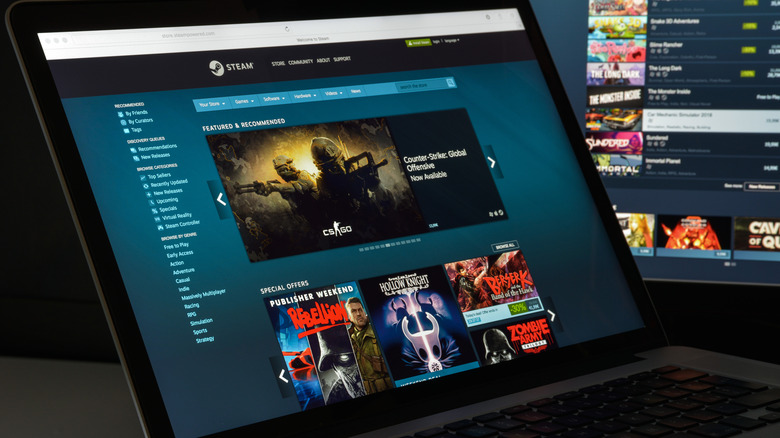
In literature, a Faustian bargain is when a person gives up their soul or integrity for unimaginable power, wealth, or knowledge. The lesson is typically that it comes at a great cost to the individual, which some may find relatable upon seeing how much money they spent on Steam. Created in 2003, Steam is Valve's distribution channel for digital content, and it's home to a variety of games. It's also where you'll find a variety of sales, making it pretty easy to spend without thinking — but there is a way to see your totals over the years.
With the service being around for over two decades, it's easy for gamers to spend some serious dollars on their Steam libraries — especially considering you can even play Steam games on your Android phone. It's not going to take making a pact with a demon, but viewing how much you've spent in total on Steam can be as easy as navigating some settings within the app or visiting a specific website.
How to quickly view how much money you've spent on Steam

When using the Steam client, it can be way too easy to hit the Add to Cart button whenever you see a game that interests you. If you're brave enough, you can see if these impulse buys have gotten out of hand by navigating some menus directly in Steam.
Just follow these steps:
-
Open Steam.
-
Open the Help menu.
-
Select "Steam Support."
-
Choose "My Account."
-
Select "Data Related to Your Steam Account." It will be at the bottom.
-
Choose "External Funds Used."
From here, Steam presents you with a table displaying how many funds have been applied to your Steam account, the currency, and when it was last calculated. It also provides totals prior to April 17, 2015, totals for if your account was linked to Perfect World within "Counter-Strike: Global Offensive" or "Dota 2," and any funds added to Steam China.
If you're not a fan of navigating menus, SteamDB also has a Steam Calculator that will give you an idea of the amount spent on Steam. You'll need your Steam profile URL or SteamID, but the website also lists plenty of examples of what it accepts. However, this calculator is based on current store prices for the games in your library rather than actual spending. But if the number makes you want to get more out of what you already bought, don't forget there are plenty of uses for a Steam Deck outside of gaming. Now may also be a good time to mention that Steam Deck users can get free games through Amazon Prime.