

5 Clever DIY Projects For Your Old GameCube
We may receive a commission on purchases made from links.
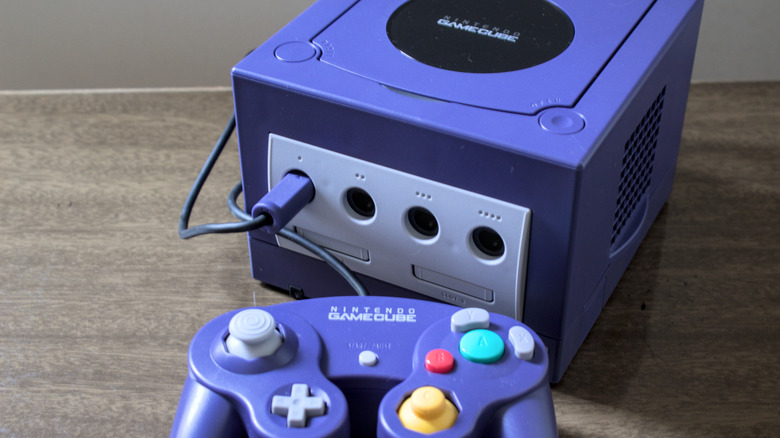
The Nintendo GameCube was one of the most distinctive video game consoles of the 2000s, and it still is today. With its unique cubical shape and compact body, it found many a happy home underneath TVs in living rooms and bedrooms. If you still have your old GameCube, but it's no longer in working condition, you may be able to put it toward some other interesting uses, transforming it into attractive artwork or practical devices.
While it may not have been Nintendo's intent, the GameCube's compact body makes it a great staging point for all manner of clever arts and crafts. With some tinkering, both simple and complex, your old, out-of-order GameCube could find a new home as an organizer on your desk, a mini-fridge by your gaming chair, a light by your bed, and a variety of other ideas. Not only do you get a nifty new gadget or decoration, but you get to see your old GameCube every day again, just like in old times, rather than letting it languish in a closet or basement.
Turn it into a mini-fridge

Compared to its predecessor, the Nintendo 64, the GameCube's build is more modern, and its accessories, such as vents and fans on the console's sides, support the setup. Theoretically, that cooling prowess could be put toward more than just keeping the console steady while it's running a game, as it could also be used to cool your favorite drinks while you're enjoying a day on the couch.
YouTuber Gustafson Designs created a homemade design for a one-drink mini-fridge built out of the frame of an old GameCube. He opened up the case, removed components like the disc drive and heatsink, and replaced them with a homemade refrigeration unit. This unit has a central cylindrical divot that was drilled down from the disk drive cover, just large enough to fit a single 12-oz can of soda. You power the device on, insert a can, and the internals will keep it nice and cool. For added fun, Gustafson Designs also repainted the GameCube, covering it with cute designs of cartoon ice cubes to cement its new identity.
Convert it into a Bluetooth speaker
Unlike its younger sibling, Nintendo Switch, the GameCube didn't have any onboard audio hardware, as it didn't really need to. However, it was a surprisingly adaptable console, with add-ons like the Game Boy Player increasing its functionality. With some modern sensibility, you could still add a brand-new add-on to an old GameCube, such as a repurposed Bluetooth speaker.
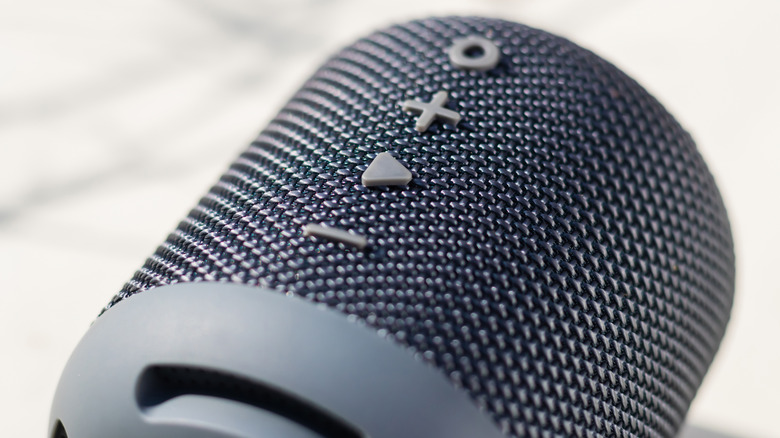
Etsy user ManCaveGarageVintage upcycled an old, out-of-service GameCube console into a fully-functional Bluetooth speaker, a perfect addition to a living or gaming room. The internals of the console were removed and replaced with a Rockler Bluetooth speaker kit. The actual speakers are cleverly hidden behind the side ventilation grilles, while the disc tray under the cover was replaced with the speaker controls, audio ports, and USB ports. A rechargeable battery was also wired into the setup so it doesn't need to be plugged into an outlet. The lid still closes and locks if you want to hide the controls, and the USB cable is hidden in the console's old wire nook on its underside.
Turn it into a desk organizer

The GameCube measures 4.3 inches tall, 5.9 inches wide, and 6.3 inches deep, far more compact than its contemporaries, like the PlayStation 2 and the original Xbox. This is what helped it fit so neatly underneath and next to its companion televisions. Since it's so small, it could make for the perfect place to store various odds and ends on your desk without taking up too much space.
Electronics blog Gadgetsin showed off a desk organizer in 2012 made from an upcycled GameCube, courtesy of designer Graeme Abraham. This build goes the extra mile to fully utilize every square inch of the GameCube's internal and external real estate for your office needs. The inside of the console was completely hollowed out and replaced with a pull-out drawer, accessible via the front controller connector panel. Right above that, the disc tray was replaced with a small circular tin, perfect for holding small supplies like thumbtacks. The divots where the power and reset buttons were located were emptied to hold pens and pencils, the side grilles received magnets behind them to hold paperclips in place, and the carrying handle on the rear got a platform beneath it to serve as a phone holster. There's even a hidden USB port underneath the front drawer, which, alongside an extra USB cable, you can use to connect devices to your PC, a perfect accompaniment to a sleek cord clamp.
Use it as night light

Anyone who ever played video games late into the night remembers the distinctive orange glow of the GameCube's front power LED. Unfortunately, that light isn't really bright enough to actually illuminate anything. If you want a GameCube that can actually provide some pleasantly warm lighting, you can transform it into a night light with some simple rainbow holiday lighting.
Instructables user assassino72 built a simple, low-tech design to convert their old GameCube into a pretty night light, great for giving a little ambiance to a room or comforting kids at bedtime. All of the console's internals are removed, and in their place, a coil of colored holiday lights is snaked in through a rear port. The lights are visible from within the console's case when the disc tray lid is opened, though assassino72 also adhered an old GameCube game disc to the inside of the lid to help the lights shine a little brighter outside of the console. The disc acts as a mirror, reflecting the lights outward in a pleasant rainbow pattern.
Disassemble and use it to create art
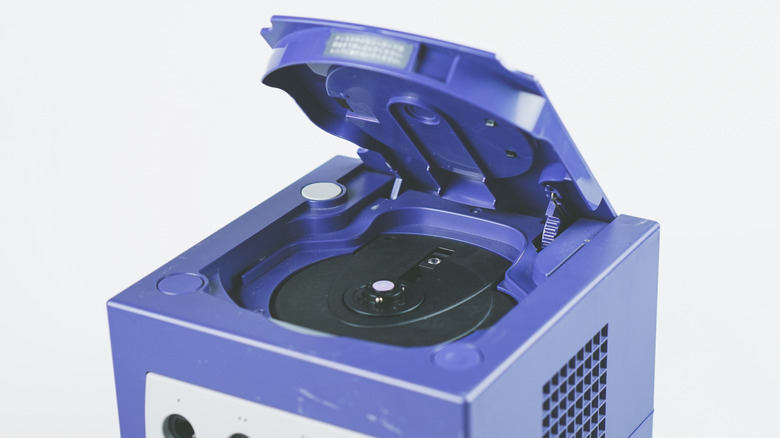
If you can't think of anything interesting to reassemble your GameCube into or don't feel like going to the trouble, then you might want to consider going in the polar-opposite direction: rather than reassembling your GameCube, why not disassemble it completely and put it on display as a piece of interesting modern art?
Etsy user FUNBOXDesign takes old GameCube controllers, disassembles them into their parts, including the casing, buttons, and electronics, and displays them as a nifty framed diagram, showing where each component goes and what it does. It's accompanied by some cute artwork, including character sprites from "Super Mario World" and cover art from several GameCube games. While this particular project requires a controller, the same could probably be created with a GameCube console, showing off its controller ports, memory card slots, disc tray and spindle, carrying handle, and other interesting components. You could even turn them into a 3D diorama, displayed within a clear box.